Chargers That Replace the Tangle of Bricks Living in Your Bag
Three chargers in your bag is two too many. One palm-sized GaN charger powers your laptop, phone, and tablet from a single plug — here's which one to actually buy.
Drop your SSD on concrete and months of work can vanish. Regular drives aren't built for backpack life — here's how to pick one that actually survives.

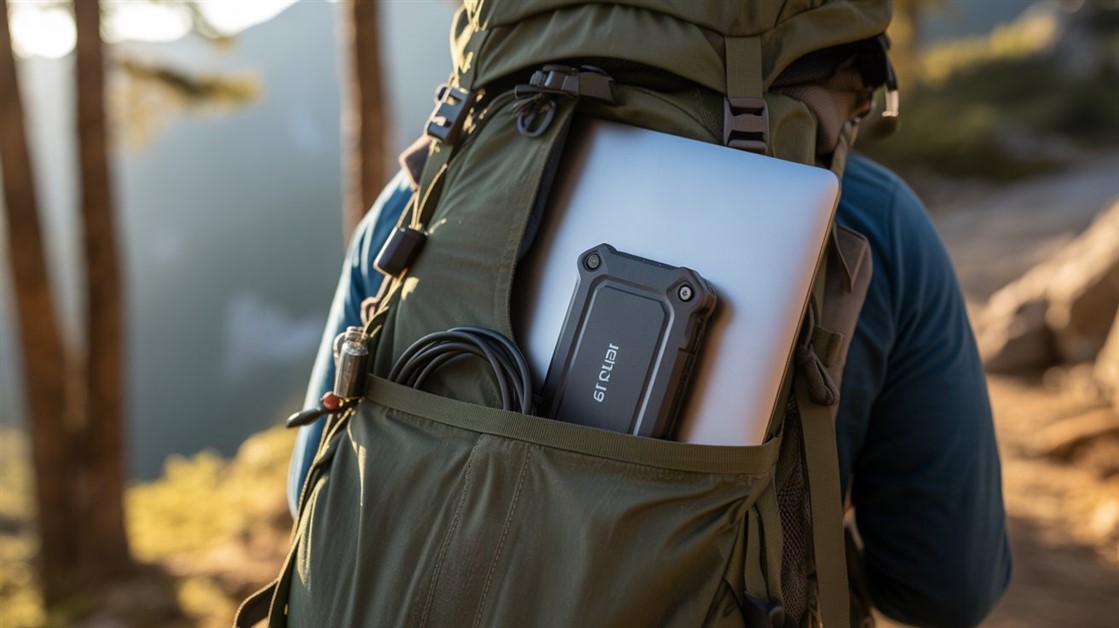
You reach into your backpack for your laptop and your portable SSD tumbles out onto the concrete. You pick it up, plug it in — nothing. The drive is dead, and six months of work files, client photos, and half-finished projects went with it.
Regular portable SSDs aren't built for that life. They're designed for people who set them gently on a clean desk — not for a bag that gets tossed onto trains, wedged under airplane seats, and dropped on sidewalks. If your office is a backpack, you need a drive engineered for the abuse.
| Pick | Best for | What stands out | Note |
|---|---|---|---|
| Samsung T7 Shield | Most travelers | IP65 + rugged case, best all-round balance | USB-C, Mac/PC |
| Crucial X9 Pro | Value seekers | Reliable, fast, long warranty | IP55, USB-C |
| LaCie Rugged SSD Pro | Pros in rough conditions | IP67, crush-proof, data-recovery service | Thunderbolt 3, premium |
"SSDs have no moving parts, so they can't break like old hard drives" — that's the myth that costs people their files. It's only half true. The flash chips themselves are shock-tolerant; everything around them isn't.
A standard portable SSD is a bare circuit board in a thin plastic shell. Drop it and the force travels straight into the solder joints, the USB connector, and the controller chip. A cracked joint or a shaken-loose connector kills the drive just as dead as a shattered platter — your data may still be sitting on the chips, but nothing can read it.
It shows up constantly in owner reviews and nomad forums: a drive that fell from waist height and never mounted again, a bag knocked off a chair that quietly killed the SSD inside, files gone after nothing more than a week of being jostled in transit. The pattern is always the same — the drive looked perfectly fine on the outside.
Rugged drives fix this mechanically: internal shock bumpers, thicker or rubberized housings, sealed ports, and boards mounted to flex instead of snap. The IP rating (dust and water) and the drop rating tell you how much abuse the case was actually engineered to absorb. That's what you're paying for — not raw speed, protection.
Best for: most travelers and creators who want one drive that survives daily bag abuse without overthinking it.
Skip if: you need the absolute toughest drive for extreme fieldwork — the pricier LaCie goes further.
The T7 Shield wraps the drive in a grippy, shock-absorbing case and seals it to an IP65 rating, so dust and splashes stay out and a tumble onto concrete usually doesn't end the day. After going through owner reviews and expert breakdowns, it lands as the default recommendation: it balances real ruggedness, fast transfers, and a fair price better than anything else in its class.
👉 Check Current Price → Samsung T7 Shield
Best for: anyone who wants dependable, fast storage without paying a premium — especially if you've been burned before.
Skip if: you regularly work in wet or filthy conditions; its IP55 seal is a step below the T7 Shield and the LaCie.
The X9 Pro is drop-resistant, quick enough to offload 4K footage without a coffee break, and backed by a long warranty. Just as important is what it doesn't carry: one popular alternative, the SanDisk Extreme line, drew a wave of documented data-loss complaints, firmware problems, and even class-action suits. In a guide about protecting irreplaceable files, that history is a dealbreaker — so the X9 Pro takes the value slot instead.
👉 Check Current Price → LaCie Rugged SSD Pro
Best for: professionals hauling gear into genuinely rough places — location shoots, job sites, the back of a truck.
Skip if: you don't have a Thunderbolt or fast USB-C machine, or you simply don't need this much armor — you'd be paying for protection you'll never use.
This is the one built for abuse: an IP67 seal (submersible, not just splash-proof), a case rated to survive multi-meter drops and even the weight of a car, and bundled data-recovery service for when the worst still happens. It's the premium pick, and for people whose footage pays the bills, that peace of mind is the entire point.
👉 Check Current Price → Crucial X9 Pro
A rugged SSD dramatically lowers the odds that a drop kills your files. It does not make them safe. Any single drive — armored or not — can still be lost, stolen, corrupted, or simply fail one morning with no warning.
The honest rule the pros live by: your files should exist in at least two places, and one copy should be somewhere else entirely — a second drive plus a cloud or home backup. The rugged drive is your resilient travel copy, not your only copy. And since your backpack is where all this gear lives and dies, it's worth hauling it in something built for the job — a backpack made to carry laptops, controllers, and chargers absorbs some of the abuse before it ever reaches the drive. Buy the tough drive, then build the habit; that combination is what actually keeps a two-foot drop from becoming a disaster.
If the drive travels, yes. The premium over a standard SSD is small next to the cost of losing your files, and the sealed case plus internal shock protection targets exactly the most common cause of failure — physical shock in a bag. If it never leaves your desk, save the money.
They do, because a bag isn't a clean environment. A higher IP rating (like IP65 or IP67) means dust and moisture can't slowly work their way into the ports and electronics over months of travel — a quiet way that "fine-looking" drives die.
Its earlier versions drew widespread data-loss complaints and firmware issues, and the newest hardware is said to be different — but for something holding irreplaceable work, we'd rather point you to drives without that track record. The picks above are safer bets for peace of mind.
It greatly improves the odds against a drop, but no drive is guaranteed. Treat a rugged SSD as your durable travel copy and always keep a second backup elsewhere — that's the only setup that truly protects the files themselves.
Disclosure: We may earn a small commission if you buy through our links — at no extra cost to you. This helps us keep researching gear for real humans like you.
What's the closest call you've had — the drop, the spill, the drive that just wouldn't mount one morning? Tell us what happened and what you're carrying now; someone about to buy their first drive could use the warning.
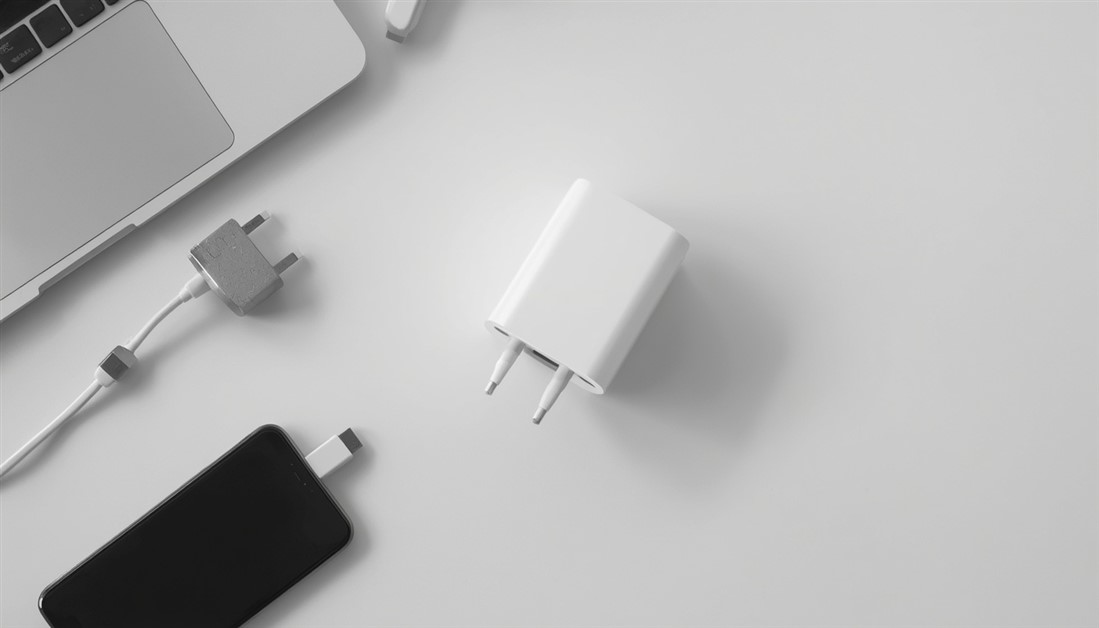
Three chargers in your bag is two too many. One palm-sized GaN charger powers your laptop, phone, and tablet from a single plug — here's which one to actually buy.

Your power bank has 20,000mAh on the box. It still dies by 3pm. Here's what's actually happening — and which power banks deliver on their rated capacity when your travel day goes sideways.
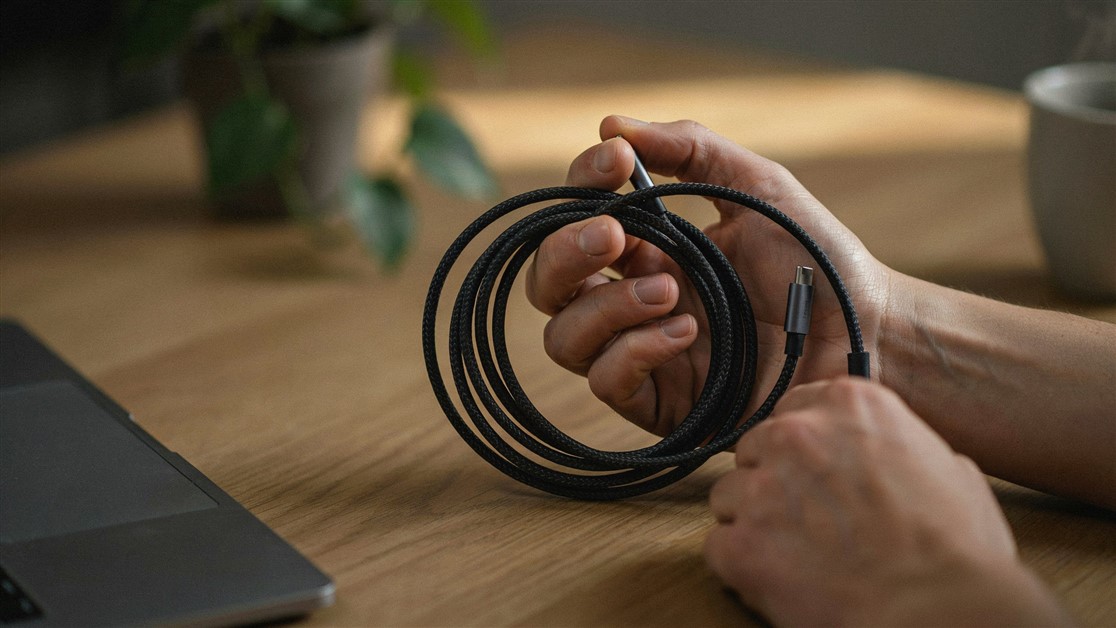
Your USB-C cable charged fine for a couple of weeks, then quietly died with no visible damage. That's not bad luck — it's thin wire and weak strain relief. Here's what actually survives daily use.
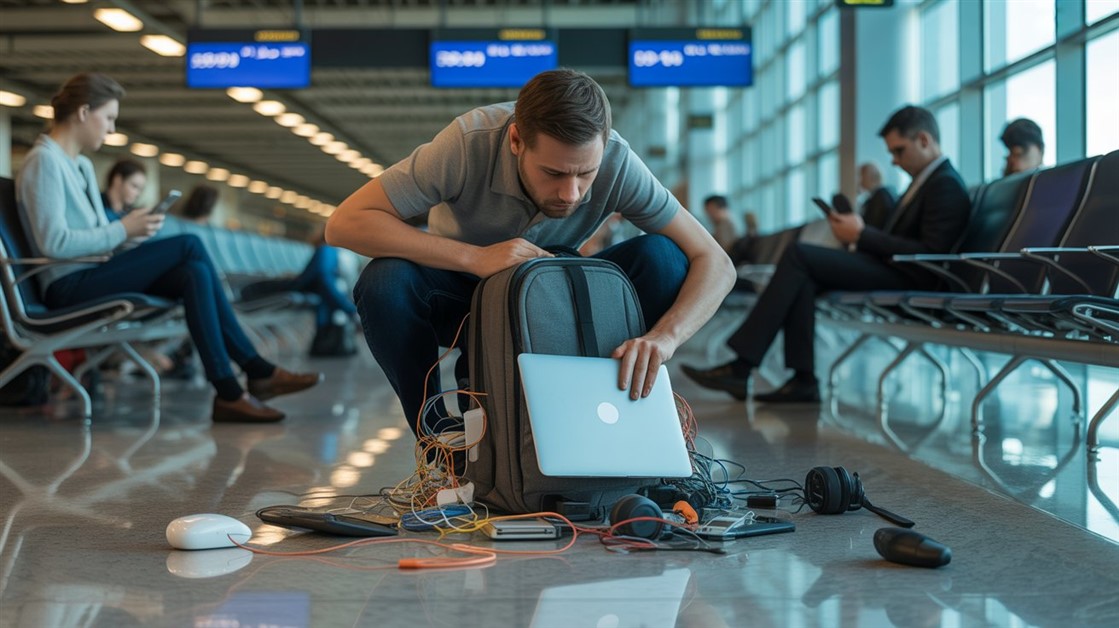
The gate changes, you've got ten minutes, and your charger is lost in the bag again. That's not disorganization — your accessories just live separately from the laptop they serve. Stick-on lid organizers put them on it.

Your drawer is full of notebooks with three good pages and a lot of blank ones. That's not you — paper is single-use. Reusable notebooks let you write, save what matters, wipe, and start fresh on the same book.
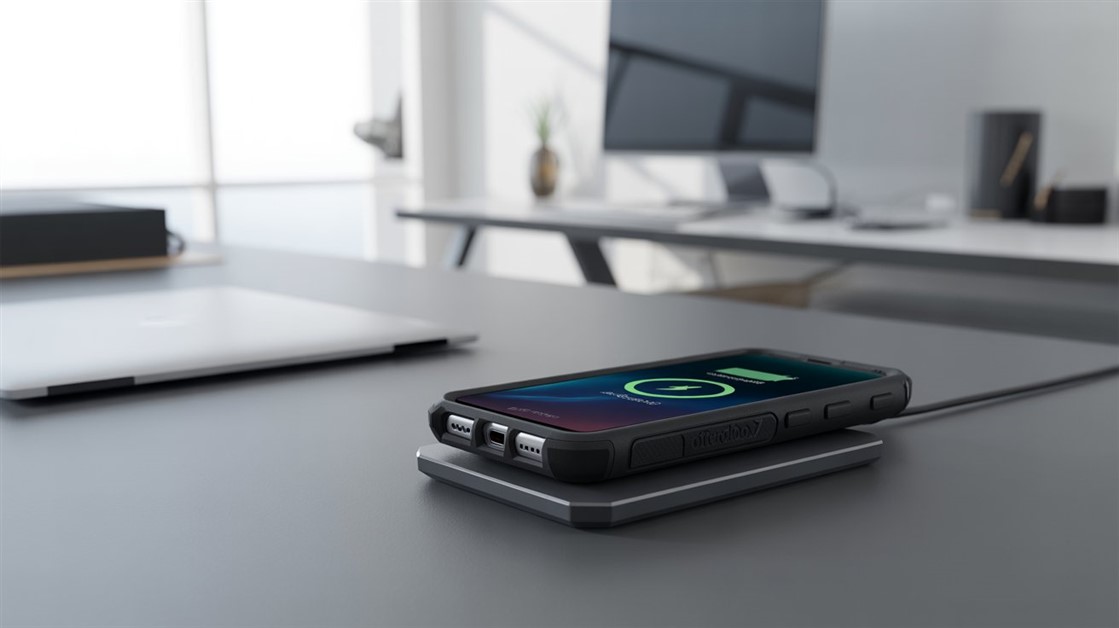
You peel your OtterBox off every night just to charge, and now the port's worn out. But rugged cases are built to charge wirelessly — if yours cuts out, it's usually the charger that can't reach through the case.
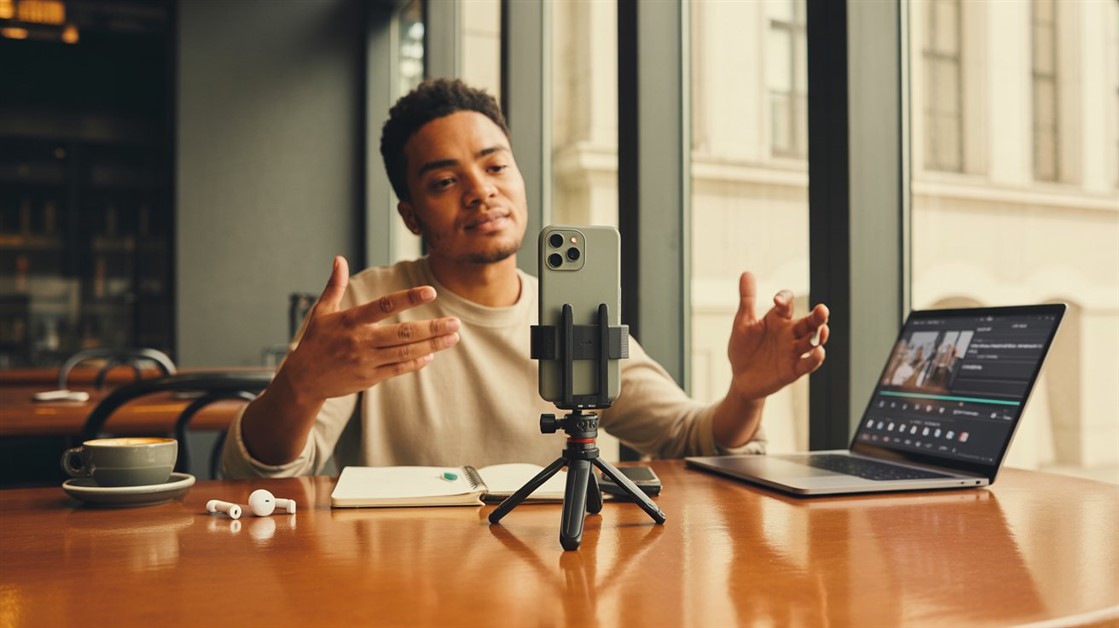
Your on-the-go videos shake because your tripod stays home. Here are the pocket-sized phone tripods small enough to actually carry — and steady enough to trust.

Adhesive privacy screens leave sticky residue and won't come off for Zoom. Magnetic ones snap on for café work and off in a second — here's how to pick one.
Discussion
(0)Be the first to share your thoughts.