Chargers That Replace the Tangle of Bricks Living in Your Bag
Three chargers in your bag is two too many. One palm-sized GaN charger powers your laptop, phone, and tablet from a single plug — here's which one to actually buy.
Your laptop's burning hot. Fans screaming. Frame rates dropping mid-game because thermal throttling kicked in. You're not pushing it too hard—your laptop just can't breathe flat on the desk. Gaming laptops run hot, and most desks make it worse. After reading through hundreds of frustrated gamer stories about overheating and performance drops, here's what actually keeps your machine cool during long sessions. Flat surfaces are killing your laptop's performance—these stands fix it.

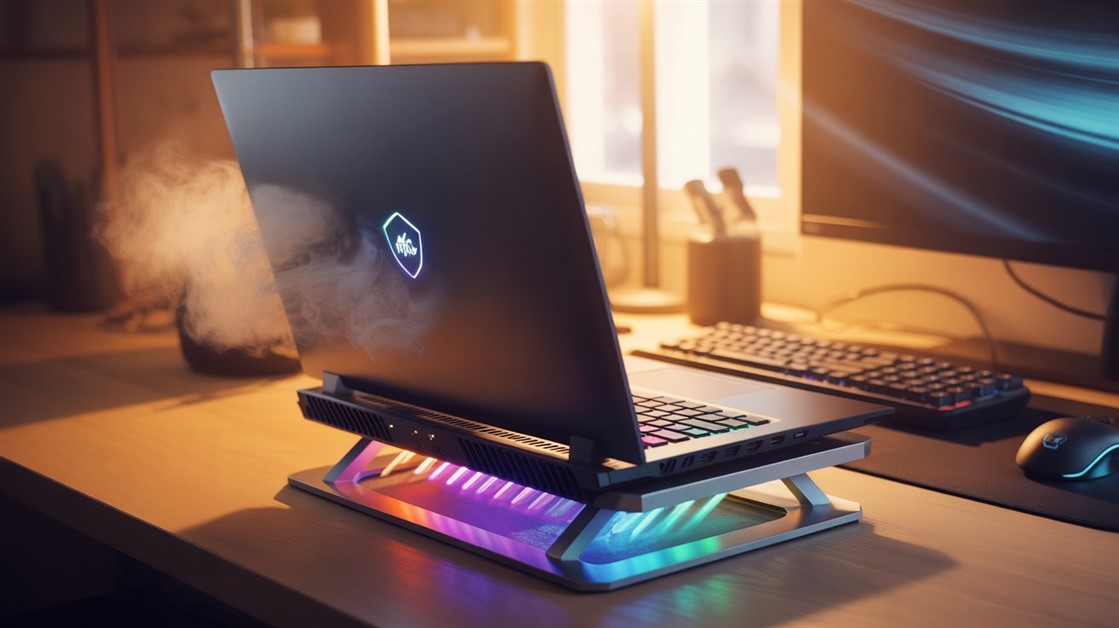
Gaming laptops pull cool air through intake vents on the bottom of the chassis. When the laptop sits flat on a desk, those vents press against the surface — not completely sealed, but close enough that airflow drops dramatically. The fans work harder to compensate, temperatures climb anyway, and after sustained heat buildup the processor and GPU begin intentionally slowing themselves down to avoid damage. That's thermal throttling: the laptop choosing self-preservation over the frame rate you paid for.
The second factor is hot air recycling. Even with a small gap, exhaust air from the vents pools underneath the chassis rather than dispersing. The intake fans end up drawing in air that's already been heated by the hardware — significantly less effective than drawing in room-temperature air from a few centimeters away. Both problems compound over time, which is why the first thirty minutes of a session often feel fine and the problems surface later.
Elevating the laptop creates clearance for fresh air to reach the intakes and for hot air to escape sideways rather than pooling. Active fans on a cooling stand go further — they push cooler air directly up through those intake vents rather than waiting for passive convection.
If wrist and hand discomfort from laptop keyboard angle is part of the same setup problem, the guide on ergonomic mousepads for wrist pain covers the desk-side changes that address the other side of long-session comfort.
The IETS GT300 uses industrial-style blower fans rather than standard axial fans — the design difference that matters most for serious thermal management. Standard fans move air across the surface laterally; blowers force air directly upward through the stand and into the laptop's intake vents. This makes the GT300 meaningfully more effective at active heat removal than most cooling pads in its price range, which is why it consistently comes up in gaming laptop cooling comparisons as the top performer for laptops that actually run hot under load.
It fits laptops from 14 to 17 inches, includes a dust filter on the blower, an adjustable height mount for ergonomic positioning, and lighting controls. The build is substantially more solid than the plastic construction typical of budget cooling pads — it's heavier, which tells you something about the difference in construction quality.
The reality check: Industrial blowers are loud. At maximum speed, the GT300 is noticeably noisier than any axial-fan cooling pad — plan on gaming with headphones. It's also bulkier and heavier, which rules it out if portability matters. The noise is the price of the cooling performance gap.
👉 Check Current Price → IETS GT300 Double-Blower Laptop Cooling Pad
The Havit HV-F2056 is the default recommendation in the budget cooling pad category for consistent reasons: it fits 15.6" to 17" laptops, it elevates the laptop to create the clearance that makes the biggest single difference, and its three USB-powered fans move enough air to prevent the worst heat buildup during normal gaming sessions. It's one of the most-reviewed budget cooling pads on Amazon, which means its performance envelope is well-documented — you know what you're getting.
It's also thin, lightweight, and genuinely portable, which makes it practical for people who use a laptop in multiple locations. The built-in dual USB hub on the back offsets the USB port it occupies for power. For laptops that run warm during extended sessions but aren't throttling severely, this handles the problem without requiring a significant investment.
The reality check: Two fixed height settings means picking the one that's less wrong rather than the one that fits your posture. The fans move less air at lower pressure than a blower — the improvement is real but modest under heavy load. If your laptop is already throttling severely after 30 minutes, this won't be enough.
👉 Check Current Price → Havit HV-F2056 15.6"-17" Laptop Cooler Cooling Pad
The Kootek Chill Mat 5 spreads airflow across five fans — one large central fan flanked by four smaller ones — which covers a wider intake area than single or dual-fan designs. For laptops with multiple intake zones or off-center venting, this distribution approach works better than a concentrated blower. Six height adjustment slots give more ergonomic range than most alternatives in this price tier.
The metal mesh surface adds passive heat dissipation alongside the active fans, which helps during sustained sessions where the laptop has already warmed up. For users who game both at a desk and from a couch or bed, the range of angles makes it more versatile than a fixed-position pad. It's quieter than the GT300, which matters if you game without headphones or use the laptop for work during the day.
The reality check: It's larger and heavier than the Havit — not a pack-in-your-bag daily driver. Quiet fans also mean less aggressive cooling than a blower under maximum load. It sits between a budget pad and an industrial cooler rather than clearly winning at either — the right pick if you want the adjustability and coverage, not if you need the most cooling possible.
👉 Check Current Price → Kootek Cooler Pad Chill Mat 5
The clearest signs are frame rate drops after an hour or more of gaming, fans running at maximum speed throughout the session, the keyboard becoming hot enough to be uncomfortable to rest your hands on, and in severe cases the laptop shutting down during demanding sessions. If your sessions feel smooth from start to finish and the fans stay quiet, the laptop's built-in cooling is sufficient. A cooling stand solves a thermal problem — it doesn't change a laptop's fundamental performance ceiling.
The IETS GT300 is the right pick if your laptop throttles noticeably during extended sessions and you game with headphones. Start with the Havit HV-F2056 if the problem is more moderate — it's inexpensive, well-reviewed, and handles the majority of laptop overheating situations without adding bulk. The Kootek Chill Mat 5 makes the most sense if you want wider fan coverage and more height adjustment positions without committing to an industrial cooler.
It depends on the severity. Cooling stands address the airflow problem created by flat-desk use — they don't change the laptop's internal thermal design limits. For laptops that run warm under load but have headroom left before hitting those limits, proper airflow often eliminates throttling completely. For laptops already running at their absolute thermal ceiling regardless of airflow, a cooling stand reduces severity and delays onset, but won't fully resolve it. Those cases often need undervolting or thermal paste replacement as a follow-up.
A gaming laptop throttling after an hour isn't a defective laptop. It's a laptop sitting in a position that blocks the only thing its cooling system was designed to use — moving air. The fix is straightforward: give it clearance, push fresh air into the vents, and let the hardware do what the engineers actually designed it to do.
Start with the Havit if the problem is manageable. Move to the GT300 if it isn't. Both are substantially better than a propped-up book, which is where most of us started before we knew this was a solved problem.
Disclosure: We may earn a small commission if you buy through our links — at no extra cost to you. This helps us keep researching gear for real humans like you.
What was the first sign your laptop was throttling — a sudden frame rate drop, fan noise, or something else?
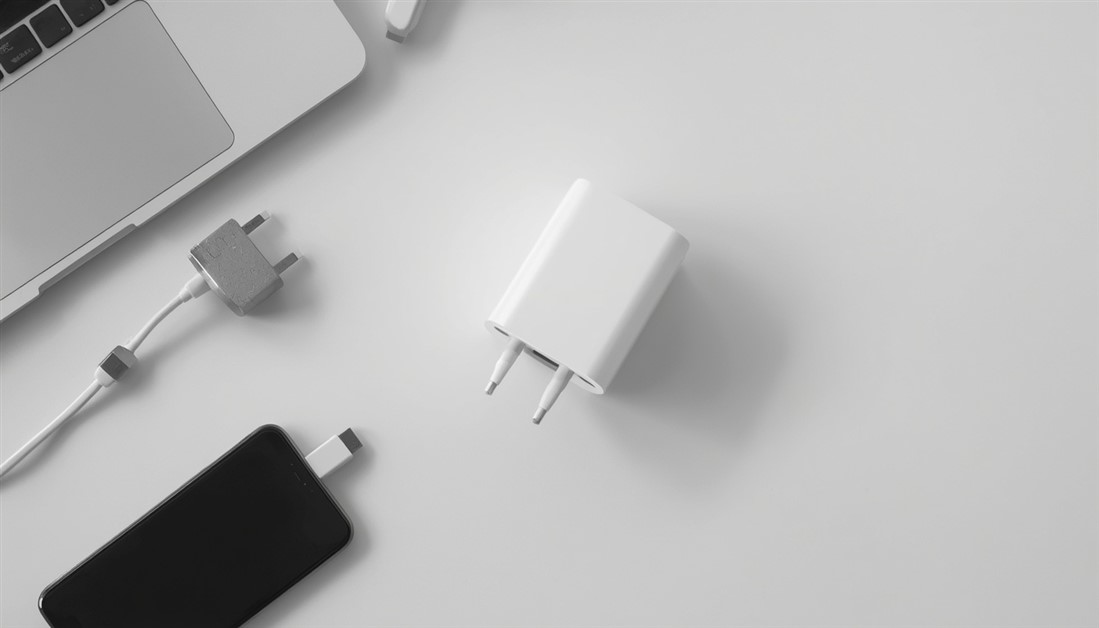
Three chargers in your bag is two too many. One palm-sized GaN charger powers your laptop, phone, and tablet from a single plug — here's which one to actually buy.

Your power bank has 20,000mAh on the box. It still dies by 3pm. Here's what's actually happening — and which power banks deliver on their rated capacity when your travel day goes sideways.
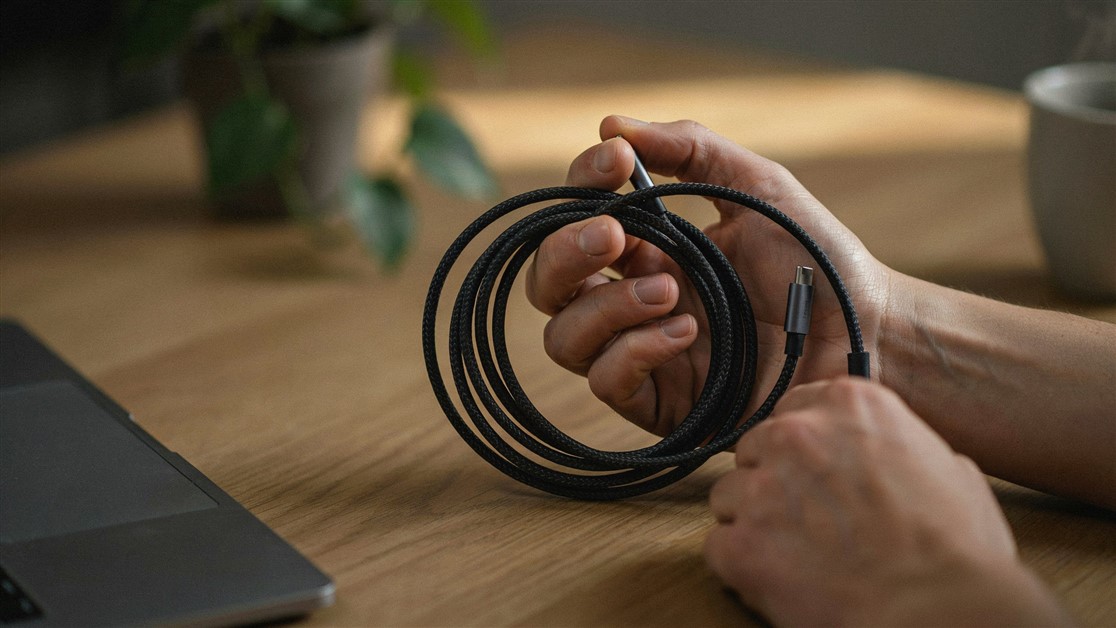
Your USB-C cable charged fine for a couple of weeks, then quietly died with no visible damage. That's not bad luck — it's thin wire and weak strain relief. Here's what actually survives daily use.

The gate changes, you've got ten minutes, and your charger is lost in the bag again. That's not disorganization — your accessories just live separately from the laptop they serve. Stick-on lid organizers put them on it.

Your drawer is full of notebooks with three good pages and a lot of blank ones. That's not you — paper is single-use. Reusable notebooks let you write, save what matters, wipe, and start fresh on the same book.
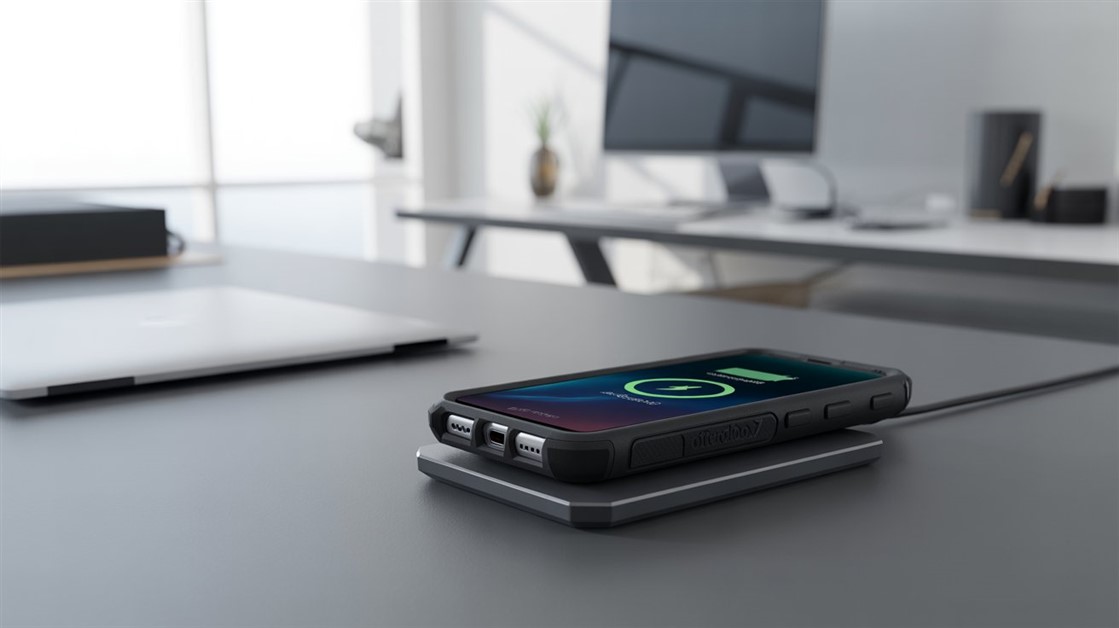
You peel your OtterBox off every night just to charge, and now the port's worn out. But rugged cases are built to charge wirelessly — if yours cuts out, it's usually the charger that can't reach through the case.

Your on-the-go videos shake because your tripod stays home. Here are the pocket-sized phone tripods small enough to actually carry — and steady enough to trust.

Adhesive privacy screens leave sticky residue and won't come off for Zoom. Magnetic ones snap on for café work and off in a second — here's how to pick one.
Discussion
(0)Be the first to share your thoughts.