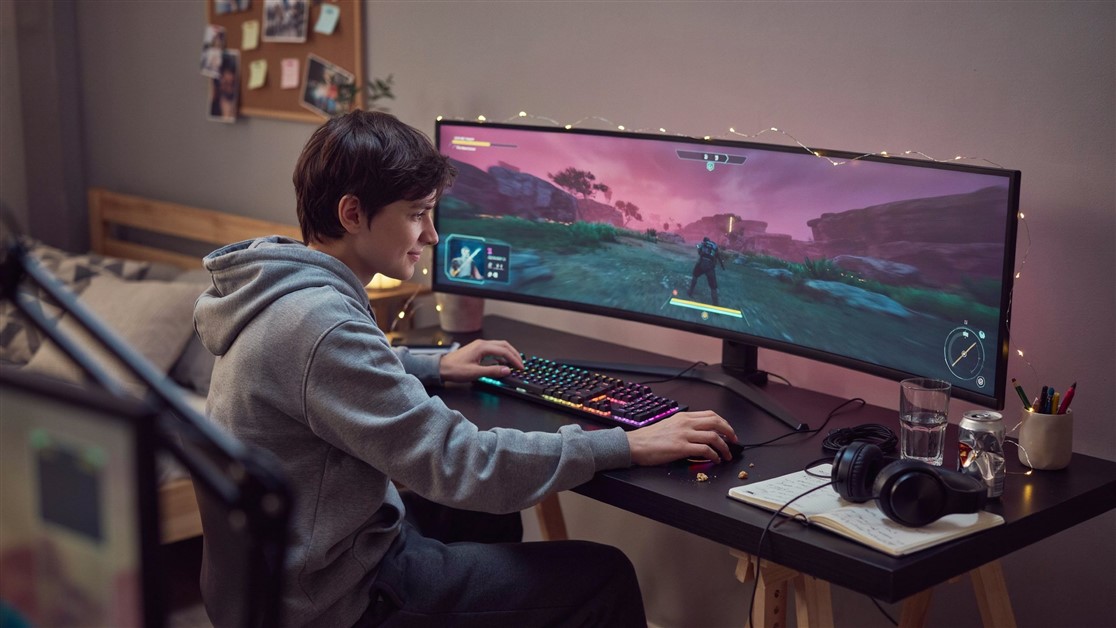
You flick for the headshot, and your mousepad slides an inch to the left with your hand. The shot misses. Or you're spamming WASD in a firefight and the keyboard has crept forward again, drifting toward the monitor by the end of every session.
That's not your aim or your setup being wrong. Glass and laminate desktops are engineered to be smooth, and a light pad with a thin rubber backing has nothing to hold onto. The fix isn't tape or willpower — it's enough mass and grip that physics keeps everything where you put it.
The short of it
- Best overall: SteelSeries QcK Heavy XXL — a thick, heavy cloth pad with a serious no-slip base that covers the whole desk. The safe pick for most FPS setups.
- Budget option: KTRIO Extended — a lot less money, still stitched, water-resistant, and grippy enough for most laminate desks.
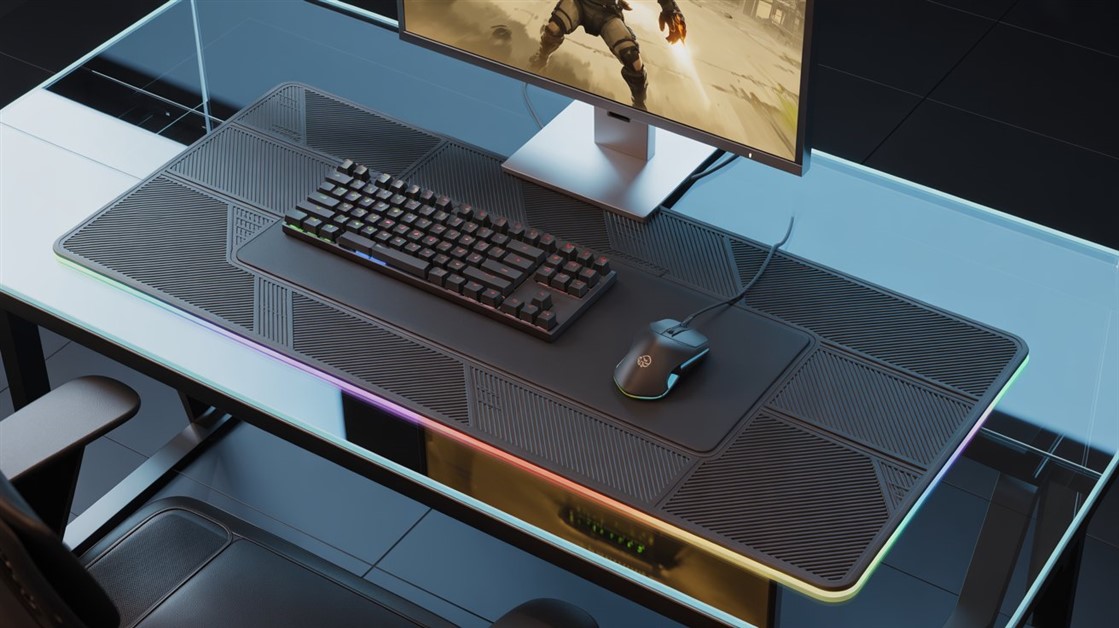
- Premium / RGB: Razer Strider Chroma — a low-drag hybrid surface with RGB, if you're in the Razer ecosystem and want the look.
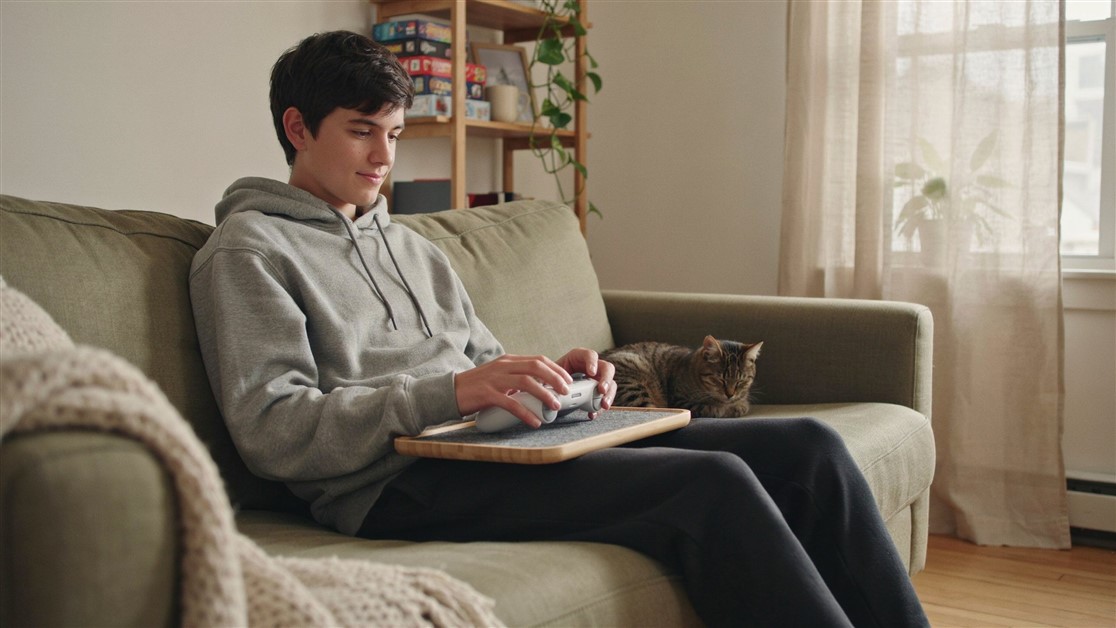
- Skip all this if: your desk is raw or textured wood, or you play with a controller — you don't have a sliding problem to solve.
| Pick |
Best for |
What stands out |
The catch |
| SteelSeries QcK Heavy XXL |
Most FPS setups, glass desks |
Heavy cloth, strong no-slip base, full-desk size |
Plain black; cloth soaks up spills |
| KTRIO Extended |
Budget, laminate desks |
Stitched edges, water-resistant, cheap |
Lighter, so less locked on very slick glass |
| Razer Strider Chroma |
Razer fans who want RGB |
Low-drag hybrid surface, RGB sync, premium feel |
Pricey; RGB/software can be glitchy |
Why rubber can't grip a glossy desk
Two forces decide whether your pad stays put, and cheap pads lose on both. The first is the surface: glass is mirror-smooth, and laminate desks carry a glossy coating — often with a film of furniture polish on top — so there's almost no texture for rubber to bite into. A thin rubber backing just skates across it.
The second is mass. When you make a fast, low-sensitivity flick, your arm drags the pad sideways. A small, light pad doesn't have the weight to resist that force, so it behaves like a puck on ice. A large, heavy mat with a proper thick rubber base wins on both counts — more grippy contact area, and enough sheer weight to shrug off the sideways shove. That's why the answer is size and mass, not another layer of tape.
There's a durability angle too. The cheapest pads use a thin rubber coating that goes smooth within months as dust and desk oils build up, and the grip quietly dies. A thick natural-rubber base holds its texture for years.
The mats worth anchoring your desk with
SteelSeries QcK Heavy XXL — the safe overall pick
Best for: FPS players on a glass or laminate desk who just want it to stop moving.
Skip if: you want RGB, or you're prone to spills — the cloth surface soaks them up.
The QcK line is one of the most-owned gaming cloth pads there is, and the Heavy XXL is the version built for this exact problem: a thick, weighty pad with a no-slip rubber base that owners consistently describe as staying rooted even on glass. The XXL footprint covers keyboard, mouse, and wrist in one piece, so nothing on the mat shifts independently, and the micro-woven cloth gives a consistent glide across mouse sensitivities. Its downsides are cosmetic and practical rather than about performance: it only comes in plain black, there's no lighting, and being cloth it isn't waterproof — a knocked drink soaks in rather than beading off.
👉 Check Current Price → SteelSeries QcK Heavy XXL Gaming Mouse Pad
KTRIO Extended — the budget anchor
Best for: anyone who wants the sliding fixed for as little money as possible, on a laminate or wood desk.
Skip if: your desk is glass-slick and you want the most locked-down option regardless of price.
KTRIO is the default budget extended mat for good reason: a non-slip rubber base, stitched edges that resist peeling, and a water-resistant surface that wipes clean — the kind of feature list you'd expect to cost a lot more. It won't skate off a slick glass desk, but being lighter and thinner than the QcK, it's a touch easier to nudge on the very slipperiest surfaces, and the surface finish isn't as refined as a premium cloth. For most laminate setups, none of that will bother you.
👉 Check Current Price → KTRIO Large Gaming Mouse Pad Desk Mat
Razer Strider Chroma — the premium RGB option
Best for: Razer-ecosystem players who want a low-drag hybrid surface and RGB that syncs with the rest of their gear.
Skip if: you don't care about lighting, or you'd rather not depend on Razer's software.
The Strider Chroma is the aspirational pick: a hybrid surface — firmer than cloth, softer than a hard pad — that reviewers praise for low drag and a genuinely premium look, with RGB edge lighting that ties into a wider Razer Chroma setup. It rolls up without warping and lies flat again. The catches are real, though: it sits at a premium price, and the most common complaint isn't about grip — it's the RGB and Razer Synapse software, where owners report colors sticking, zones lighting the wrong shade, or the lighting dropping out. If the lighting is the whole reason you're buying it, go in aware of that.
👉 Check Current Price → Razer Strider Chroma RGB Extended Gaming Mouse Pad
Before you buy: quick stopgaps
If you can't order one yet, a couple of things genuinely help. Start by cleaning both the desk and the underside of the pad — furniture polish, dust, and skin oils kill rubber grip, so a wipe-down with isopropyl alcohol restores a surprising amount of it. Beyond that, a thin rug-gripper pad cut to size and placed under your mousepad adds friction cheaply, and it works even better with the weight of a keyboard on top.
Double-sided tape is the advice you'll see everywhere, and it's the one to avoid: it leaves residue, collects lint, fails within weeks, and turns repositioning into a chore. It's a band-aid on what is really a mass-and-friction problem.
And if your real issue is wrist ache over long sessions rather than the pad drifting, that's a different fix — see our guide to mousepads that stop wrist pain during marathon sessions.
FAQ
Will a heavy desk mat really stay put on a glass desk?
Yes, if it's the right kind. A large mat with a thick natural-rubber base stays anchored on glass through a mix of grip and sheer weight — the SteelSeries QcK Heavy XXL and Razer Strider Chroma are both reliable here. The budget KTRIO holds well on laminate but is a little easier to shift on the slickest glass.
Do I need an extended, desk-wide mat, or is a mouse-only pad enough?
If your keyboard slides too, get the extended size. Putting the keyboard and mouse on one heavy mat means the whole surface moves as a single anchored piece, instead of two light objects drifting on their own.
Is double-sided tape a decent fix?
Only as a very short-term patch. It leaves residue, collects lint, and fails within a few weeks, and it makes repositioning your gear a pain. A heavy rubber-base mat solves the underlying mass-and-friction problem without any of that upkeep.
Cloth or hybrid surface — which grips the desk better?
Grip on the desk comes from the rubber base underneath, not the top surface, so both can anchor equally well. The top surface is about feel: cloth (like the QcK) gives more control and glide flexibility, while a hybrid surface (like the Strider) offers lower drag for fast, low-effort movements.
Disclosure: ChoiceCrush may earn a small commission if you buy through our links, at no extra cost to you. Our picks come from analyzing real owner reviews and independent expert breakdowns — not paid placement.
What's under your setup right now — a mat that finally stays put, or the tape-and-pray method? Tell us your desk surface and what's actually worked.





Discussion
(0)Be the first to share your thoughts.