Chargers That Replace the Tangle of Bricks Living in Your Bag
Three chargers in your bag is two too many. One palm-sized GaN charger powers your laptop, phone, and tablet from a single plug — here's which one to actually buy.
Adhesive privacy screens leave sticky residue and won't come off for Zoom. Magnetic ones snap on for café work and off in a second — here's how to pick one.


You bought an adhesive privacy screen for café work. It held up fine for a couple of months. Then you peeled it off for a presentation — and your laptop bezel came away wearing a film of sticky residue that no amount of alcohol wipes ever fully removes.
Adhesive privacy screens were never built to come off. Magnetic ones are, and that single difference is why café workers keep switching. Snap it on for public work, pull it off for a Zoom call, and your laptop stays exactly as clean as the day you bought it.
| Pick | Best for | What stands out | Note |
|---|---|---|---|
| Kensington MagPro | Windows laptops, frequent on/off | Zero adhesive, reversible matte/glossy | Premium, size-specific |
| PYS Magnetic | Budget | Removable, many sizes | Value; hold varies |
| SightPro | MacBook | Patented magnetic, no adhesive | MacBook-only |
The complaints across remote-work forums and owner reviews are consistent, and they're about the glue, not the privacy.
Magnetic filters sidestep all of it: a thin magnetic strip along the top holds the filter with nothing touching the screen itself. Snap it on for privacy, pull it off in a second for a call, no residue either way. The privacy effect is the same micro-louver trick — you see the screen straight on, while anyone off to the side sees black.
Best for: Windows-laptop users who attach and detach constantly and want a genuinely adhesive-free filter.
Skip if: your budget is tight, or you can't confirm the exact size for your model — fit is everything here, and a loose match is the main complaint.
This is the one reviewers reach for when they want zero adhesive and a professional finish, and the reversible matte-or-glossy panel is a genuinely useful touch. Be honest with yourself about fit, though: owner feedback is mixed precisely on hold. Get the right size for your screen and it stays put; get it slightly wrong and some report it slipping when they open the lid.
👉 Check Current Price → Kensington MagPro Magnetic Privacy Screen
Best for: people who want the magnetic-filter benefit without the premium price, across a lot of common laptop sizes.
Skip if: you want the sturdiest, most consistent hold — at this price the fit and grip can be more hit-or-miss.
It does the core job — removable, no permanent residue, easy on and off — for noticeably less money, and it comes in enough sizes that most Windows laptops are covered. It's the sensible way to try the magnetic approach before committing to a flagship, as long as you match the size carefully.
👉 Check Current Price → PYS Magnetic Laptop Privacy Screen
Best for: MacBook owners who want a filter designed around their exact model with no adhesive at all.
Skip if: you're on a Windows laptop — these are cut for specific MacBooks and nothing else.
SightPro's whole pitch is a patented magnetic fit made per MacBook model, so it lines up along the top and holds with nothing sticking to the screen. For Apple users that model-specific cut is the advantage — you're not forcing a generic filter onto a shape it wasn't made for. Just buy the version that matches your exact MacBook and year.
👉 Check Current Price → SightPro Magnetic Privacy Screen
You probably don't if you only ever work from home or a private office, your work involves nothing sensitive, and you never open the laptop in public.
You probably do if you regularly work in cafés, airports, or coworking spaces, you handle client data or financial or confidential documents, you've already caught someone reading over your shoulder, or your employer requires screen privacy in public.
Shoulder-surfing in public is more common and more effective than most people assume — studies on "visual hacking" have found that the large majority of casual attempts succeed, and a phone camera turns a two-second glance into a permanent copy. If your café screen ever shows a client email or a login, a filter is cheap insurance. And if staying heads-down in a shared space is the bigger battle, our guide to focus tools for open offices covers the other half of working around other people.
The fully-magnetic ones touch your screen with nothing but magnets, so there's genuinely no adhesive and no residue. Some budget "hybrid" filters still use a small removable strip at the bottom edge — check the listing if a completely glue-free attachment is what you're after.
No — these are sized to specific screen dimensions and aspect ratios, and a loose fit is the number-one complaint. Measure your screen's width and height (and know whether it's 16:9 or 16:10) and buy the exact size for your model.
Usually yes. Magnetic filters are thin enough that most laptops close fully and sleep normally with the filter on — one of the main reasons people switch away from bulkier adhesive screens.
A little. Micro-louver filters trade some straight-on brightness for the side-angle blackout, and matte versions cut glare at the cost of a hair of sharpness. Most people stop noticing quickly, but if you do color-sensitive work, a reversible matte/glossy filter lets you flip to the clearer side.
You bought an expensive laptop and you look after it — the case, the screen cleaning, all of it. Slapping an adhesive filter on it and peeling it off six months later to a bezel full of gunk isn't maintenance; it's damage you did to yourself.
A magnetic filter keeps the flexibility without the sticky aftermath: privacy when you're in public, a clean screen the moment you don't need it, and no permanent film you're stuck with. Your laptop stays professional, and your data stays yours.
Disclosure: We may earn a small commission if you buy through our links — at no extra cost to you. This helps us keep researching gear for real humans like you.
What finally pushed you off adhesive filters — the residue, a botched removal, or a lid that wouldn't close? Share it in the comments; someone about to buy their first privacy screen could use the warning.
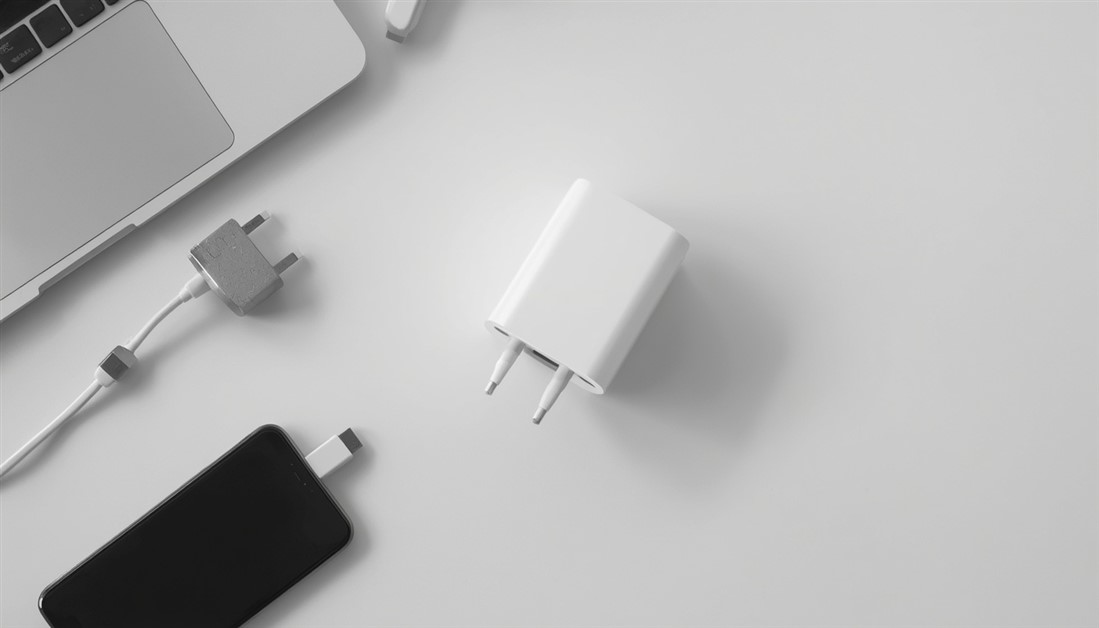
Three chargers in your bag is two too many. One palm-sized GaN charger powers your laptop, phone, and tablet from a single plug — here's which one to actually buy.

Your power bank has 20,000mAh on the box. It still dies by 3pm. Here's what's actually happening — and which power banks deliver on their rated capacity when your travel day goes sideways.
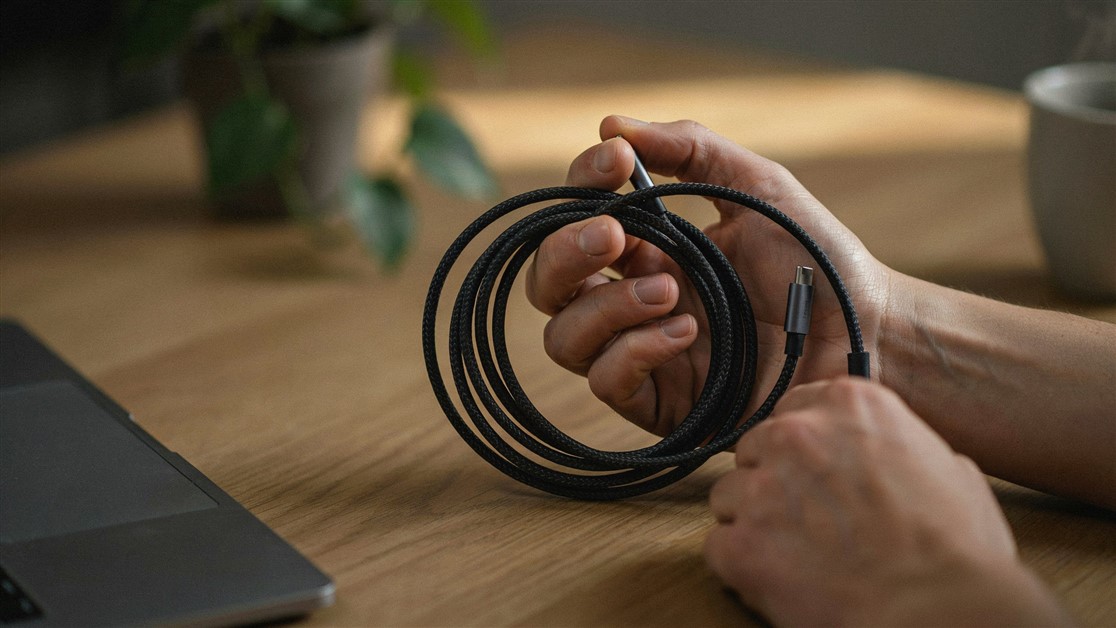
Your USB-C cable charged fine for a couple of weeks, then quietly died with no visible damage. That's not bad luck — it's thin wire and weak strain relief. Here's what actually survives daily use.

The gate changes, you've got ten minutes, and your charger is lost in the bag again. That's not disorganization — your accessories just live separately from the laptop they serve. Stick-on lid organizers put them on it.

Your drawer is full of notebooks with three good pages and a lot of blank ones. That's not you — paper is single-use. Reusable notebooks let you write, save what matters, wipe, and start fresh on the same book.
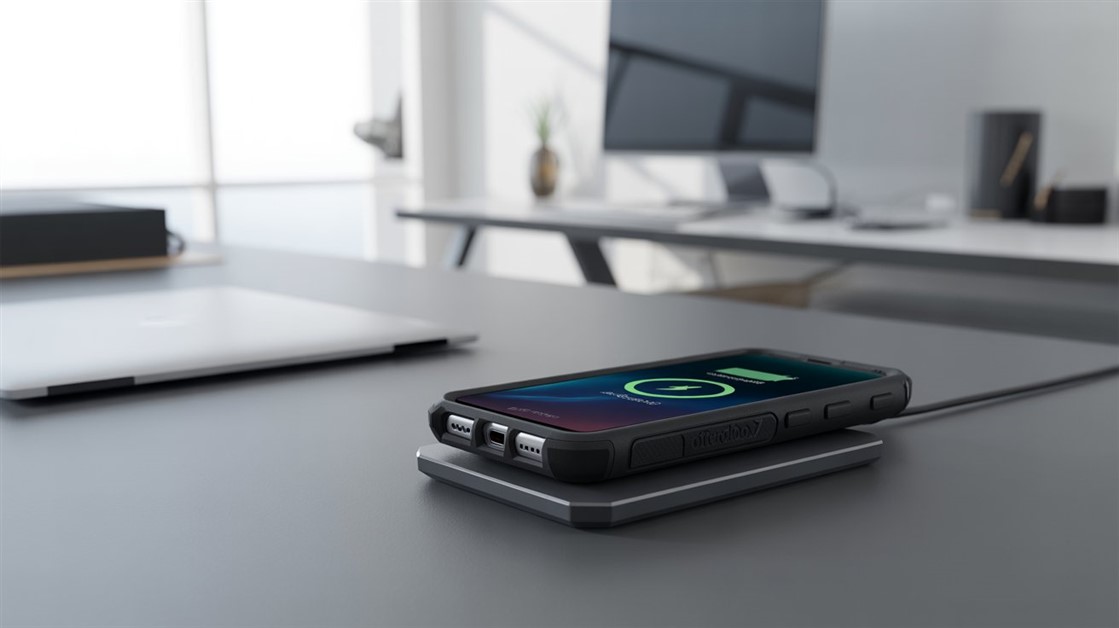
You peel your OtterBox off every night just to charge, and now the port's worn out. But rugged cases are built to charge wirelessly — if yours cuts out, it's usually the charger that can't reach through the case.
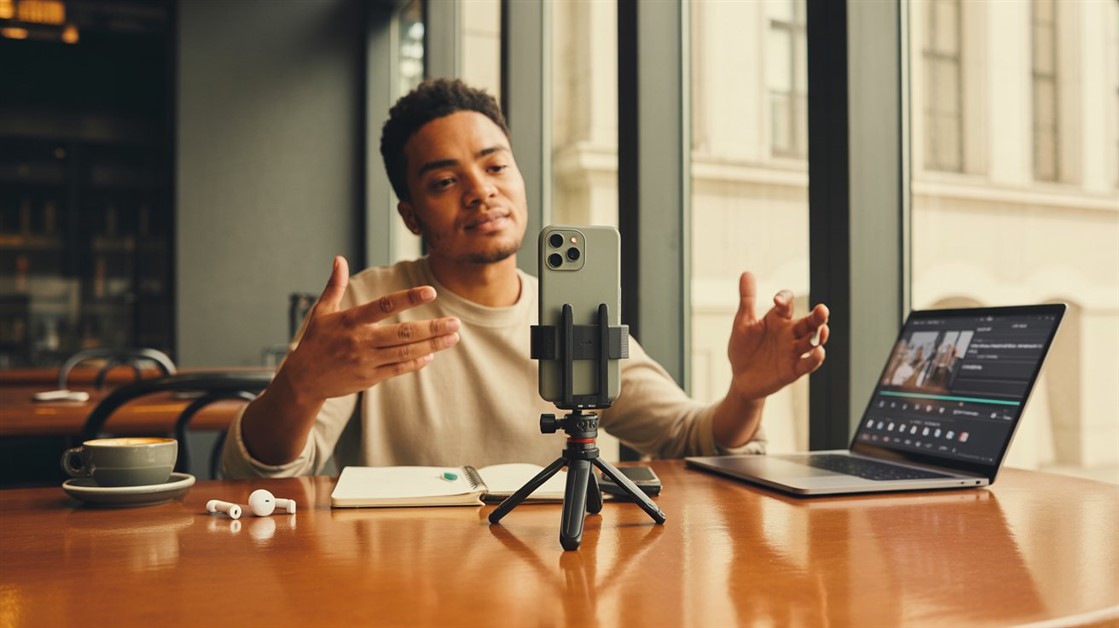
Your on-the-go videos shake because your tripod stays home. Here are the pocket-sized phone tripods small enough to actually carry — and steady enough to trust.
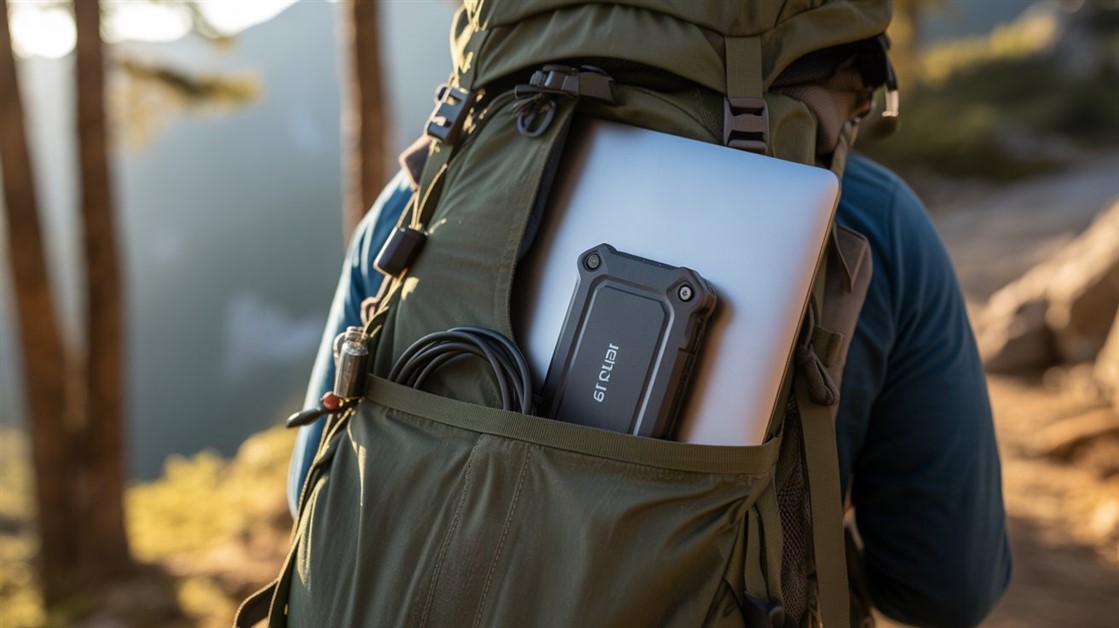
Drop your SSD on concrete and months of work can vanish. Regular drives aren't built for backpack life — here's how to pick one that actually survives.
Discussion
(0)Be the first to share your thoughts.