Chargers That Replace the Tangle of Bricks Living in Your Bag
Three chargers in your bag is two too many. One palm-sized GaN charger powers your laptop, phone, and tablet from a single plug — here's which one to actually buy.
Hostel Wi-Fi barely loads Gmail? These pocket-sized travel routers boost weak signals and create secure networks without tech setup hell.

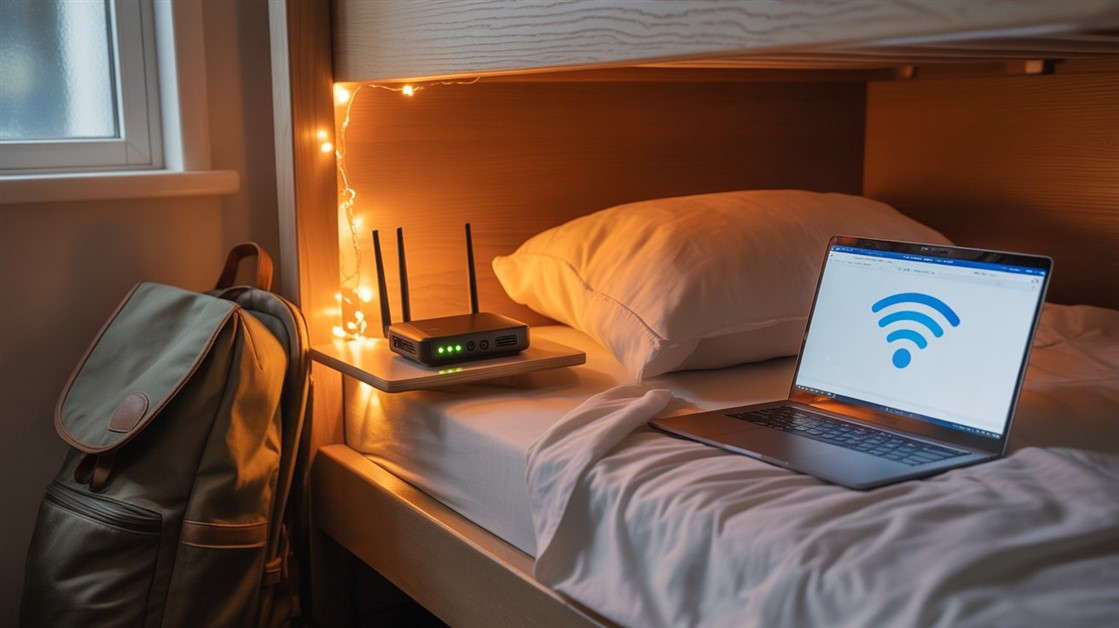
You chose the hostel. Good location, cheap bed, a desk by the window. You open your laptop for a work call and immediately see it: one bar of Wi-Fi, shared between every device in the building, and the actual router locked somewhere in the lobby three floors below.
The problem isn't just slow download speeds. It's the unpredictability. A connection that works fine at 9am falls apart when the other guests wake up and start streaming. You can't plan your work schedule around a network you don't control.
A travel router doesn't fix the building's infrastructure — but it does put a router physically next to you, gives your devices a consistent private signal, and separates your traffic from the rest of the building on a secured network. That combination solves the two most common hostel Wi-Fi complaints in one small device.
In r/digitalnomad, r/solotravel, and remote work communities, the hostel Wi-Fi problem surfaces constantly. The frustrations are consistent across different countries and accommodation types.
The most common: signal that doesn't reach private rooms. Hostel routers are typically installed in common areas and lobbies — the signal weakens significantly through concrete walls and multiple floors. By the time it reaches a bunk bed, it's often too weak for sustained video calls even when the total building speed is technically adequate.
The second pattern: bandwidth that collapses at predictable times. A hostel with thirty beds has thirty guests who all tend to be active in the late morning and evening. A connection that's fast enough for a solo user degrades badly when ten people start streaming simultaneously. Travelers who need a reliable connection for work can't structure their schedule around the building's sleep patterns.
The third: public network security concerns. Hostel Wi-Fi is typically either open or shared with a single password known by every guest. For anyone handling client data, accessing work systems, or doing any banking on the road, the security posture of a hostel network warrants real caution.
Wi-Fi signal degrades with physical distance and building materials. A router in a lobby serving rooms three floors up through concrete ceilings is providing a fraction of the signal it would deliver at close range. This isn't a fixable problem at the router end — it's physics.
A hostel's total internet connection is divided across every connected device. When occupancy is high and guests are active, the available bandwidth per device can drop substantially. Even a fast internet plan becomes a bottleneck when split enough ways.
Budget accommodations don't regularly upgrade networking equipment. Many hostels still run hardware that doesn't support the more efficient 5GHz frequency band, which is less congested and better suited to bandwidth-heavy applications like video calls.
Open Wi-Fi networks don't encrypt traffic between your device and the router. On a shared-password network, anyone with the password can potentially observe unencrypted traffic — relevant for anyone handling work email, client portals, or financial services on the road.
Three capabilities separate genuinely useful travel routers from ones that add setup complexity without solving the actual problem:
The Mango is the consistent first recommendation in r/digitalnomad threads because of its combination of size and practical capability. It's genuinely pocket-sized and USB-powered — it runs off a laptop port or power bank without any adapter. Despite the small form factor, it includes built-in VPN client support: you configure your VPN subscription directly on the router and every connected device gets protected automatically.
Setup is straightforward. Connect to the hostel's Wi-Fi, set a password for your private network, and you're done. GL.iNet's firmware receives regular updates and has a longer track record than most budget travel hardware. Community feedback across r/digitalnomad and r/solotravel consistently mentions reliability across a wide range of countries and accommodation quality levels.
The reality check: The Mango is single-band (2.4GHz only) and won't access faster 5GHz frequencies even when the hostel's network supports them. For email, messaging, and standard video calls, this isn't noticeable. For high-bandwidth applications during peak hours, the dual-band TP-Link below handles that case better.
👉 Check Current Price → GL.iNet Mango Travel Router
If video calls are a significant part of your remote work and you've noticed connections degrading during peak hostel hours, the TP-Link AC750 adds 5GHz support in a compact, USB-powered form factor. The 5GHz band is less congested than 2.4GHz — particularly relevant in a building where dozens of devices compete on the same frequencies simultaneously.
It supports the same client/repeater modes that make it work in hostel environments, and the dual-band capability means the router can use whichever frequency is less congested on the underlying network. The practical benefit shows most clearly during busy periods when 2.4GHz contention is high.
The reality check: Slightly larger than the Mango and more expensive. If your remote work isn't video-call-heavy and you haven't noticed 2.4GHz congestion specifically, the Mango handles most use cases at a lower price.
👉 Check Price on Amazon → TP-Link AC750 Travel Router
For anyone treating remote work from accommodation as a long-term lifestyle rather than occasional travel, the Slate AX addresses reliability concerns that don't matter much for a two-week trip but become significant across months. It runs Wi-Fi 6 — the current standard, with better performance in dense-device environments like busy hostel common areas — and handles VPN connections faster than older hardware through dedicated processing for the encryption workload.
It's meaningfully larger than the Mango or TP-Link and has more configuration options, which is an investment that pays off when you're reconfiguring in a new country every few weeks. For an occasional traveler who just needs basic hostel Wi-Fi improvement, it's more complexity than the situation calls for.
The reality check: Premium-priced and not truly pocket-sized. The capability is genuine, but it's sized for a full-time nomad's dedicated tech kit — not a casual traveler's daypack.
👉 Check GL.iNet Slate AX → GL.iNet Slate AX
The most common misconception: a travel router creates an internet connection from nothing. It doesn't. It positions itself as a relay between you and the existing network.
In practice: the router connects to the hostel's Wi-Fi as a client device, just like your laptop does. It then broadcasts its own new network — your private signal — that your devices connect to instead. Because the router is physically next to you, your devices get a strong signal to it, and the router handles the traffic over the building's network on their behalf.
The security benefit works the same way: your device-to-router connection is encrypted on your private network, regardless of what the underlying hostel network is doing. Add a VPN running at the router level and you've effectively isolated your traffic from the rest of the building's shared environment.
Probably not if you stay in hotels with dedicated in-room access points, travel only occasionally, or your work is low-bandwidth. You likely need one if you regularly stay in hostels or budget accommodation, do video calls or file transfers for work, or have consistent experience with weak signals in your room despite adequate building-wide speed.
No — a travel router improves signal proximity and adds security, but it can't create bandwidth that doesn't exist. If the building's total internet connection is genuinely overwhelmed, a travel router won't fix that. What it fixes is the distance-and-walls problem (by putting a router next to you) and the shared-network security problem (by encrypting your traffic on a private network).
GL.iNet devices have a web interface that walks through initial setup in a few minutes. After that, connecting to a new hostel's Wi-Fi takes under a minute — you update the upstream connection credentials, and your devices stay connected to your private network without any changes on their end. Test it at home before your trip so configuration in a new country isn't the first time you've done it.
Yes. GL.iNet routers support OpenVPN and WireGuard configurations directly in the admin interface. If you subscribe to a VPN service, you configure it once on the router and every connected device benefits automatically — without installing or running VPN software on each device individually.
Hostel infrastructure isn't going to improve for remote workers anytime soon. A travel router is one of the few pieces of gear that genuinely changes your work environment regardless of the building's setup — because it puts the relevant hardware next to you rather than locked in a lobby downstairs.
Disclosure: We may earn a small commission if you buy through our links — at no extra cost to you. This helps us keep researching gear for travelers.
What's the worst hostel Wi-Fi situation you've had to work around — and what actually helped?
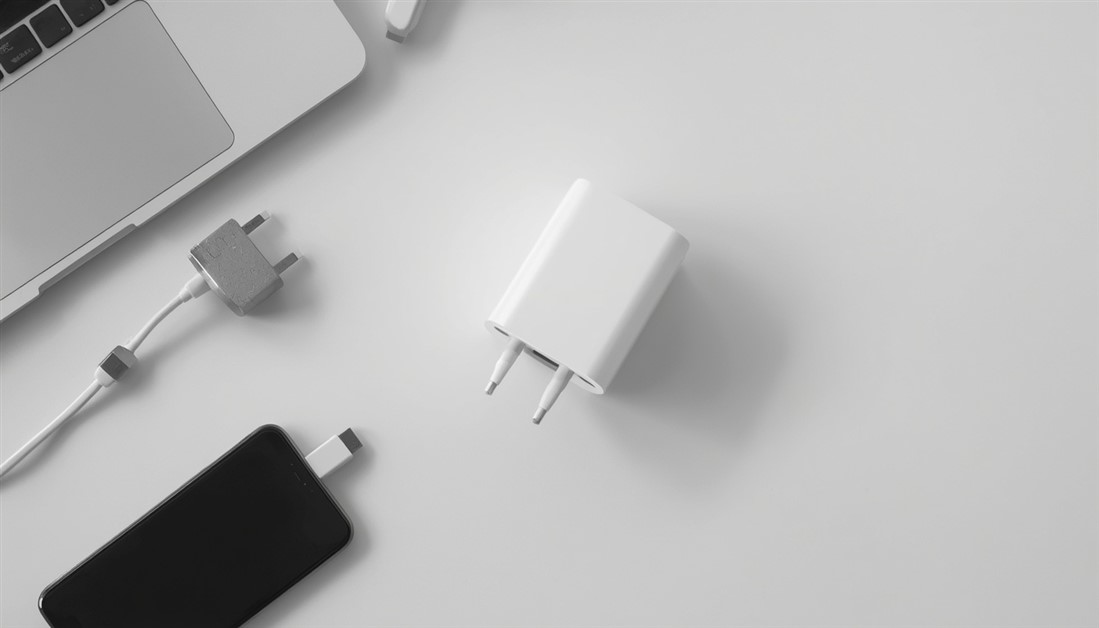
Three chargers in your bag is two too many. One palm-sized GaN charger powers your laptop, phone, and tablet from a single plug — here's which one to actually buy.
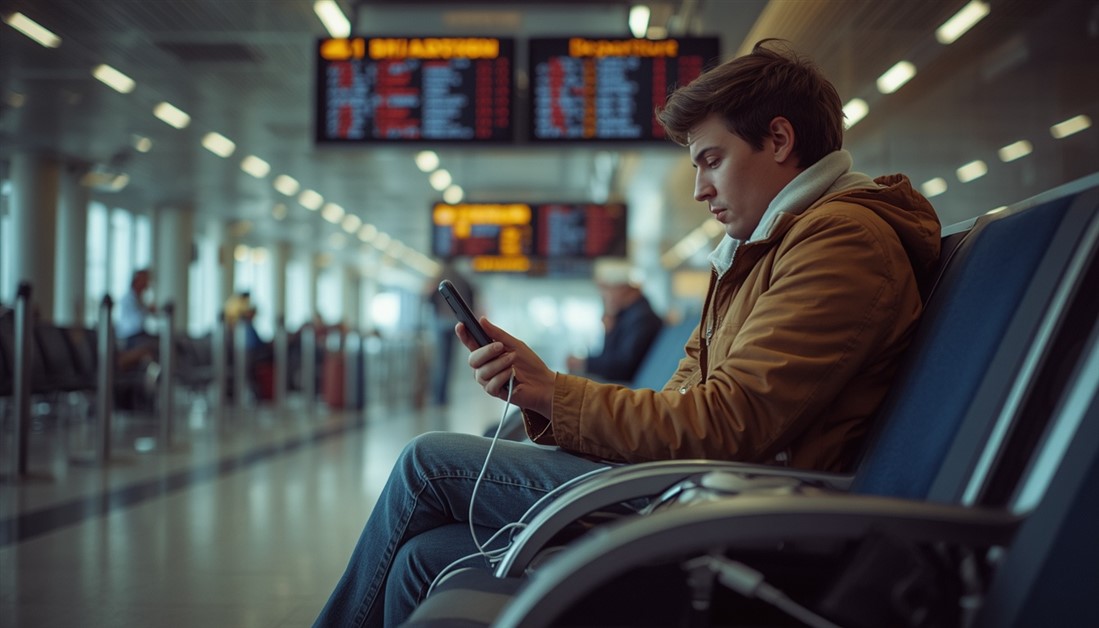
Your power bank has 20,000mAh on the box. It still dies by 3pm. Here's what's actually happening — and which power banks deliver on their rated capacity when your travel day goes sideways.
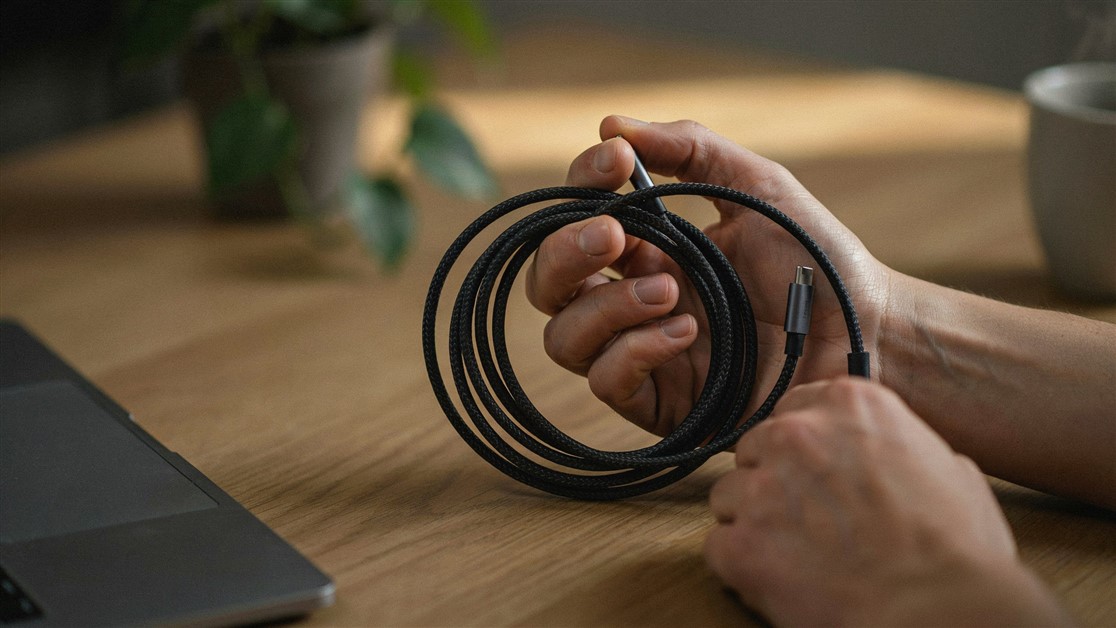
Your USB-C cable charged fine for a couple of weeks, then quietly died with no visible damage. That's not bad luck — it's thin wire and weak strain relief. Here's what actually survives daily use.
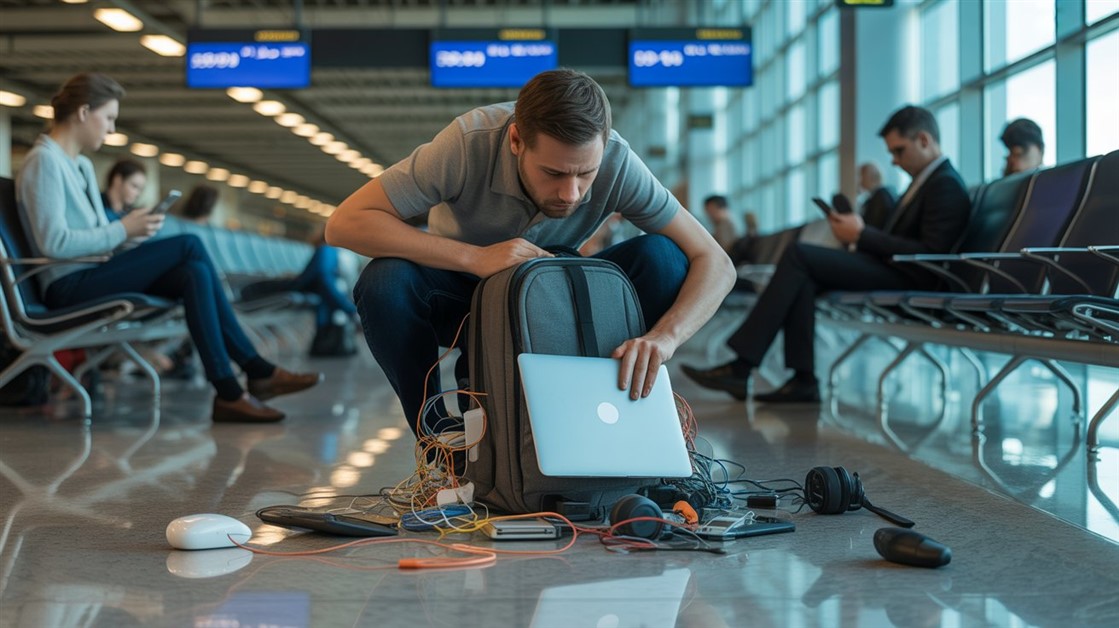
The gate changes, you've got ten minutes, and your charger is lost in the bag again. That's not disorganization — your accessories just live separately from the laptop they serve. Stick-on lid organizers put them on it.

Your drawer is full of notebooks with three good pages and a lot of blank ones. That's not you — paper is single-use. Reusable notebooks let you write, save what matters, wipe, and start fresh on the same book.
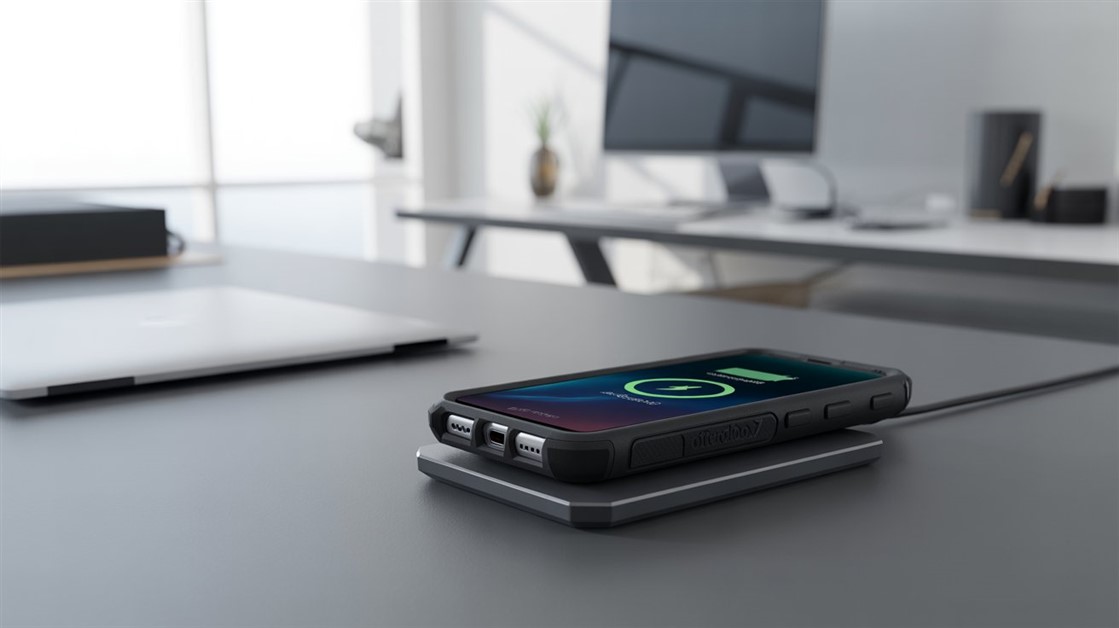
You peel your OtterBox off every night just to charge, and now the port's worn out. But rugged cases are built to charge wirelessly — if yours cuts out, it's usually the charger that can't reach through the case.
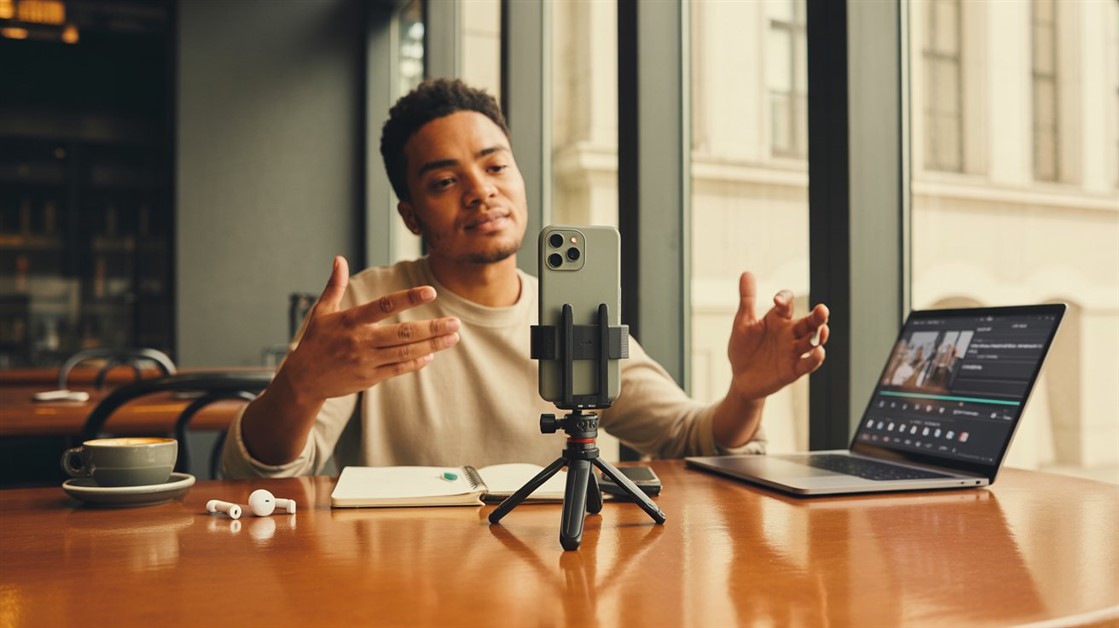
Your on-the-go videos shake because your tripod stays home. Here are the pocket-sized phone tripods small enough to actually carry — and steady enough to trust.

Adhesive privacy screens leave sticky residue and won't come off for Zoom. Magnetic ones snap on for café work and off in a second — here's how to pick one.
Discussion
(0)Be the first to share your thoughts.