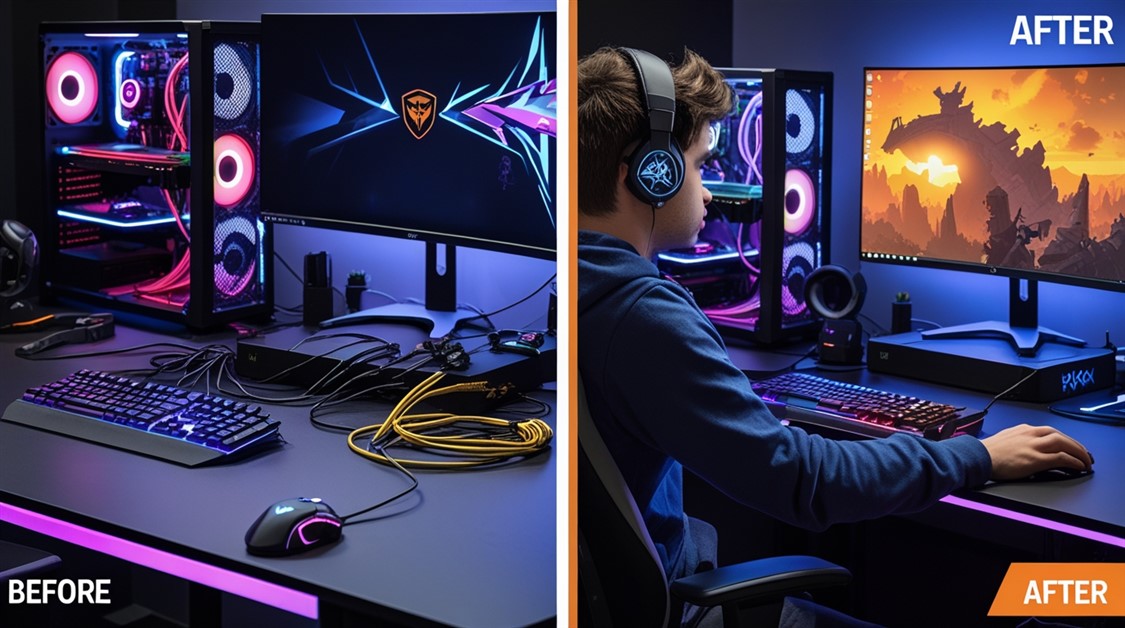
You spent a Saturday routing every cable through clips and grommets, cutting each zip tie to length until the back of your desk finally looked clean. Then a new mouse arrived on Monday, and the only way to add its cable was to cut the whole bundle open and start over.
That's the trap: cable ties treat your setup like it's finished. A gamer's setup is never finished. The fix isn't more discipline with the ties — it's a bundling method built to be opened and changed, which is exactly what a zipper sleeve is.
The gist
- Best overall: JOTO 4-Pack — zip-open-anywhere neoprene sleeves; add or pull a cable in seconds without unbundling.
- Budget / long runs: Amazon Basics 2-Pack — the same zipper idea in a longer sleeve, for less.
- Inside the PC / pets: Alex Tech Split Loom — a cut-to-length split tube (not a zipper) for case cables and chew-proofing.
- Skip all this if: your setup never changes and your cables already hide in a desk channel.
| Pick |
Best for |
What stands out |
The catch |
| JOTO 4-Pack |
Desk runs, frequent upgrades |
Zips open along its length; reusable |
A little bulky when full |
| Amazon Basics 2-Pack |
Long runs on a budget |
Longer sleeve, same easy zip |
Fewer sleeves per pack |
| Alex Tech Split Loom |
Inside the PC case, pet homes |
Cut to length, self-closing, tough |
Not a zipper — can pop open if overstuffed |
Why cable ties punish every upgrade
Cable ties are built for a setup that's finished forever. You bundle, you cut, and it's locked. The moment you add or swap a single cable, the only way in is to cut the whole thing open and re-route from scratch — which is why there's a small graveyard of dead ties under most gaming desks.
Elaborate routing has the same flaw at a bigger scale: hours spent threading cables through clips and grommets buys you a clean back panel that one new peripheral undoes. And the usual "reusable" fix, Velcro straps, only solves half of it. They open and close, sure — but you still have to unwrap the whole bundle to reach one cable, and they sag or won't grip once the bundle size changes.
A zipper sleeve sidesteps all of that. It wraps the bundle in a tube you can unzip anywhere along its length, so adding a cable is a ten-second job in the middle of the run, and the same sleeve closes cleanly whether it's holding a few cables or a fistful.
The sleeves worth buying
The zipper-sleeve aisle is a sea of near-identical neoprene wraps, and honestly most of them are fine. These three aren't magic — they're the ones that cleanly cover the three situations that actually differ: everyday desk runs, one long run, and cables that live inside a case or near a pet.
JOTO Cable Management Sleeve 4-Pack — the do-it-all pick
Best for: gamers who swap peripherals often and want the easiest add-a-cable-later option.
Skip if: you want cables completely invisible — a full sleeve has some bulk.
The JOTO is the default for a reason: it's a soft neoprene sleeve with a zipper that runs its full length, so you can open it at any point, drop a new cable into the middle of the bundle, and zip it shut — no unthreading the ends, no tools. The neoprene bends around desk legs and corners without kinking, each sleeve is long enough for a normal desk-to-floor run, and the multi-pack covers a typical desk in one purchase. The only real downside is bulk: a stuffed sleeve is visible if your cables run in the open, though it disappears easily into the shadow under a desk.
👉 Check Current Price → JOTO Cable Management Sleeve 4-Pack
Amazon Basics Wire Cable Management Sleeve 2-Pack — the budget long-run pick
Best for: single-monitor or long desk-to-floor runs on a tight budget.
Skip if: you need several shorter sleeves rather than a couple of long ones.
This is the same zipper-sleeve idea in a noticeably longer sleeve at a lower price — one length reaches a full monitor-arm-to-floor run — which makes it the value pick when you've got one long run to tame: a monitor's power, video, and USB all heading for the floor together. It's the same easy neoprene-and-zipper experience as the JOTO. The trade-off is quantity: you get fewer sleeves in the pack, so a cable-heavy battlestation with runs in several directions may need more than one pack.
👉 Check Current Price → Amazon Basics Wire Cable Management Sleeve 2-Pack
Alex Tech Cable Sleeve Split Loom — for inside the case (and cats)
Best for: managing cables inside a PC case, or protecting cables from pets, with custom lengths.
Skip if: you want the fuss-free zip of the sleeves above for open desk runs.
This one is a different tool, and worth understanding before you buy: it's a split braided tube rather than a zipper sleeve. You press cables into the slit and it springs closed, and you cut it to whatever length you need from a long roll — ideal for wrapping the cables inside a case without disconnecting anything, or armouring an exposed cable a pet likes to chew — a mouse cord, a charger lead, a headset cable trailing off the desk. It's tougher and more flexible on length than a zipper sleeve. The catch is that "press closed" isn't as secure as a zip: overstuff it and it can pop back open, so it's better for internal or protected runs than for a heavy external bundle.
👉 Check Current Price → Alex Tech Cable Sleeve Split Loom
If you're not buying a sleeve
A couple of the common workarounds genuinely help, with honest limits. Velcro straps instead of plastic ties are the cheapest upgrade — reusable and adjustable, so at least you stop cutting and re-buying, even if you still have to unwrap a whole bundle to reach one cable. An under-desk tray or clips along a desk leg can hide the mess, but hidden isn't the same as organized — the tangle just moves out of sight.
And since this is really about taming a whole desk, a sleeve pairs well with the other half of a stable setup — see our guide to desk mats that stop your gear from sliding.
FAQ
What makes a zipper sleeve better than cable ties or Velcro?
Access. A zipper opens along the whole length, so you can add or remove one cable from the middle of the bundle in seconds. Cable ties have to be cut and redone; Velcro straps are reusable but still make you unwrap the entire bundle to reach a single cable.
Can I add a new cable without taking the whole thing apart?
Yes — that's the entire point of the zipper sleeves here. Unzip at the spot you need, lay the new cable in, and zip it shut. No unthreading the ends, no tools, done in under a minute.
Zipper sleeve or split loom — which should I get?
For open cable runs on and under your desk, a zipper sleeve (the JOTO or Amazon Basics) is easier and more secure. For cables inside a PC case, custom lengths, or chew-proofing against a pet, the Alex Tech split loom is the better tool — just don't overstuff it, since it presses closed rather than zipping.
Will a full sleeve look bulky on my desk?
A packed sleeve does have some girth, so it isn't invisible if your cables run in the open. In practice most people route it along the back edge or under the desk, where it reads as one tidy tube instead of a tangle. If total invisibility matters more than easy access, a desk with built-in cable channels is the alternative.
Disclosure: ChoiceCrush may earn a small commission if you buy through our links, at no extra cost to you. Our picks come from analyzing real owner reviews and independent breakdowns — not paid placement.
What's the worst cable tangle hiding behind your desk right now — and how many dead zip ties are on the floor under it? Tell us your setup.









Discussion
(0)Be the first to share your thoughts.