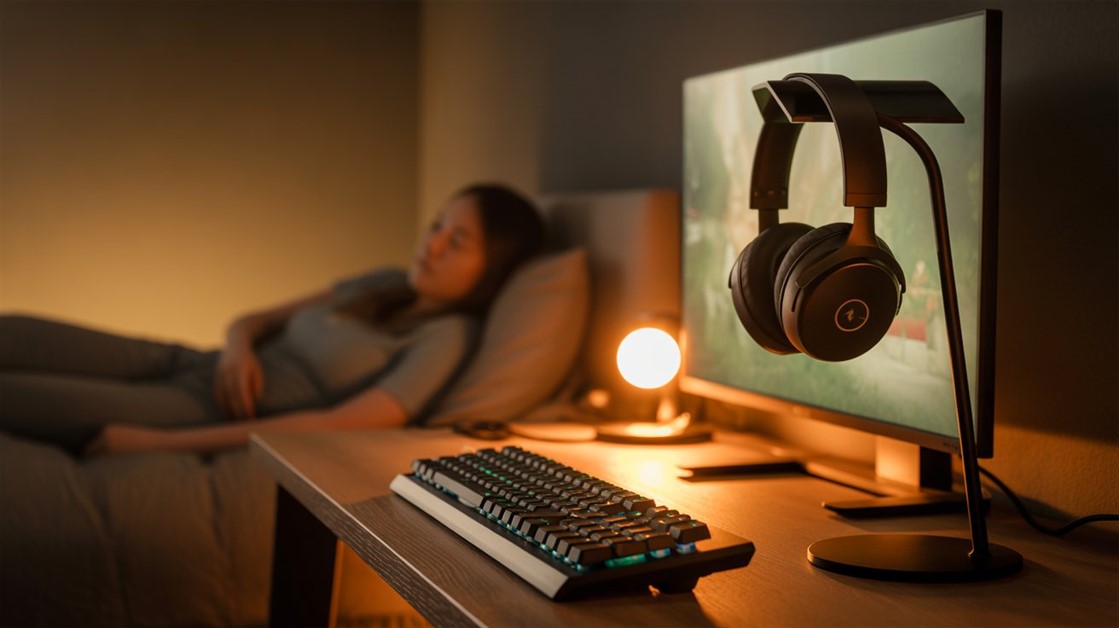
Most gaming keyboards are designed to sound satisfying to the person using them. That's a problem when you share a wall with someone who's trying to sleep. Mechanical switches exist on a spectrum from genuinely quiet to actively intrusive — and the ones sold as "gaming keyboards" skew heavily toward the intrusive end.
The tension is real: the keyboards that feel best for gaming are often the loudest. The keyboards that are quietest often feel mushy or unresponsive. The ones that solve both exist, but they take some hunting to find.
What Gamers in Shared Spaces Are Saying
On Reddit's r/MechanicalKeyboards and r/gaming, the same complaints show up consistently from people in apartments and dorms:
- "I love mechanical keyboards but my roommate hates me."
- "Can't game after 10pm without waking up my family."
- "Zoom calls are embarrassing — everyone hears every keystroke."
- "Moved to an apartment. Neighbor complained on day three."
Amazon reviews for gaming keyboards from shared-living buyers echo the same pattern:
- "Quieter than my old keyboard but still too loud for late-night sessions."
- "The 'silent' marketing is misleading — this is still clearly audible through the wall."
- "Great feel but I had to go back to a membrane board after my partner complained."
Why "Quiet" Gaming Keyboards Usually Disappoint
The membrane keyboard problem is real: they eliminate the mechanical clack but replace it with a mushy, unresponsive feel that makes fast inputs less reliable and typing for extended sessions genuinely uncomfortable. Most gamers who switch to membrane to reduce noise end up going back within a week.
The "silent switch" marketing problem is separate. Some brands label regular keyboards "silent" because they've removed the audible click — but actuation noise and bottom-out noise are still present. The click is gone; the thud isn't. In a quiet apartment at 1am, a thud still carries.
O-rings solve a different problem: they reduce bottom-out noise specifically, but make keys feel inconsistent and spongy. They also don't address the actuation noise at all. A keyboard designed quiet from the start handles the full sound profile more coherently than one modified after the fact.
What the Reviews Show
After going through owner reviews of low-profile and silent-switch gaming keyboards from people specifically using them in shared living situations — not solo gaming rooms — the pattern was consistent: keyboards that stayed in use were the ones that addressed both the noise and the feel simultaneously. A keyboard that was quiet but unpleasant to type on got abandoned, noise problem or not.
Best Quiet Gaming Keyboards for Shared Spaces
Best Overall: Logitech G515 TKL — Low-Profile, Wireless, Genuinely Quiet
The G515 TKL uses low-profile switches with shorter key travel, which reduces both the actuation sound and the bottom-out impact compared to standard-height switches. The tactile variant gives a noticeable bump without a loud click; the linear variant is smoother and quieter still. Either way, the shorter travel means less mechanical event per keystroke.
It's wireless via LIGHTSPEED, which removes the cable from the desk — one fewer thing to manage in a compact shared setup. Per-key RGB, hot-swappable switches, and a TKL layout keep it fully featured. The trade-off is the low-profile adjustment: if you're coming from standard-height keycaps, the feel takes a few sessions to get used to.
👉 Check Current Price → Logitech G515 LIGHTSPEED TKL Wireless Gaming Keyboard
Best Budget: Keychron K3 Pro — Hot-Swappable, Mac + Windows
The K3 Pro is a 75% low-profile board with hot-swappable switches — meaning you can change switch types later without replacing the whole keyboard. If you start with red linear switches (quieter) and find you want more tactile feedback down the line, or want to try a quieter switch variant, the swap takes minutes. This makes it a lower-commitment entry point than most gaming keyboards at this price.
It works natively on Mac and Windows with a physical toggle, which matters for people who game on one system and work on another. QMK/VIA support means it can be fully remapped for gaming macros without software running in the background. The trade-off: battery life with RGB enabled is noticeably shorter than with backlighting off.
👉 Check Price on Amazon → Keychron K3 Pro QMK/VIA Wireless Custom Mechanical Keyboard
Best for Typists Who Game: NuPhy Air75 V2 — Gasket-Mounted, Dampened Sound Profile
The Air75 V2 is the option for people who spend as much time typing as gaming and want a keyboard that handles both without compromise. It's gasket-mounted, meaning the plate floats slightly rather than sitting rigidly on the base — this absorbs impact and changes the sound from a hard clack to a softer, more cushioned profile that owners consistently describe as "thocky" rather than clacky.
Multiple layers of internal foam dampen reverberations before they reach the desk. It's wireless with 2.4GHz, Bluetooth, and wired modes. Worth noting: some owners have reported minor firmware quirks with wireless switching between devices, flagged in the Tom's Guide review as the main reliability caveat. For a wired or single-device setup, it's not a concern.
👉 Check NuPhy Air75 V2 → Nuphy Air75 V2 Wireless Mechanical Keyboard
What About O-Rings and Foam Mods?
O-rings reduce bottom-out noise but introduce inconsistent key feel and don't address actuation sound. Foam mods (adding dampening material inside the case) improve the overall sound profile more coherently, but require disassembly and often void the warranty. Both are worth knowing about for keyboards you already own — for a new purchase, a keyboard designed quiet from the start is a cleaner solution than modifying a loud one.
How Loud Is "Loud"?
Standard clicky mechanical switches (Cherry MX Blue and similar) are loud enough to carry clearly through a wall — the kind of noise that gets noticed even over background TV or music in the next room. Silent-switch and low-profile boards land significantly below that — audible to the person using them, but unlikely to register as a disturbance through a wall or door with any ambient noise present. "Silent" in keyboard marketing means quieter than clicky, not inaudible. The realistic expectation is late-night gaming that doesn't wake a light sleeper in the adjacent room — not gaming in actual silence.
If the full gaming setup in a shared apartment is what you're working through, our breakdown of gaming chairs that actually fit in small apartments covers the rest of the physical setup side.
FAQ
Will a "silent" gaming keyboard actually be silent, or just quieter?
Quieter — not silent. Silent switches remove the audible click and dampen the bottom-out impact, but keystrokes are still audible to the person typing. The practical difference is that a silent-switch keyboard stops being a source of noise complaints through a wall; it doesn't disappear entirely. The expectation should be "won't wake the person in the next room" rather than "no sound at all."
Does switching to low-profile keys hurt gaming performance?
Not meaningfully for most players. Low-profile switches register inputs reliably — the main adjustment is muscle memory for the shorter travel distance, which most people adapt to within a few days. For highly competitive play, some players prefer the longer actuation distance of standard switches for deliberate input control, but for the vast majority of gaming use cases the difference isn't practical.
Can I make my current loud keyboard quieter without buying a new one?
Partially. O-rings reduce bottom-out noise at the cost of inconsistent key feel. Foam mods dampen internal resonance more cleanly but require opening the case. Lubing switches reduces friction noise. None of these approaches get a loud keyboard to the level of a keyboard designed quiet from the start — they reduce the worst of it. If the noise is genuinely causing problems with roommates, a new board is usually the cleaner fix.
Is hot-swap worth caring about for a quiet gaming setup?
Yes, specifically because preferences around quiet switches vary more than preferences around other switch properties. Some people find linear silent switches too slippery for gaming; others find tactile low-profile switches noisier than expected. Hot-swap lets you try a different switch type on the same board without buying a whole new keyboard — which matters when the specific goal is finding the right balance between quiet and feel.
Game at Any Hour
Buy from a retailer with a real return window. A week of actual late-night gaming sessions is the only real test — either your roommate stops knocking on the wall or they don't.
Disclosure: We may earn a small commission if you buy through our links — at no extra cost to you. This helps us keep researching gear for gamers in shared spaces.
Late-night gaming or WFH video calls — which one finally made you start looking for a quieter keyboard?






Discussion
(0)Be the first to share your thoughts.