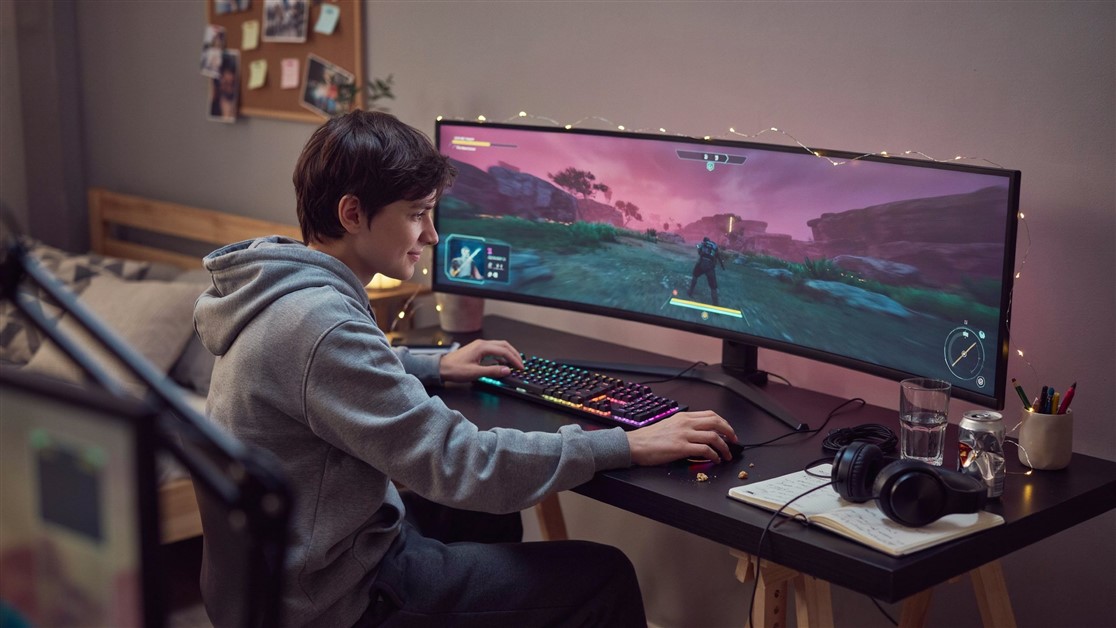
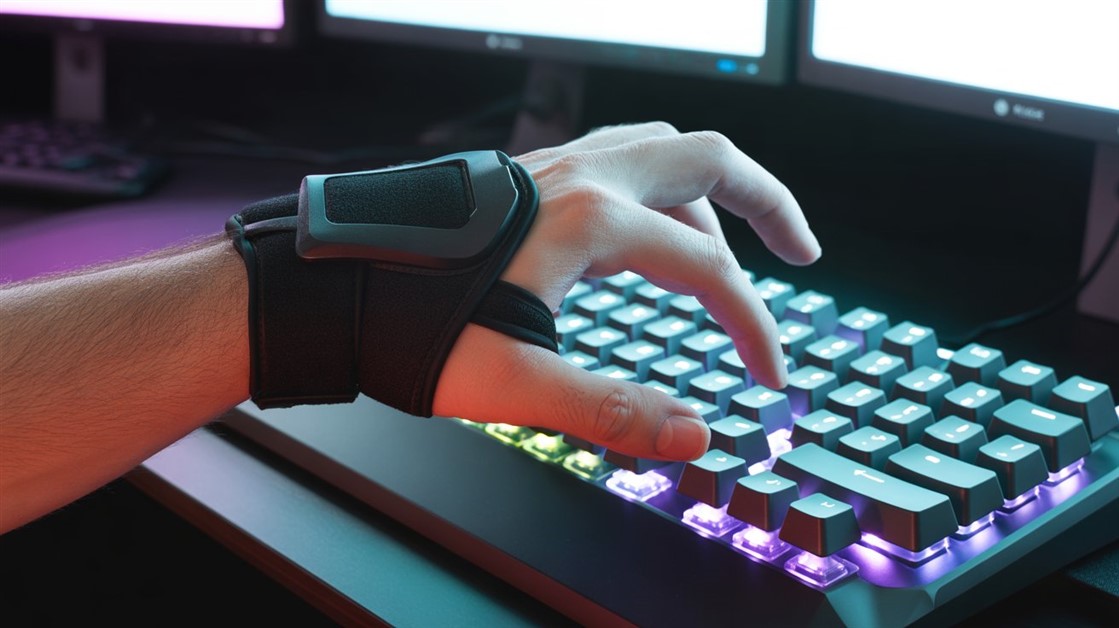
Your fingers go numb around hour two. Or your wrist starts aching in that specific spot just below your thumb, the one that gets worse every time you reach for a movement key. You've blamed your mouse, your chair, your posture — but the thing actually wrecking your wrist might be the keyboard sitting flat on your desk, forcing your hands into a position they were never built to hold for six hours a day.
This isn't a willpower problem. A standard keyboard is a single flat slab designed for typing memos, not for the repetitive, rapid-fire inputs gaming demands. If your wrist aches, tingles, or goes numb during sessions — a soreness that climbs into the forearm, or tingling that lingers after you've stopped for the night — the keyboard is the most overlooked variable in the whole setup.
The two worth trying
- Best overall: Logitech ERGO K860 — a split, tented shape that fixes your wrist angle with zero setup, and doubles as a comfortable work keyboard.
- For serious gamers: Keychron Q11 — a true split mechanical with hot-swap switches and full remapping, if you won't trade performance for comfort.
- Skip all this if: you game only a couple of hours a week with no wrist trouble — a chair tweak and real breaks may be all you need.
| Pick |
Best for |
What stands out |
The catch |
| Logitech ERGO K860 |
Comfort that doubles as a work board |
One-piece split dome, big wrist rest, zero setup |
Membrane; not for twitch-competitive play |
| Keychron Q11 |
Mechanical performance |
True split halves, hot-swap switches, QMK/VIA |
Newer; fewer reviews so far |
Why a flat board wrecks your wrist
A standard keyboard forces your forearms to rotate inward so your palms face flat down — what ergonomics guides call pronation. Hold that for hours while also angling your wrists outward to reach the edges of the board, and you're stacking two unnatural positions on top of each other, every session.
Ergonomics research broadly links sustained wrist deviation and forearm pronation to increased strain on the structures that run through the wrist — the same mechanism people usually mean when they say "carpal tunnel." Gaming makes it worse than typing does: WASD-style movement keeps one hand locked in a tight cluster for long stretches, with constant micro-corrections a typist's hands never have to make. Split and tented keyboards address this directly: separating the halves lets your shoulders set the width instead of the keyboard, and tenting (angling the halves up toward the middle) lets your forearms rest in a more neutral, handshake-like position.
To be clear about what this is and isn't: an ergonomic keyboard is not a substitute for a diagnosis, and a persistent ache that doesn't improve is worth raising with a doctor. But the mechanics are well understood — sustained pressure and awkward joint angles are a known risk factor, and the angle of your hands is one of the few parts of this you can directly control.
What to look for
- A split or strongly-contoured shape — ideally halves that physically separate (like the Q11) so you can match your own shoulder width; a fixed split-curve (like the K860) doesn't separate, but still beats a flat slab.
- Tenting — adjustable risers or a built-in tent angle, not just a flat split.
- Low-force switches — lighter actuation means less repetitive strain per keystroke over a long session.
- A real wrist rest — built-in or included, not a thin afterthought.
- Enough programmability to remap your WASD-style cluster if the split layout puts your most-used keys somewhere unfamiliar at first.
Worth knowing upfront: there's an adjustment period. Most people need anywhere from a few days to two weeks before they're back to normal typing and gaming speed on a split layout — that's not the wrong keyboard, it's your hands unlearning a bad habit.
The two, up close
Logitech ERGO K860 — the proven all-rounder
Best for: people who play a range of titles and want comfort that also carries their workday at the same desk.
Skip if: you need mechanical switches or sub-millisecond response for competitive twitch games.
The K860 isn't marketed as a "gaming keyboard" — no RGB, no macro keys plastered across the box — and that's part of why it works so well for this specific problem. Its split, dome-shaped design forces a more neutral wrist angle the moment you sit down, with no settings to configure; the padded wrist rest is genuinely substantial, and the negative tilt (front edge higher than the back) keeps your wrists from bending upward the way flat boards do. It won't replace a mechanical board for twitch-reflex titles, but for strategy, RPGs, most multiplayer games — anything you play after a workday at the same desk — it's comfortable for hours and doesn't look out of place on a video call. Years on the market have produced thousands of reviews, with wrist and hand-pain relief among the most consistently repeated themes: skepticism about the shape for the first few days, then real relief once the adjustment passes.
👉 Check Current Price → Logitech ERGO K860
Keychron Q11 — for serious gamers
Best for: gamers who want real mechanical switches and full control over layout, without giving up performance.
Skip if: you want the longest track record and largest pile of reviews, or you'd rather not tinker at all.
If you need real mechanical switches and you're not willing to trade gaming performance for comfort, the Q11 is the split board built for it. It's a genuine two-halves split with hot-swappable switches, so you can drop in lighter, low-force switches specifically to cut keystroke strain without changing how it plays. The aluminum frame stays sturdy under fast, repeated inputs, and full QMK/VIA programmability lets you remap the layout around the keys your games actually use rather than relearning a fixed split. It also keeps a column-staggered layout rather than an Alice-style curve — the layout most gamers already have muscle memory for — so your movement reflexes aren't relearning an unfamiliar stagger on top of the split itself. One honest caveat: it's newer to the split-keyboard space, so its review count is still building — worth a quick scan of current reviews before buying, though the ratings so far are strongly positive.
👉 Check Current Price → Keychron Q11
What about the RGB gaming-branded split keyboards?
You'll find split keyboards marketed straight at this problem, RGB lighting and all. We looked into the most popular one, and while its ergonomic design is genuinely sound, current owner ratings sit noticeably below the comfort and reliability bar the two picks above clear. A flashy gaming label doesn't automatically mean a better fit for your wrists — pattern data from real owners matters more than the marketing angle, which is exactly why it didn't make the cut. If that changes as more reviews come in, it's worth revisiting; right now, the picks above simply have stronger track records.
Quick fixes while you decide
None of these replace an ergonomic keyboard, but they can buy relief while you decide or save up:
- Get your height right. Lower the chair or raise the keyboard so your elbows sit near a 90-degree angle — wrong height alone causes half of this pain regardless of the board.
- Stop resting your wrists on the desk edge. Float them or use a proper wrist rest; the desk edge concentrates pressure on exactly the area that's already inflamed.
- Take micro-breaks. Every 30-45 minutes, shake out your hands and gently stretch your wrists back and forth for a few seconds.
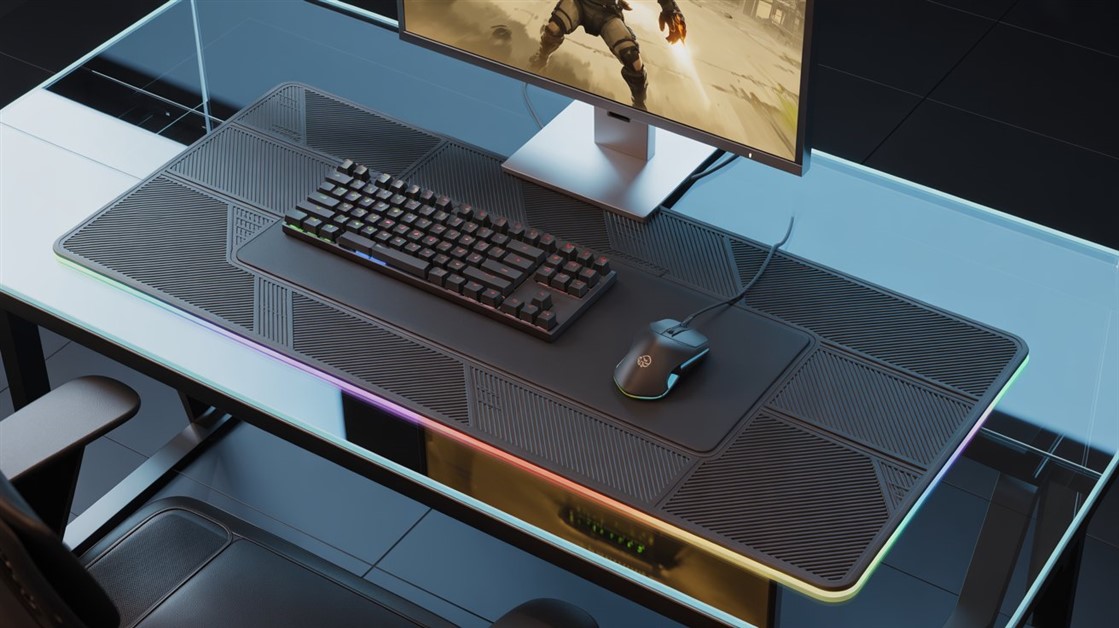
If marathon sessions are wrecking your hand from the mouse side too, our breakdown of mousepads that stop wrist pain during marathon sessions covers the other half of the setup.
FAQ
Do I actually need a split keyboard, or is this overkill?
If you game an hour or two a few nights a week with no wrist trouble, it may be solving a problem you don't have yet — a chair adjustment and real breaks could be enough. But if you're at a keyboard for work all day and then game for hours on top of it, the strain doesn't reset between the two, and the keyboard becomes the bottleneck. That's when a dedicated ergonomic layout stops being optional.
Will an ergonomic keyboard fix my carpal tunnel?
It can reduce the strain that contributes to it, by putting your wrists in a more neutral position — but it's not a treatment or a cure. Carpal tunnel is a medical issue, and a keyboard is one lever alongside rest, breaks, and proper care. If you have real numbness or persistent pain, see a doctor rather than relying on gear.
How long until I'm back to normal speed on a split layout?
Usually a few days to two weeks. Expect some fumbling and slower typing at first while your hands adjust to the new geometry; most people find it clicks within that window, and very few want to go back to a flat board afterward.
Do the halves have to physically separate, or is a curved one-piece enough?
A true two-halves split (the Q11) is the ideal, because it lets your shoulders set the width. But a fixed split-curve like the K860 still moves your wrists a long way toward neutral with zero setup, and for many people that's the more practical fix. Both are a big step up from a flat slab.
Disclosure: ChoiceCrush may earn a small commission if you buy through our links, at no extra cost to you. Our picks come from analyzing real owner reviews and independent breakdowns — not paid placement.
Your wrist isn't overreacting — the keyboard just isn't built for how long you actually sit there. Is it your keyboard, your mouse, or just too many hours? Tell us what's been causing your wrist pain during sessions.






Discussion
(0)Be the first to share your thoughts.