Power Banks That Don't Die Before Your Travel Day Does
Your power bank has 20,000mAh on the box. It still dies by 3pm. Here's what's actually happening — and which power banks deliver on their rated capacity when your travel day goes sideways.
Three chargers in your bag is two too many. One palm-sized GaN charger powers your laptop, phone, and tablet from a single plug — here's which one to actually buy.

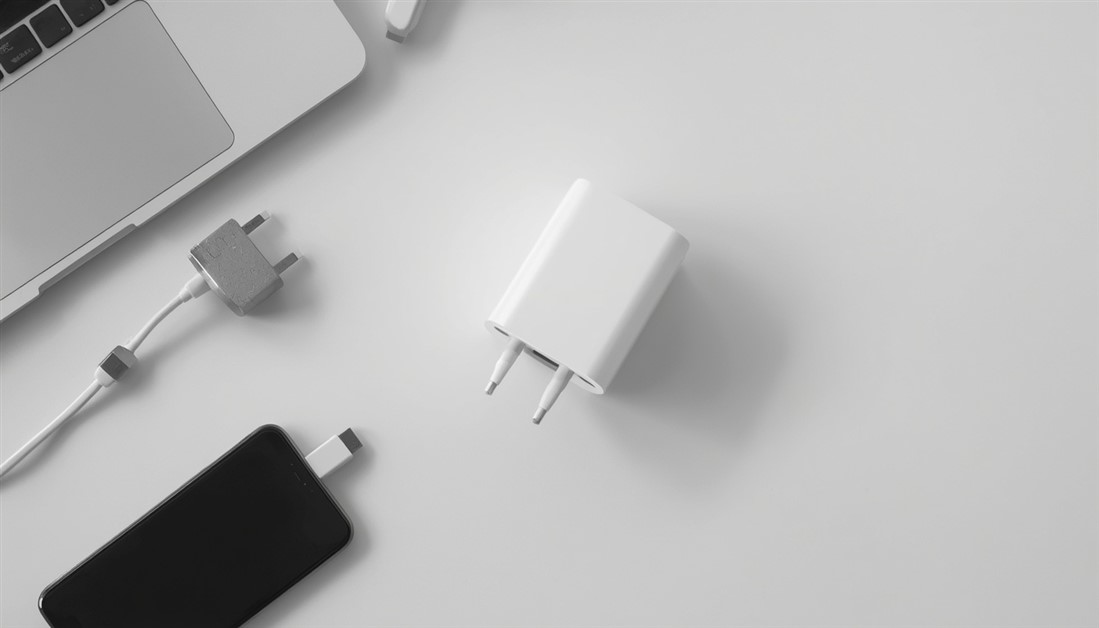
The average hybrid worker leaves the house with three chargers: one for the laptop, one for the phone, one for the tablet or earbuds. They settle into the bottom of a bag as a tangle of bricks and cables you re-sort at every stop — and at least once a week, the one you actually need is sitting at home.
None of that is necessary anymore. The same small charger can power your laptop, phone, and everything else from one plug. The three-brick pile survives not because the technology hasn't caught up — it has — but because most people never replaced the chargers that came in the box.
| Pick | Best for | What stands out | Note |
|---|---|---|---|
| Anker 735 (65W) | Most bags, thin laptops | Pocket-sized, folds flat, reliable | 65W, budget-friendly |
| Anker Prime (100W) | High-wattage laptops | Full laptop speed, premium build | 100W, premium |
| UGREEN Nexode (100W) | Value, many devices | More ports per dollar | 100W, mid-price |
Two things changed. First, GaN (gallium nitride) charger designs run cooler and more efficiently than the older silicon ones, so they pack more power into a far smaller body without cooking themselves. A modern 65W GaN charger is roughly the size of the little cube that used to manage a fraction of that.
Second, USB-C Power Delivery became a real standard. Phones, tablets, earbuds, and most laptops now charge from the same port type and negotiate their own wattage automatically. Plug a phone and a laptop into the same charger and each pulls exactly what it needs. Put those two shifts together and one palm-sized charger with two or three ports replaces the whole stack of bricks in about a quarter of the space.
Before you buy, understand the limitation that trips people up: a charger's total wattage is shared when you use several ports at once. A 65W charger feeding three devices doesn't give each one 65W — most of the power goes to the main USB-C port (plenty for a thin laptop), while the rest fast-charges a phone and trickles to something small like earbuds.
For everyday work that's completely fine — your laptop and phone both charge, the laptop just a touch slower than with its dedicated brick. The exception is a power-hungry machine under load: a 16-inch MacBook Pro or a gaming laptop pulling hard while charging can outpace a shared 65W port and slowly lose battery instead of gaining it. That's the entire reason the 100W picks exist.
Best for: a thin laptop (MacBook Air, XPS, Surface) plus a phone and one small device, all charging at once.
Skip if: your laptop needs more than 65W under load — a big MacBook Pro or gaming machine will want the 100W picks below.
Roughly the size of an earbuds case, it charges a thin laptop on the main port while fast-charging a phone on the second and topping up a watch or earbuds on the third, and the plug folds flat so it doesn't snap off in a stuffed pocket. It's also one of the most-reviewed chargers on Amazon with a rating that holds up across that volume — the kind of track record that filters out honeymoon reviews. The most common gripe is a port giving out after a year or two, which is below average for the price but worth knowing; the warranty covers it. For the most common bag setup, this is the no-second-guessing pick, and it costs far less than "premium" would suggest.
👉 Check Current Price → Anker 735 GaNPrime 65W
Best for: a 16-inch MacBook Pro, a gaming laptop, or anything that shipped with a 90W-plus charger.
Skip if: you carry a thin laptop — you'd be paying for headroom you'll never use, and the 735 is smaller and cheaper.
This one keeps a demanding laptop at full charging speed even with a phone plugged into the second port, where the 65W charger would start losing ground. The build is a clear step up too — it stays cooler under a long, sustained load, which matters if it's plugged in all day. It's noticeably smaller than the fat charger your big laptop came with, so it earns its spot even though it costs more than the 735. Buy it only if a lower-wattage charger genuinely can't hold your battery steady through a full work session.
👉 Check Current Price → Anker Prime 100W
Best for: people who want 100W and several ports without paying the flagship premium — or who regularly charge more than two things at once.
Skip if: you want the smallest, most travel-optimized body — the extra ports add a little bulk.
UGREEN's Nexode line lands right on Anker's heels for performance while costing less, and it tends to give you more ports for the money — handy when the whole family's devices hit one outlet, or your desk is the charging hub. It's heavily reviewed with a strong long-term rating too, so the savings don't come from cutting the reliability corner. If value and port count matter to you more than shaving off the last few grams, it's the smart-money choice.
👉 Check Current Price → UGREEN Nexode 100W
Start with the laptop charger. The brick your laptop shipped with is a single-port slab that hogs one outlet and helps nothing else; swapping it for a multi-port charger means your phone charges from the same plug, and two bricks leave the bag at once. The boxed phone charger is usually redundant after that — a good multi-port charger fast-charges most modern phones as fast or faster on its second port.
On ports: three (two USB-C, one USB-A) is the sweet spot for most people. Two USB-C covers the laptop and phone; the USB-A handles anything still on the old standard. The rule of thumb is one port per device you charge at the same time, not one per device you own — charging sequentially is fine. One easy thing to miss: the cable matters as much as the charger. A thin or old USB-C cable can quietly cap how fast your laptop charges no matter how capable the charger is, so use a cable rated for the wattage you actually need — and note that many multi-port chargers don't include one in the box. And for the days when every outlet is already taken, our guide to power banks that don't die before your travel day does covers the battery-backup side of the same problem.
No. USB-C Power Delivery is a negotiation: the charger offers what it can, and the phone draws only the fast-charge speed its battery management approves. A 100W charger doesn't force 100W into a phone — there's no overcharging risk from a higher-wattage charger.
Once the multi-port charger matches or beats your laptop's rated wattage, yes — keep the original as a desk backup. Check the wattage printed on your laptop's charger and match it: up to 65W is the 735's territory, and up to 100W is the Prime and Nexode's.
Mostly internal component quality (which drives reliability and how hot it runs) and wattage. The cheapest chargers often pass early tests but fail sooner; established GaN lines from brands like Anker and UGREEN have the better long-term records. A solid 65W charger is the value sweet spot because 65W is the easy part to engineer reliably.
The chargers here are dual-voltage, so the electronics handle both US and international power. What they don't include is a plug shape for foreign outlets — you'll want a simple travel plug adapter for the UK, EU, or Australia. The charger itself works everywhere; the adapter just changes the prongs.
Pull out the charger your laptop came with, read the wattage on the label, and match it to the 735 (up to 65W) or the 100W picks. The phone and tablet then charge for free from the extra ports — and two more bricks leave your bag without another decision to make.
Disclosure: We may earn a small commission if you buy through our links — at no extra cost to you. This helps us keep researching gear for real humans like you.
How many chargers are in your bag right now — and do you actually know which one goes with what? Tell us the tangle in the comments; someone about to make the swap could use a head start.

Your power bank has 20,000mAh on the box. It still dies by 3pm. Here's what's actually happening — and which power banks deliver on their rated capacity when your travel day goes sideways.
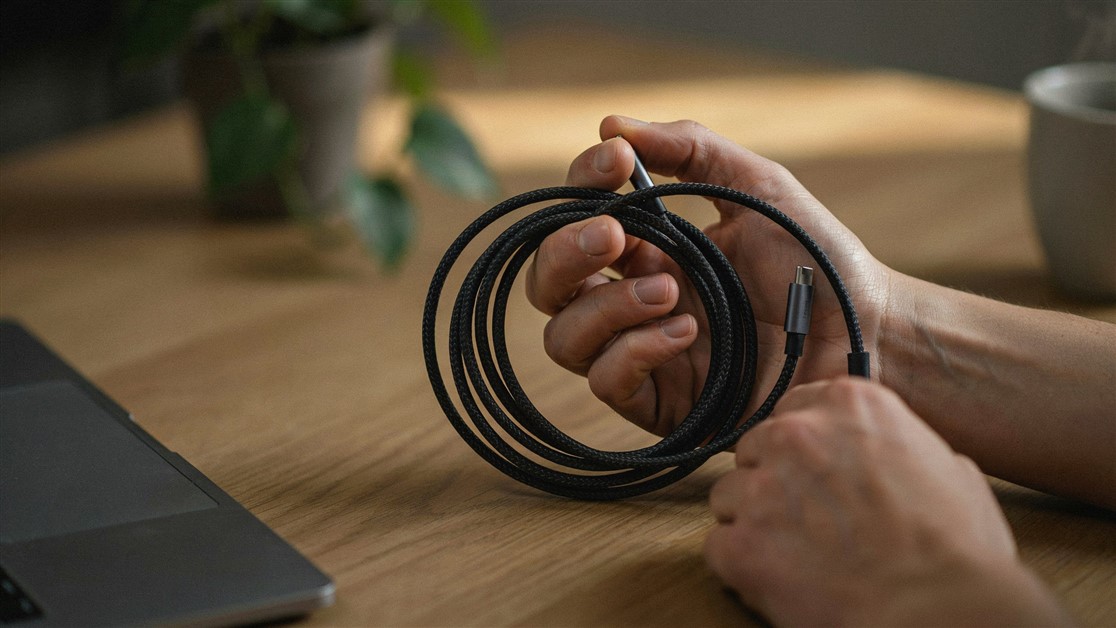
Your USB-C cable charged fine for a couple of weeks, then quietly died with no visible damage. That's not bad luck — it's thin wire and weak strain relief. Here's what actually survives daily use.

The gate changes, you've got ten minutes, and your charger is lost in the bag again. That's not disorganization — your accessories just live separately from the laptop they serve. Stick-on lid organizers put them on it.

Your drawer is full of notebooks with three good pages and a lot of blank ones. That's not you — paper is single-use. Reusable notebooks let you write, save what matters, wipe, and start fresh on the same book.
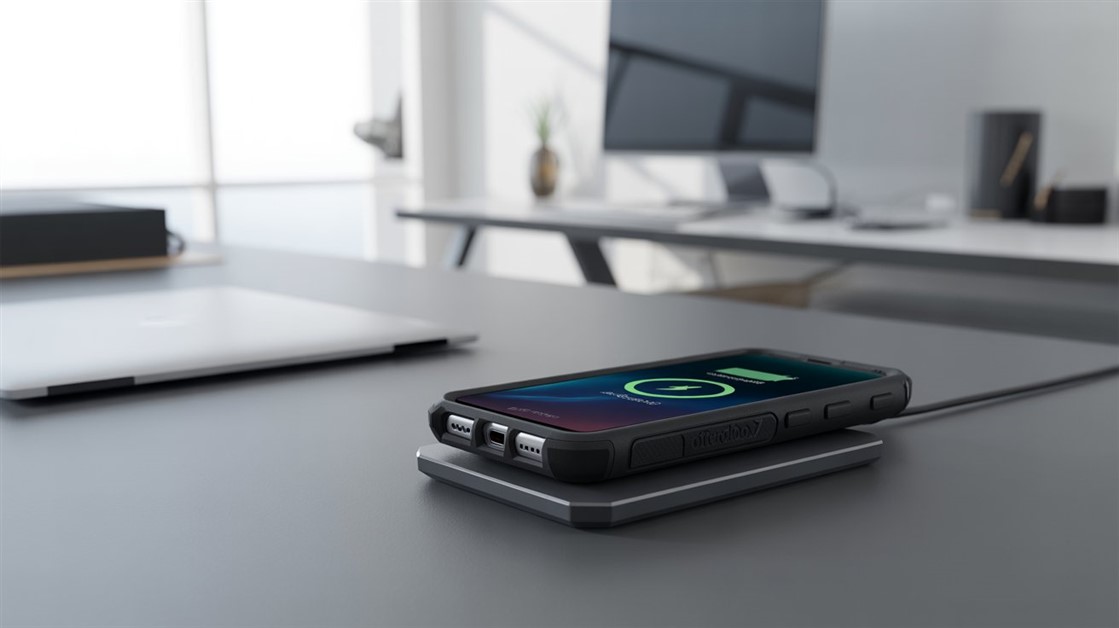
You peel your OtterBox off every night just to charge, and now the port's worn out. But rugged cases are built to charge wirelessly — if yours cuts out, it's usually the charger that can't reach through the case.

Your on-the-go videos shake because your tripod stays home. Here are the pocket-sized phone tripods small enough to actually carry — and steady enough to trust.

Adhesive privacy screens leave sticky residue and won't come off for Zoom. Magnetic ones snap on for café work and off in a second — here's how to pick one.
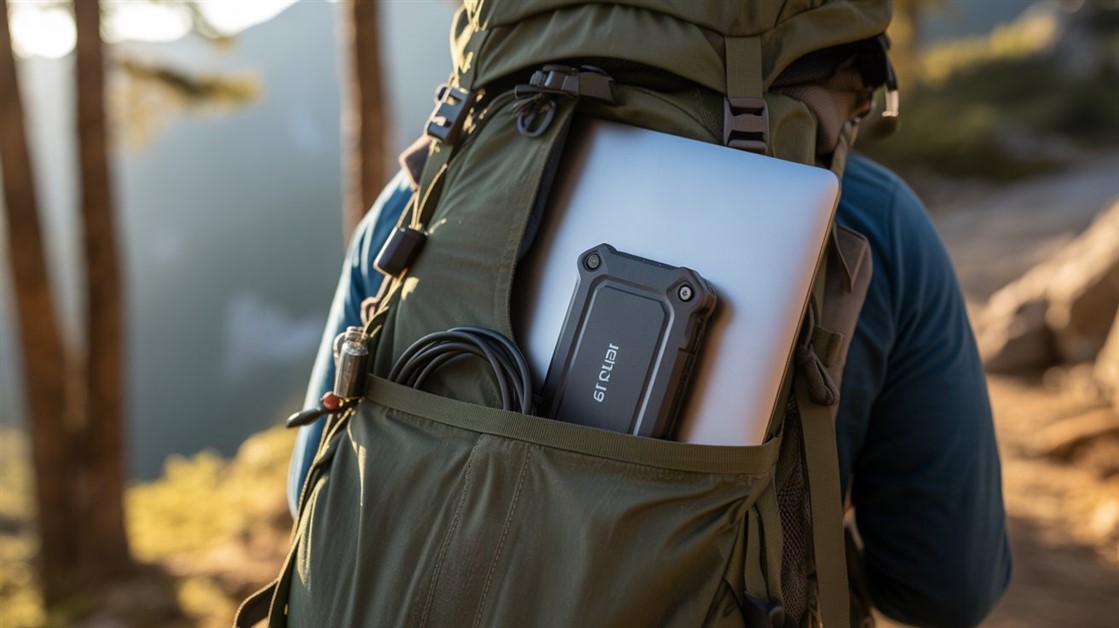
Drop your SSD on concrete and months of work can vanish. Regular drives aren't built for backpack life — here's how to pick one that actually survives.
Discussion
(0)Be the first to share your thoughts.