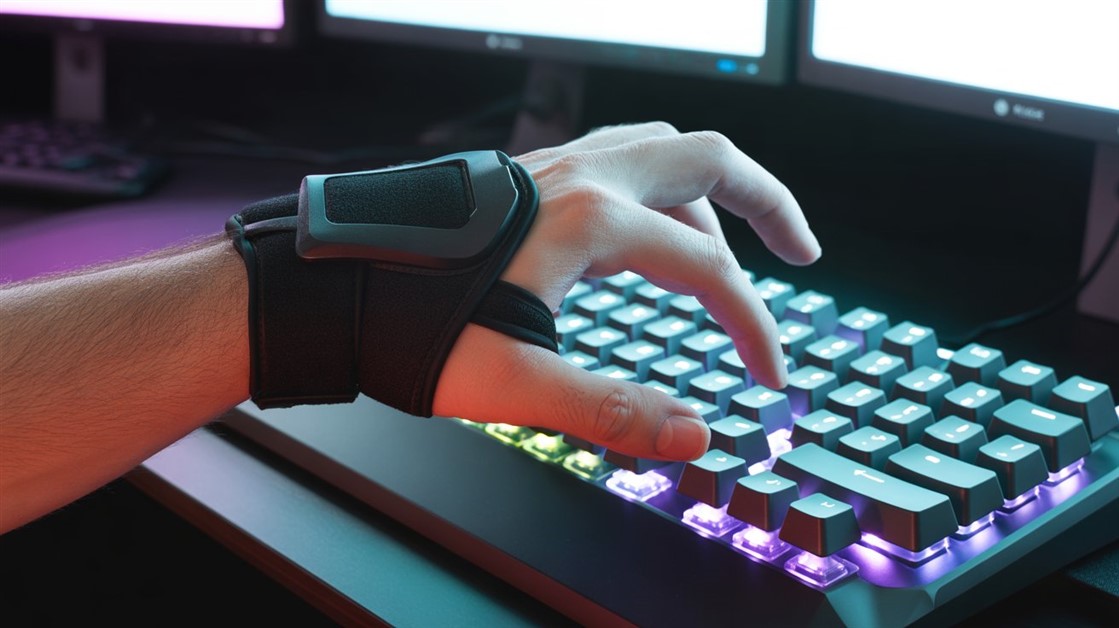
Crouch on your pinky. Sprint on your ring finger. Reload on your middle finger. By hour three, your left hand isn't gaming anymore — it's just managing pain.
Gaming asks for more inputs than a hand really has fingers for. Ten fingers, fifteen-plus actions, and the leftover load lands on whichever digit is closest — usually the pinky stretching for Ctrl or the ring finger reaching for Shift, over and over, for hours. Foot pedals fix that by moving the repetitive, low-precision inputs off your hands entirely.
The quick take
- Best overall: Kinesis Savant Elite2 — three programmable pedals, driverless, built by an ergonomics specialist. The one to get if wrist pain is the whole reason you're here.
- If you stream: Elgato Stream Deck Pedal — offloads game inputs and runs your broadcast (scenes, mute, macros) hands-free.
- Budget test: iKKEGOL Triple — a cheap way to find out whether pedals help before spending more.
- Skip all this if: long sessions don't leave your wrist sore, or you mostly play on a controller.
| Pick |
Best for |
What stands out |
The catch |
| Kinesis Savant Elite2 |
Wrist pain / RSI |
Programmable, driverless, saves settings onboard |
No gaming branding; a learning curve |
| Elgato Stream Deck Pedal |
Streaming + gaming |
App integration, auto-switching profiles |
Best with its companion app; three pedals |
| iKKEGOL Triple |
Budget, testing the idea |
Plug-and-play, cheap |
Less refined build |
Why WASD wears down your wrist
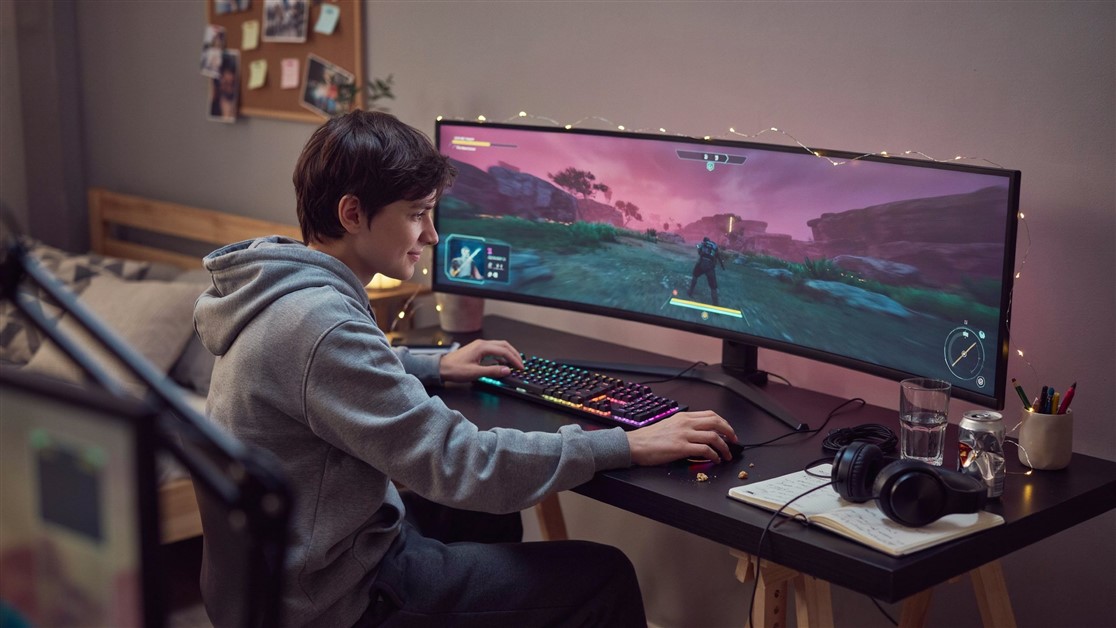
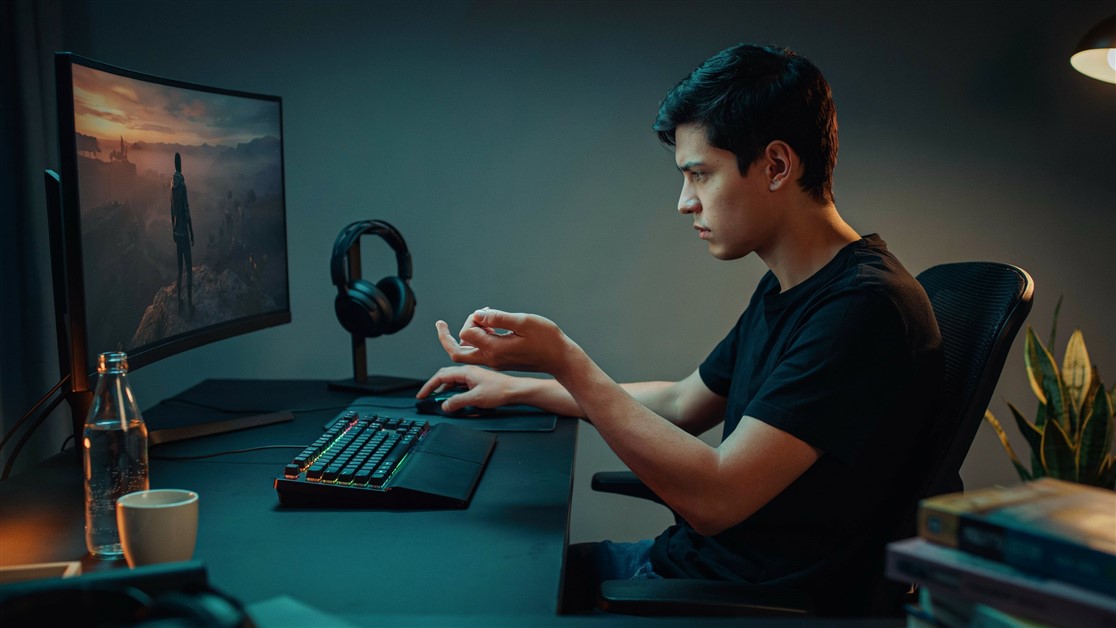
Resting your hand in the WASD claw position bends the wrist upward more than it naturally sits, and reaching the pinky over to Ctrl adds a sideways bend on top of that. Neither position is dangerous for a few minutes — the problem is doing it thousands of times in a single session, every session, for months.
This isn't weakness or bad technique. It's repetition meeting a hand position that was never built for it.
If a doctor has already put the words RSI or carpal tunnel near your gaming habits, the fix isn't necessarily quitting — it's taking the repetitive, low-precision inputs (crouch, sprint, reload) off your hands entirely and giving them to a part of your body that isn't already overworked: your feet. This is general ergonomic information, not medical advice — if you have a diagnosed condition or persistent pain, what actually works for your situation is worth confirming with a doctor or physical therapist.
The pedals worth a look
Kinesis Savant Elite2 — the ergonomics pick
Best for: players whose sessions are cut short by wrist pain, or who've been told it's RSI territory.
Skip if: you want gaming aesthetics or built-in streaming/app integration.
Three independently programmable pedals let you assign crouch, sprint, and reload (or any key combo) to your feet instead of your fingers. Kinesis has built ergonomic input devices since the early '90s, and it shows — the driverless setup works across Windows, Mac, Linux, and Chrome with no software to install, settings save to the pedal itself so you can carry it between computers, and the activation force is adjustable enough that resting a foot on the pedal doesn't set it off. With Ctrl, Shift, and R offloaded, your left hand is back to just WASD — four keys instead of ten — in a far more neutral position. The trade-off: building foot muscle memory takes a session or two, and it carries no gaming branding if that matters to you.
👉 Check Current Price → Kinesis Savant Elite2 Programmable Triple Foot Pedal
Elgato Stream Deck Pedal — for people who stream
Best for: anyone who streams while they game and wants one device for both jobs.
Skip if: you don't stream, or you'd rather not depend on companion software.
Three macro foot switches that trigger actions in OBS, Twitch, Discord, and games at once — go live, mute your mic, switch scenes, or fire a game macro, all hands-free. Its profiles can switch pedal assignments automatically depending on which app is in front, and swappable springs let you tune how hard each pedal pushes back. For anyone broadcasting while they play, it solves two things at once: studio control during the stream and crouch/sprint/reload offloaded to your feet during the match. The trade-off is that you'll get the most from it paired with the Stream Deck app, and it tops out at three pedals.
👉 Check Current Price → Elgato Stream Deck Pedal
iKKEGOL USB Triple Foot Pedal — the budget test
Best for: finding out cheaply whether foot pedals actually help you before committing.
Skip if: you already know they work for you and want durable, refined hardware.
A straightforward three-button foot switch — plug and play, no drivers, each pedal programmable to any key or mouse action. It's a legitimate way to test the whole idea before spending more on a premium option. The trade-off is build quality: it's noticeably less refined than the picks above, and there's no gaming-specific design to it.
👉 Check Current Price → iKKEGOL USB Triple Foot Pedal
Free ways to lighten the load first
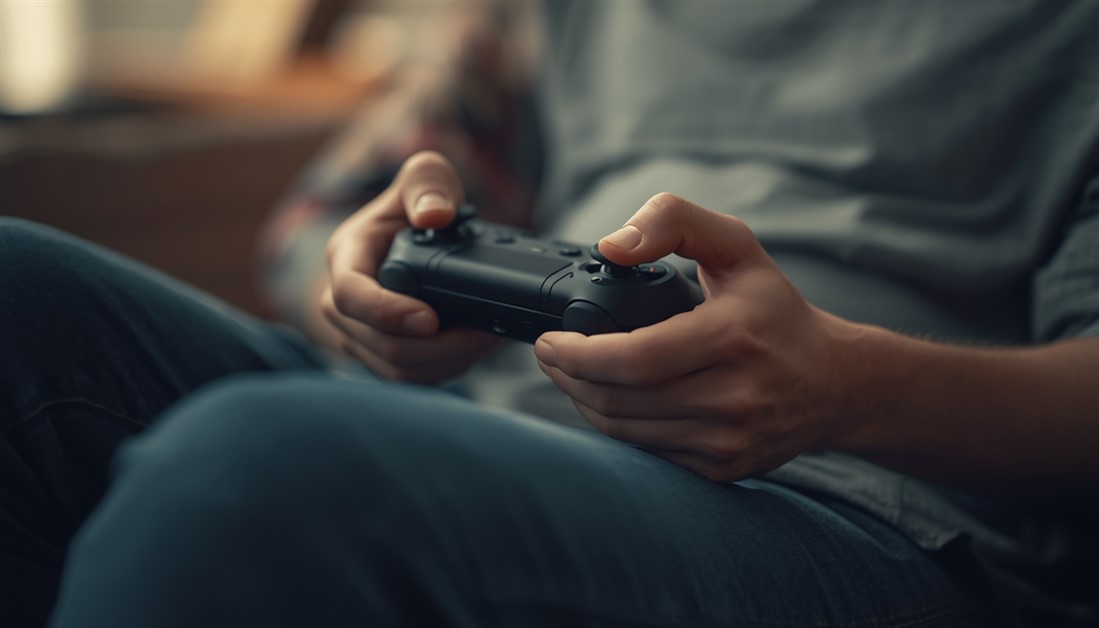
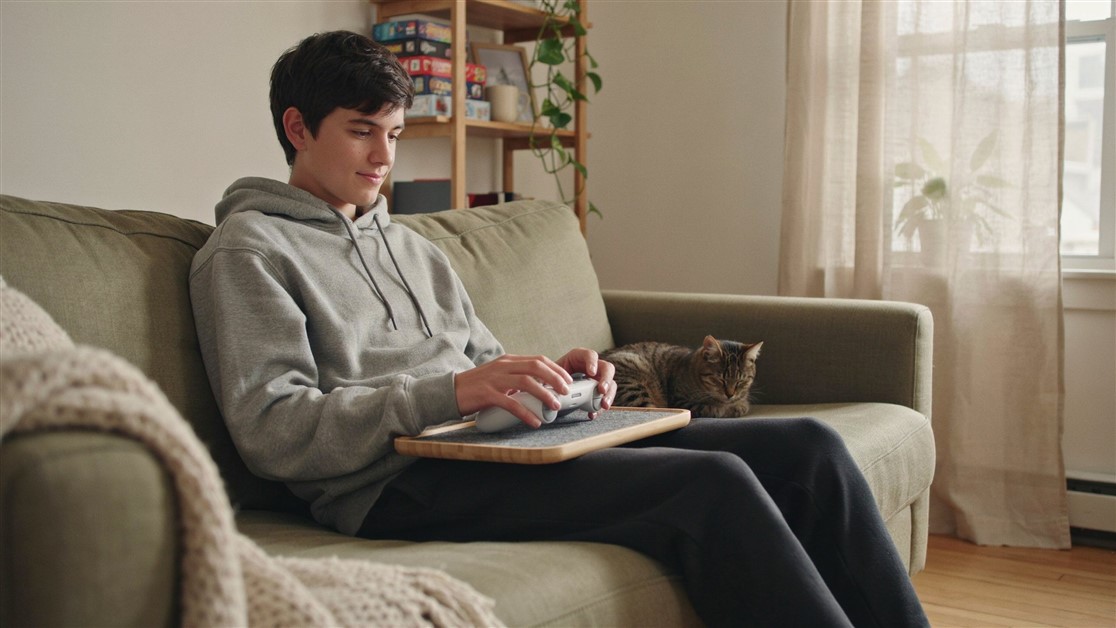
Before buying anything, a few zero-cost tweaks take a little off your hands. If your mouse has a spare thumb button, moving crouch there pulls one repetitive input off your pinky entirely — free and done in five minutes. Voice tools like Windows Speech Recognition or VoiceAttack can fire "reload" or "crouch" by voice, at the cost of some latency and the odd misfire, which suits slower games more than competitive FPS. And a controller in your left hand with the mouse in your right spreads movement across a more neutral grip, though it has a real learning curve and works better in open-world games than fast shooters.
Pedals tackle the keyboard side of wrist strain; the mouse side has its own fixes — see our guide to mousepads that stop wrist pain during marathon sessions.
FAQ
Do foot pedals actually help with wrist pain?
They can, by cutting down how many repetitive presses your hands make — move crouch, sprint, and reload to your feet and your left hand drops from juggling ten keys to four, in a more neutral position. That's a genuine reduction in load, but it isn't a cure: RSI and carpal tunnel are medical issues, and pedals are one lever alongside rest, posture, and proper treatment. If you're in real pain, see a professional rather than relying on gear alone.
Which inputs should I move to my feet?
The repetitive, low-precision ones — crouch, sprint, reload, push-to-talk. Keep aiming and fine movement on the mouse and keyboard, where accuracy matters; your feet are good for on/off actions, not for anything you need to place precisely.
Is there a learning curve?
Yes, but a short one. Expect a session or two of your foot hitting the wrong pedal or forgetting it's there before the muscle memory settles. Starting with one action (just crouch, say) and adding more as it clicks makes the switch easier.
Are these only useful for gaming?
No — a foot pedal is just a programmable input. The Kinesis is popular for accessibility and productivity (a foot-triggered shortcut or modifier), and the Elgato pedal runs streaming and app macros. Wrist relief is the reason here, but the hardware works anywhere a hands-free key press helps.
Disclosure: ChoiceCrush may earn a small commission if you buy through our links, at no extra cost to you. Our picks come from analyzing real owner reviews and independent breakdowns — not paid placement.
Wrist-brace veteran or just starting to feel it after long sessions — what's actually helped you keep playing? Tell us what worked.

Discussion
(0)Be the first to share your thoughts.