Your right hand does everything. Your left can barely reach half the buttons — or it's the other way around, or one hand is simply all you've got to work with. Meanwhile every "best controller" list online quietly assumes ten cooperative fingers and two hands that do what they're told.
That gap is real, and it isn't your fault. The problem was never that you're bad at gaming. It's that mainstream controllers were shaped around a body you don't happen to have — and the fix is matching the hardware to your hand, not forcing your hand onto the hardware.
What one-handed players keep running into
Dig through owner reviews and accessibility forums and the same walls come up again and again.
- "I bought the big adaptive controller and then found out it barely does anything on its own." The flagship hubs are exactly that — hubs. You still have to add the actual buttons and sticks.
- Costs that creep. The entry piece looks affordable, then a full one-handed rig grows once you add external switches, a joystick, and something to mount it all.
- Wildly mixed star ratings that are almost impossible to trust at a glance.
- The setup fights back. Getting the device to stay put on a lap tray, desk, or wheelchair arm turns out to be half the battle.
None of that means the gear is bad. It means the category works differently than a normal controller aisle, and nobody explains that up front.
Why one-handed gaming is genuinely hard to shop for
Here's the honest root of it: there is no single "one-handed controller," because "one-handed" isn't one thing. Which hand you use, which fingers actually move, how much force you can apply, how far you can reach, whether you can press and hold — every one of those changes what works. A layout that's life-changing for one person is useless for the next.
So the market answers with modular kits instead of a single gadget: a base unit plus swappable parts you arrange around your own body. That's why the ratings swing so hard, and why low-force, low-travel buttons and easy remapping matter far more than a spec sheet full of features.
It helps to picture the rough profiles. Someone with no use of one hand needs every input relocated to the working hand. Someone whose hand works but tires quickly needs low-force buttons and fewer of them. Someone down to one or two reliable fingers needs a small cluster of remappable inputs with software doing the heavy lifting. Same "one-handed" label, three completely different shopping lists — which is exactly why a generic top-ten list fails you here.
One caveat worth saying plainly: this is general setup guidance, not medical or occupational-therapy advice. If you're working around a diagnosed condition or a recent injury, an occupational therapist can tailor a rig to your exact range and strength far better than any buying guide can.
Start with what your console already does for free
Before you spend a cent, the accessibility settings already built into your console are more capable than most people realize — and they're the cheapest fix by a mile.
Xbox lets you remap any button at the system level and pair two controllers to one player at the same time, so a partner can handle the inputs you can't reach while you drive the rest. For plenty of people, that alone closes the gap.
PlayStation 5 has full button remapping in its accessibility menu, plus the option to assign the same action to more than one button — useful when a single button you can reach needs to do double duty.
Nintendo Switch supports button remapping and lets a single Joy-Con work on its own, handing you a stick, face buttons, and shoulder triggers in one small unit you can hold in one hand.
All of this is reversible and free to try tonight. If one of these gets you most of the way there, that's your answer — no purchase required. The hardware below solves more, but it's worth knowing how far the free settings take you before you open your wallet.
The controllers worth knowing about
Xbox Adaptive Controller — a hub, not the whole answer
A big, flat unit with two oversized buttons and a row of ports for external switches, buttons, and joysticks. On its own it does very little — and that's the point. Its strength is that you plug in exactly the inputs you can reach and map them however you like. Best when you already know you'll be adding external parts, not as a plug-and-play pad.
👉 Check Current Price → Xbox Adaptive Controller (Microsoft)
Xbox Adaptive Joystick — built for a single thumb
Newer and far simpler: a standalone joystick with a few face buttons you can drive with one thumb, usable on PC or paired with the Adaptive Controller. After going through owner feedback and expert breakdowns, it lands well precisely because it doesn't overwhelm you — a sane starting point for one-thumb or one-hand play without a full rig.
PlayStation Access Controller — tabletop and low-force
It sits flat so you never have to grip it, the buttons take barely any pressure, and the caps swap out so you can move inputs to wherever your fingers actually land. The round layout plus deep remapping makes real one-handed play realistic on PS5 without asking your hand to stretch across a traditional pad.
👉 Check Current Price → PlayStation Access Controller (PS5)
8BitDo Lite SE — the budget way in
The cheapest honest entry point: small, light, every button on the face, noticeably less resistance than a standard pad. It won't fit every disability, and its ratings are only okay for the same reason everything here is — it can't be all things to all hands. But as a low-cost way to test whether a compact, low-force layout even works for you before spending on a full adaptive setup, it's hard to argue with.
👉 Check Current Price → 8BitDo Lite SE
The PC route: one-handed keypads and remapping
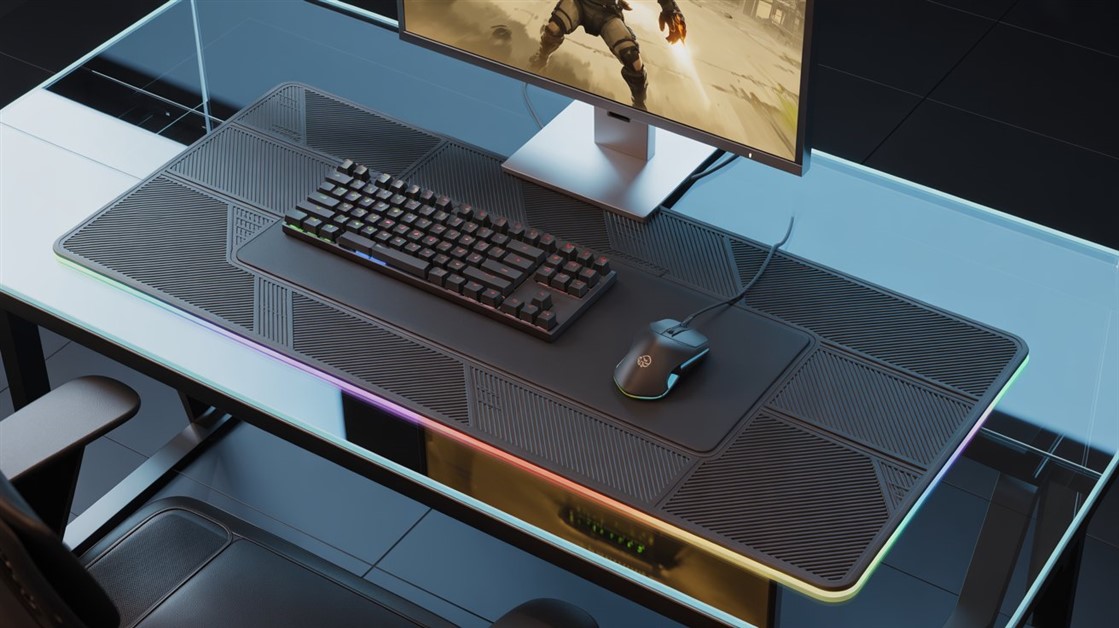
On PC you get the most freedom. One-handed keypads cluster movement and actions under the fingers of a single hand, and paired with a mouse they cover a huge range of games. Steam's built-in remapping layer lets you rebind anything, drop inputs you can't use, and even run a controller and mouse together as one setup.
The setup tricks that matter more than the controller
Honestly, the device is only half of it. These often make the bigger difference:
- Xbox Copilot. Link two controllers so they act as a single one — a friend can cover the inputs you can't reach, or you split the load across two devices or two parts of your body.
- Software remapping. Steam Input and console button-mapping let you move, disable, or double up inputs before you buy any special hardware at all.
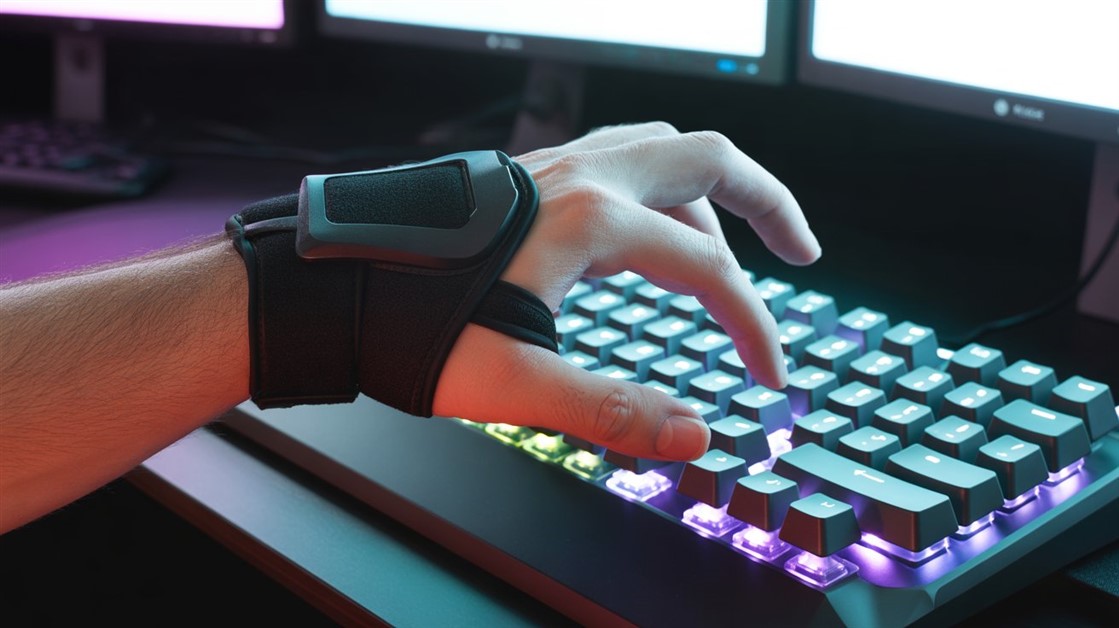
- Steady mounting. A clamp, gooseneck arm, or lap tray that holds the device still is frequently the line between "this works" and "I gave up."
And if your hand is already doing everything it can, moving a few inputs off it entirely is one of the most underrated moves out there — a set of foot pedals for extra gaming inputs can take over sprint or crouch while your hand stays free for aiming.
Where to get help — sometimes for free
You don't have to solve this alone, and you don't have to pay full price to start. Nonprofits like AbleGamers in the US and SpecialEffect in the UK exist specifically to help disabled gamers land the right adaptive setup — they run free assessments and lending libraries so you can try gear before you buy it, and sometimes help with the cost outright. An occupational therapist who actually games can save you months of expensive trial and error. Reaching out first is often smarter than buying first.
FAQ
Is there a single best one-handed controller?
No — and any list that names one is oversimplifying. The right setup depends on which hand you use, which fingers move, and how much force you can apply, so the real goal is matching inputs to your body rather than hunting for one universal device.
Do I need the Xbox Adaptive Controller to play one-handed?
Not necessarily. It's a powerful hub if you plan to add external switches and joysticks, but a standalone option like the Xbox Adaptive Joystick, the PlayStation Access Controller, or a compact low-force pad may cover you with far less setup and cost.
Why are the star ratings on adaptive controllers so mixed?
Because a controller that transforms one person's gaming can be unusable for someone with different needs, so scores swing hard in both directions. Weight the reviews written by people whose limitations sound like yours, not the overall average.
Can I game one-handed without buying special hardware first?
Often yes. Start with software remapping through Steam Input or console button mapping, plus a controller-and-mouse combo. Plenty of people find a workable setup this way before spending a cent on dedicated adaptive gear.
Disclosure: We may earn a small commission if you buy through our links — at no extra cost to you. This helps us keep researching gear for real humans like you.
What's the one input your current controller makes impossible — the reload, the sprint, the camera flick — that keeps yanking you out of the game? Tell us which one, and which hand you're working with; someone reading this has almost certainly solved the exact same thing.



Discussion
(0)Be the first to share your thoughts.