Chargers That Replace the Tangle of Bricks Living in Your Bag
Three chargers in your bag is two too many. One palm-sized GaN charger powers your laptop, phone, and tablet from a single plug — here's which one to actually buy.
Your laptop shouldn't force you to choose between work and gaming. We dug through real nomad complaints to find what actually survives both — no compromises, no fluff.


If you've ever tried to edit spreadsheets in a café, then frag enemies in a hostel — only to find your laptop overheats, dies in two hours, or weighs like a brick — you're not imagining it.
On Reddit's r/DigitalNomad, nomads who game on the road keep running into the same walls:
Amazon reviews for gaming laptops aimed at travelers echo it right back:
These aren't edge cases. They're the default experience when you're forcing a machine built for one context into a completely different one.
Most gaming laptops are engineered for a desk — chunky chassis, RGB everywhere, no real battery life. They assume you'll stay plugged in. Ultrabooks flip that: great battery, zero GPU, useless past spreadsheets.
If you're a nomad who games, both categories fail you at the same time. The laptop industry built for two separate archetypes. You're neither of them.
The physics aren't kind either. Squeezing real GPU performance into a thin travel chassis creates heat, and heat is the enemy of both sustained gaming and lap comfort. Very few machines get this tradeoff right — which is exactly why the same names keep appearing in every nomad gear thread.
After going through dozens of owner reviews on Amazon and Reddit, plus breakdowns from Tom's Guide, PCWorld, and Notebookcheck, one machine kept coming up — not because of RGB, but because of balance:
Port layout. It sounds trivial until you're wedged into a hostel corner with your charger on one side and your mouse on the other.
Ports distributed on both sides of the chassis mean no cable tangle in tight spaces — the G14 includes a mix of USB-A, USB-C, HDMI, and a microSD slot spread around the body. That card reader alone has saved more than a few nomads from hunting down adapters at an airport pharmacy. (Port layout got more upvotes than almost any spec in a 300+ comment nomad gear thread on Reddit — worth taking seriously.)
No laptop designed for portability is perfect, and the ones that claim otherwise are selling something. Here's what consistently comes up in owner reviews for this machine:
The ASUS ROG Zephyrus G14 is one of the most consistently recommended compact gaming laptops across professional reviewers and real nomad communities. It's a meaningful investment — but it genuinely replaces two machines.
👉 Check Current Price → ASUS ROG Zephyrus G14
Disclosure: We may earn a small commission if you buy through our links — at no extra cost to you. This helps us keep researching gear for real humans like you.
Yes — with plugged-in sessions in mind. Connected to power and running a higher performance mode, it handles demanding titles well. On battery alone, you'll want to lower settings. For most nomad gaming setups (a hostel room with an outlet, an Airbnb table), it's more than capable.
For a machine packing this much GPU, yes — it's one of the lightest options in its performance tier. Pair it with a compact GaN USB-C travel charger instead of the original brick and the total carry weight stays reasonable. Your back will notice the difference on airport days compared to a typical gaming laptop.
Better than most gaming laptops, but not invincible. The OLED panel's high contrast ratio helps in variable indoor lighting and shaded outdoor spots. Direct sunlight at peak brightness is still a struggle — find shade or an indoor seat when you need to actually see what you're doing.
The previous-generation G14 with a mid-range GPU is still widely available at a notably lower price and plays most games without breaking a sweat. Alternatively, the Lenovo Slim 5i and ASUS Vivobook Pro lines offer entry-level discrete GPU options for lighter gaming needs — though they trade some of the build quality and dual-sided port layout that make the G14 genuinely travel-friendly.
Still stuck carrying a laptop that fails you by 3pm — either dead on battery or too hot to touch? What's the biggest tradeoff you've had to live with on the road?
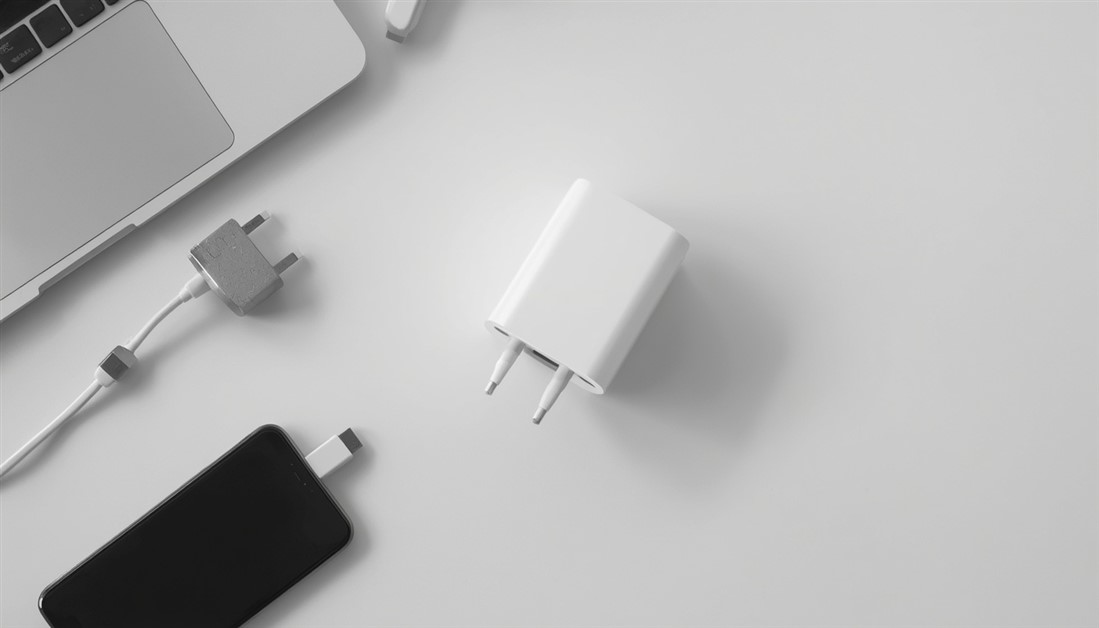
Three chargers in your bag is two too many. One palm-sized GaN charger powers your laptop, phone, and tablet from a single plug — here's which one to actually buy.
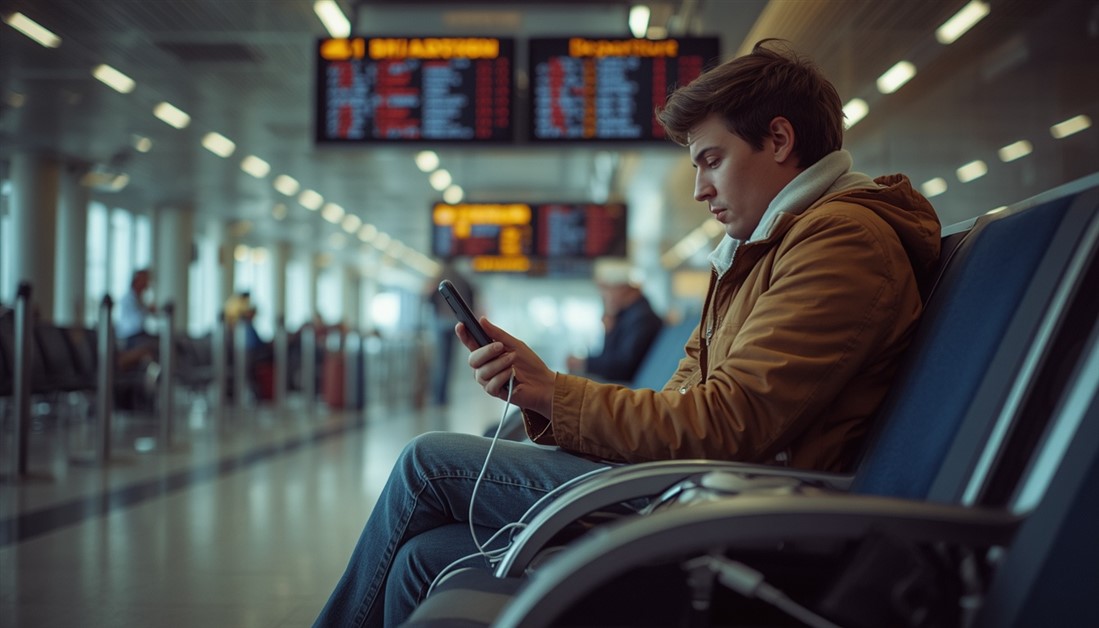
Your power bank has 20,000mAh on the box. It still dies by 3pm. Here's what's actually happening — and which power banks deliver on their rated capacity when your travel day goes sideways.
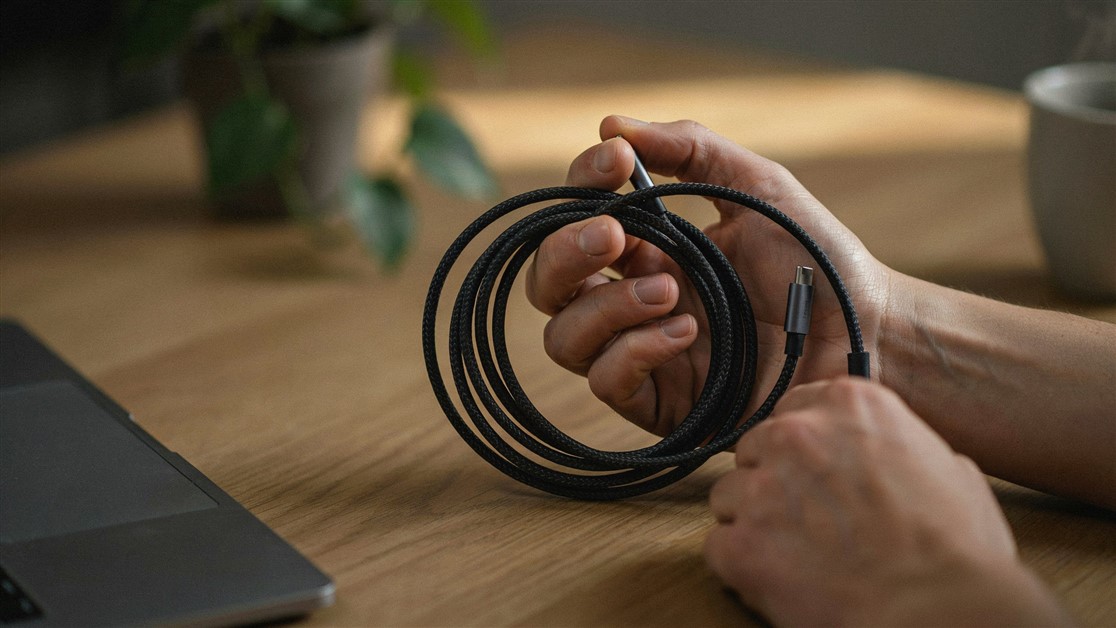
Your USB-C cable charged fine for a couple of weeks, then quietly died with no visible damage. That's not bad luck — it's thin wire and weak strain relief. Here's what actually survives daily use.
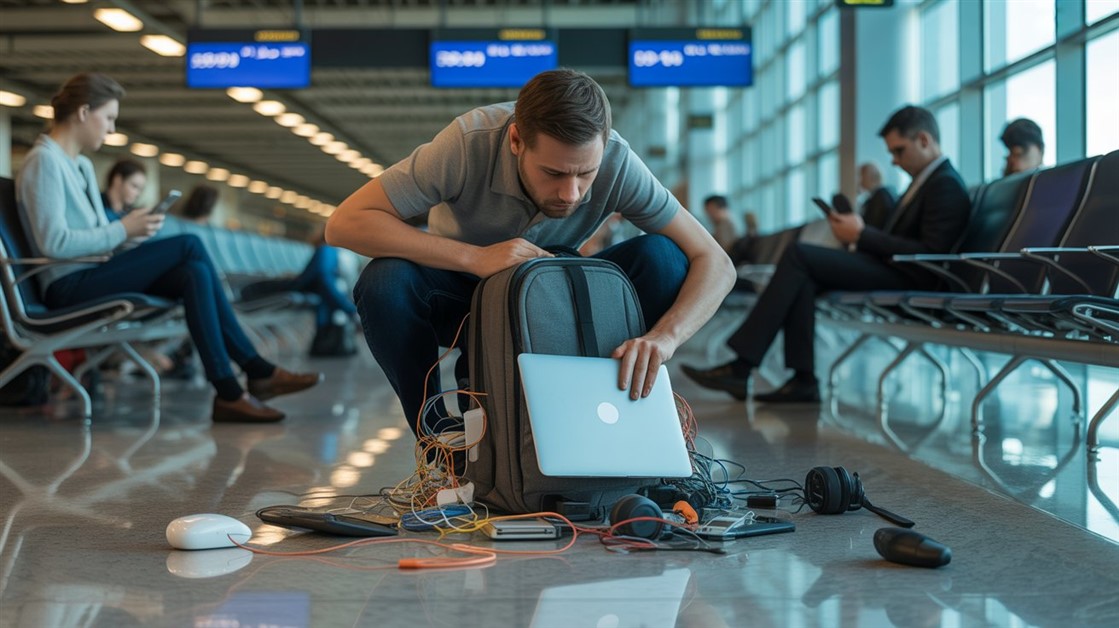
The gate changes, you've got ten minutes, and your charger is lost in the bag again. That's not disorganization — your accessories just live separately from the laptop they serve. Stick-on lid organizers put them on it.

Your drawer is full of notebooks with three good pages and a lot of blank ones. That's not you — paper is single-use. Reusable notebooks let you write, save what matters, wipe, and start fresh on the same book.
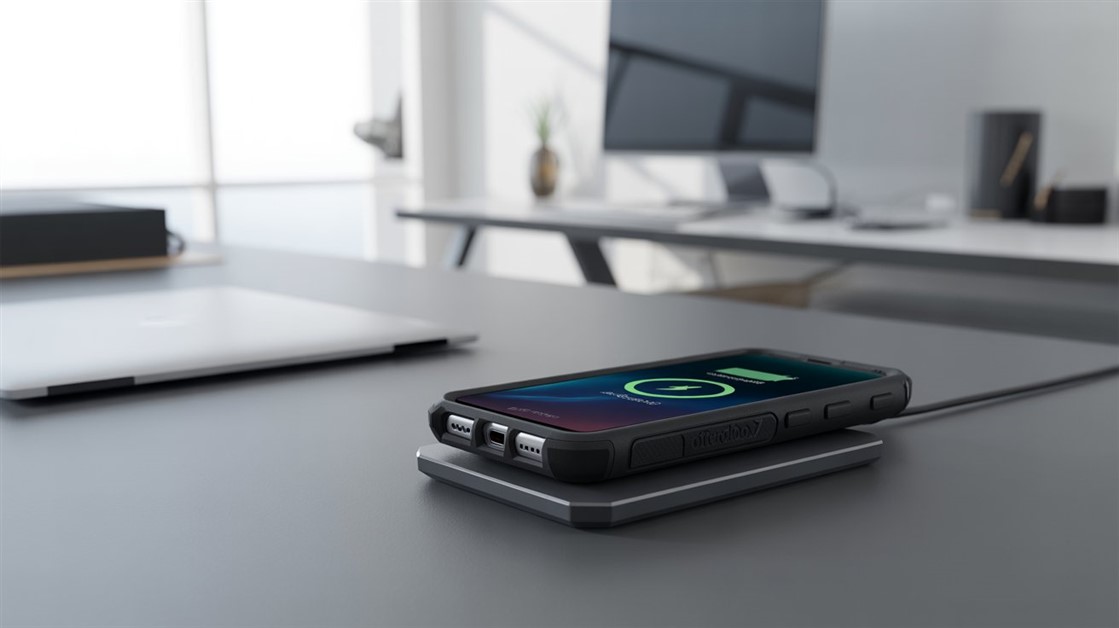
You peel your OtterBox off every night just to charge, and now the port's worn out. But rugged cases are built to charge wirelessly — if yours cuts out, it's usually the charger that can't reach through the case.
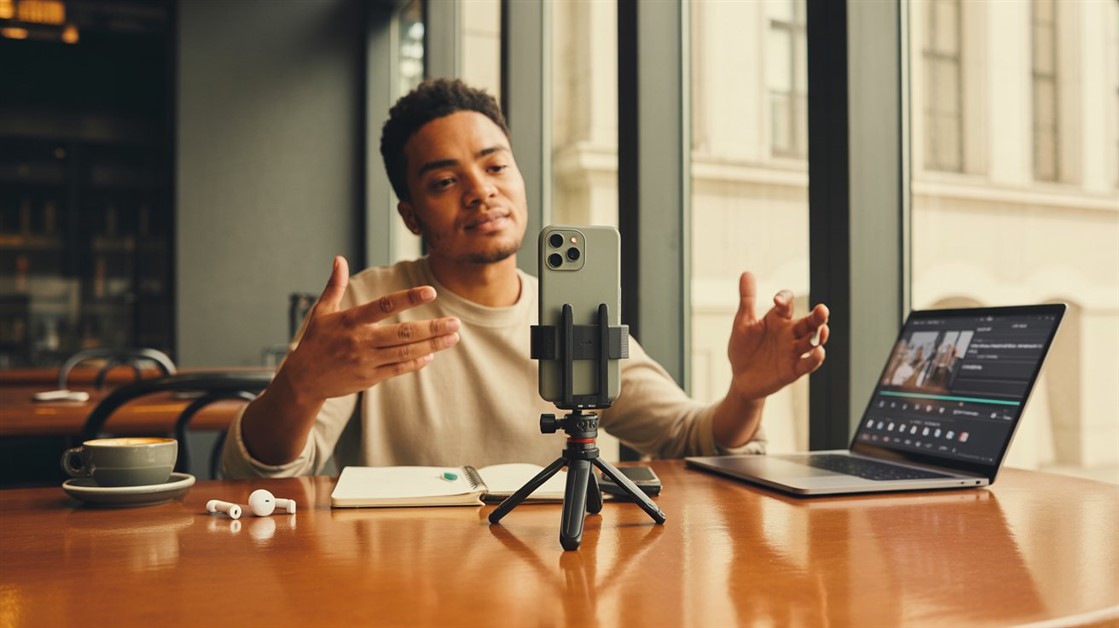
Your on-the-go videos shake because your tripod stays home. Here are the pocket-sized phone tripods small enough to actually carry — and steady enough to trust.

Adhesive privacy screens leave sticky residue and won't come off for Zoom. Magnetic ones snap on for café work and off in a second — here's how to pick one.
Discussion
(0)Be the first to share your thoughts.