Chargers That Replace the Tangle of Bricks Living in Your Bag
Three chargers in your bag is two too many. One palm-sized GaN charger powers your laptop, phone, and tablet from a single plug — here's which one to actually buy.
Need a tablet for lectures and late-night anime? We dug into real reviews — here's what actually handles note-taking and streaming without compromise.
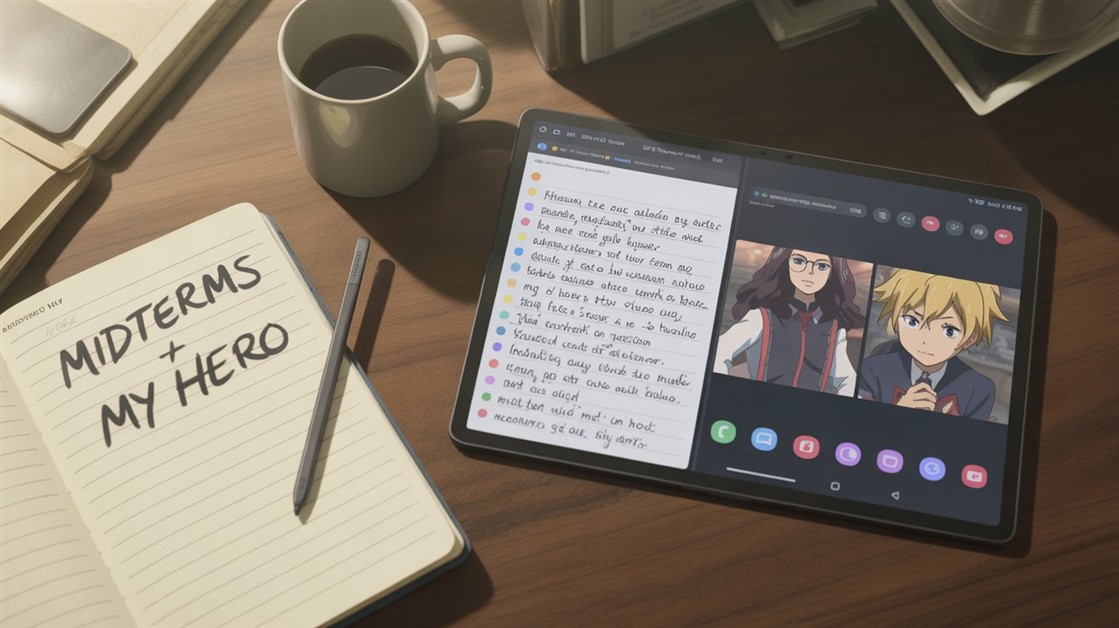
Lecture by day, anime by night — most tablets are built for one, not both. Student-focused tablets often have good stylus support but mediocre screens. Media tablets look great but fall apart for note-taking. Students who need both end up comparing spec sheets that don't tell them what they actually need to know.
On Reddit's r/StudentLife and r/tablets, the same complaints keep coming up:
Amazon reviews for "student tablets" echo it:
The real problem: Student tablets are optimized for productivity apps and battery life during class hours. Media tablets are optimized for vivid displays and audio during leisure. A tablet that genuinely excels at both is a smaller category than the marketing suggests — and the spec sheet rarely tells you how it handles a fluorescent-lit lecture hall or whether split-screen actually keeps up while streaming.
After going through owner reviews and expert breakdowns across the main contenders, the pattern was consistent: the tablets that work for this use case are the ones where the display doesn't become a liability in classroom lighting, the stylus input keeps up under pressure, and the battery makes it to evening without a top-up.
Trade-off: Android's anime app ecosystem works fine for Crunchyroll, Netflix, and most streaming platforms, but a few niche anime apps have better iPad versions. For most students this won't matter.
👉 Check Current Price → Samsung Galaxy Tab S9 (128GB Wi-Fi)
Available in 11-inch and 13-inch. The 13-inch is significantly better for split-screen use — notes and anime side by side at that size actually feels comfortable rather than cramped.
👉 Check Current Price → Apple iPad Air M2 11-inch
👉 Check Current Price → Apple iPad 10th Generation
Lecture hall lighting — overhead fluorescent — is the worst-case scenario for a glossy screen. Owner reviews from students consistently flag glare as the thing that makes a tablet feel unusable in class while working fine at home. An anti-reflective coating or a matte screen protector does more for real-world usability than jumping from 1080p to 2K resolution.
Two tablets can list nearly identical stylus specs and feel completely different during a fast-moving lecture. What actually matters is palm rejection — so your resting hand doesn't leave marks — and how the input holds up when you're writing quickly rather than sketching carefully. Student reviews specifically (not artist reviews) are worth seeking out before committing, since the use case is different.
The hardware only goes so far. Notability and GoodNotes are the most consistently recommended note-taking apps among students — both run well on the tablets above. Notability's automatic recording sync (tying audio to handwritten notes) is particularly useful in lectures. Samsung Notes handles PDFs and handwriting well and is more capable than people expect, though the Apple ecosystem apps have a longer track record in academic settings.
A downloaded anime season for offline commutes can run 10-20GB depending on quality, on top of handwriting-heavy note files that store as images rather than lightweight text. The base storage tier fills faster than expected once both are in play. Going one tier up at purchase is usually cheaper than regretting it later.
For lecture-based classes, yes — especially with a stylus app that supports typed and handwritten notes side by side. Where it falls short is heavier coursework like coding or spreadsheet-intensive work, where a full keyboard and desktop software still win.
More than most reviews make clear. Lecture hall overhead lighting is genuinely brutal on glossy screens — the difference shows up after 45 minutes in class, not in a 2-minute store demo. A matte coating or protector reduces the issue significantly.
If anime-watching is light and mostly at home, the iPad 10th Gen handles note-taking well. The tradeoffs show up once you're leaning on it for longer media sessions — battery life and split-screen experience become real limits at that point.
iPad Air M2 (2024) works with Apple Pencil Pro and Apple Pencil USB-C. iPad 10th Gen works with Apple Pencil 1 — but needs a USB-C to Lightning adapter to charge alongside the tablet. Not a dealbreaker, just worth knowing before you buy the wrong one.
If you're unsure, buy from a retailer with a clear return policy — Amazon's 30-day window lets you test it through real lectures and real anime sessions before committing.
For the rest of your student workflow, our breakdown of habit trackers for people who hate tracking covers how to stay on top of coursework without adding guilt to the process.
Disclosure: We may earn a small commission if you buy through our links — at no extra cost to you. This helps us keep researching gear for real humans like you.
Notes on the left, anime on the right — which split-screen moment actually sold you on a tablet, or is one screen still winning?
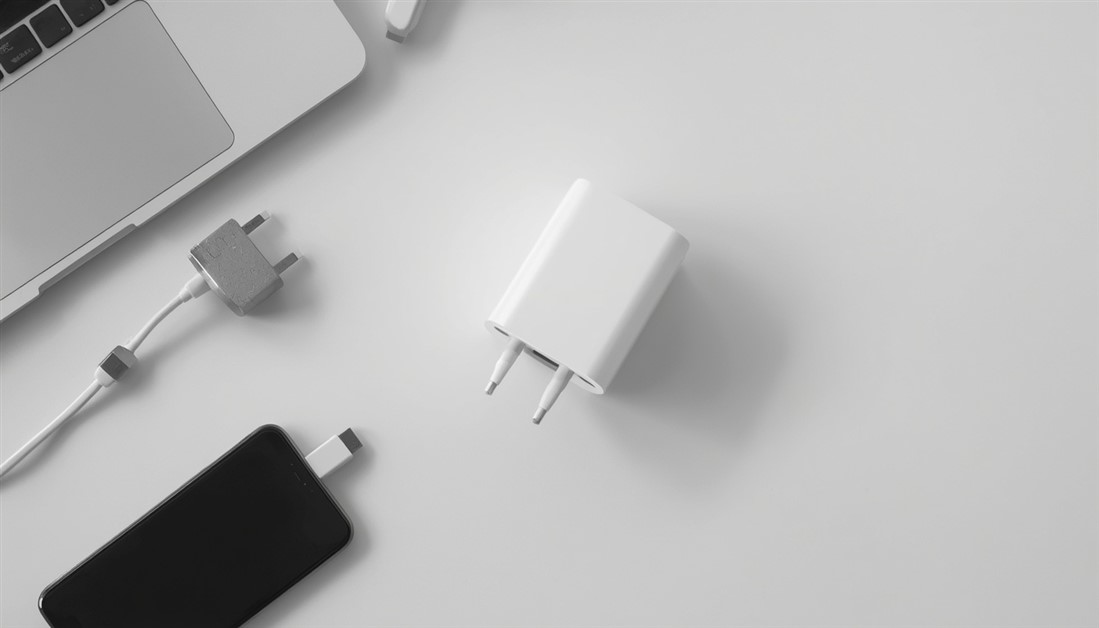
Three chargers in your bag is two too many. One palm-sized GaN charger powers your laptop, phone, and tablet from a single plug — here's which one to actually buy.

Your power bank has 20,000mAh on the box. It still dies by 3pm. Here's what's actually happening — and which power banks deliver on their rated capacity when your travel day goes sideways.
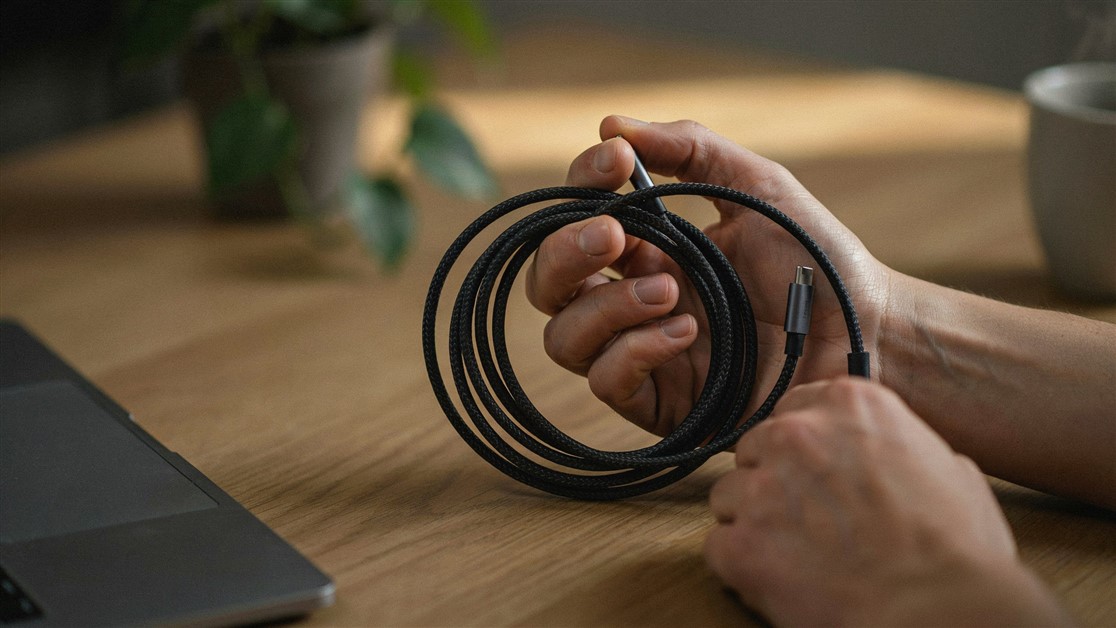
Your USB-C cable charged fine for a couple of weeks, then quietly died with no visible damage. That's not bad luck — it's thin wire and weak strain relief. Here's what actually survives daily use.
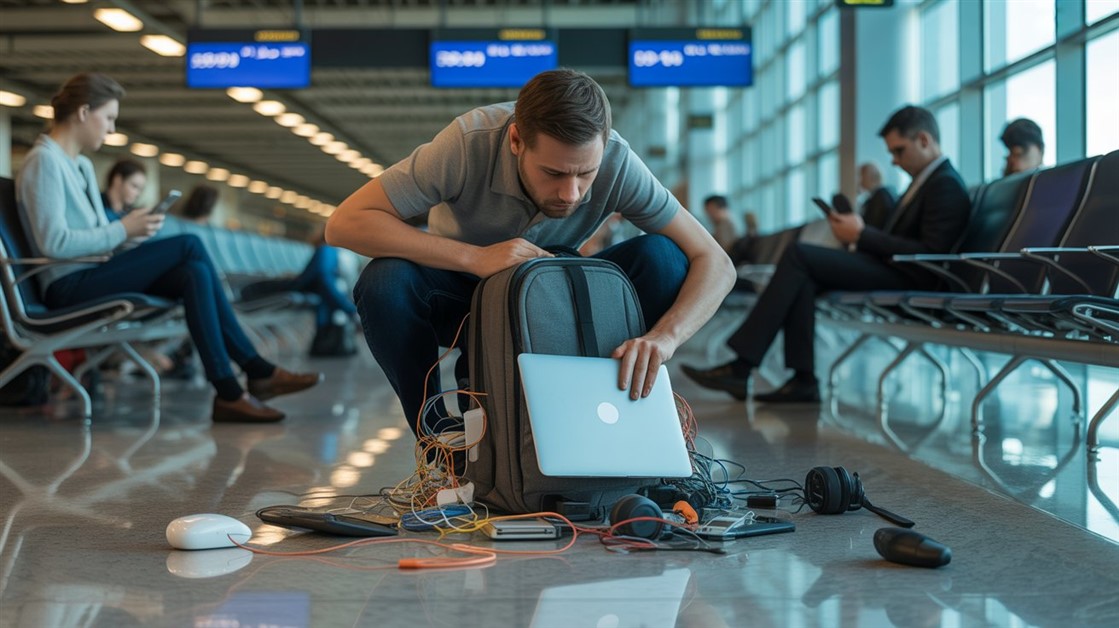
The gate changes, you've got ten minutes, and your charger is lost in the bag again. That's not disorganization — your accessories just live separately from the laptop they serve. Stick-on lid organizers put them on it.

Your drawer is full of notebooks with three good pages and a lot of blank ones. That's not you — paper is single-use. Reusable notebooks let you write, save what matters, wipe, and start fresh on the same book.
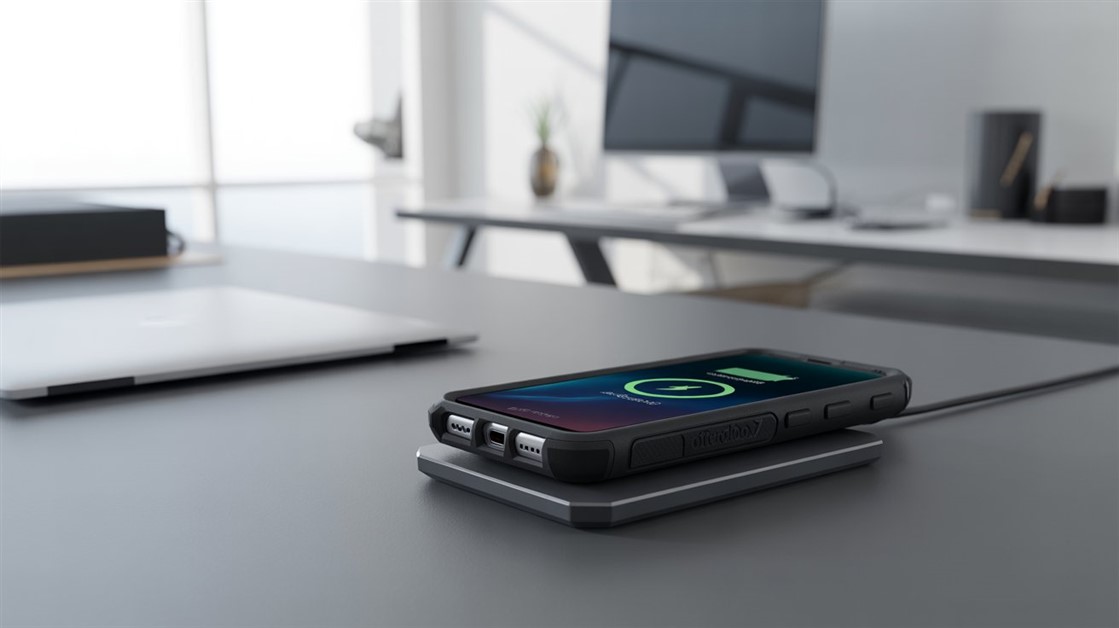
You peel your OtterBox off every night just to charge, and now the port's worn out. But rugged cases are built to charge wirelessly — if yours cuts out, it's usually the charger that can't reach through the case.
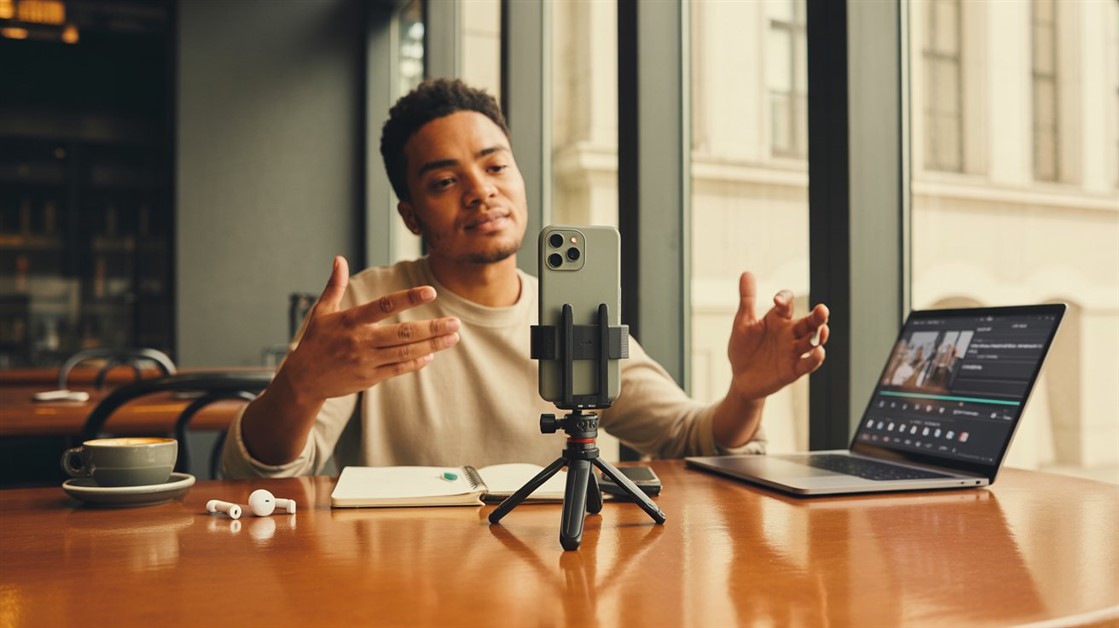
Your on-the-go videos shake because your tripod stays home. Here are the pocket-sized phone tripods small enough to actually carry — and steady enough to trust.

Adhesive privacy screens leave sticky residue and won't come off for Zoom. Magnetic ones snap on for café work and off in a second — here's how to pick one.
Discussion
(0)Be the first to share your thoughts.