Chargers That Replace the Tangle of Bricks Living in Your Bag
Three chargers in your bag is two too many. One palm-sized GaN charger powers your laptop, phone, and tablet from a single plug — here's which one to actually buy.
Tired of juggling a laptop bag, controller case, and charger pouch? You’re not alone. We analyzed backpacks that fit everything — no more gear spillover.

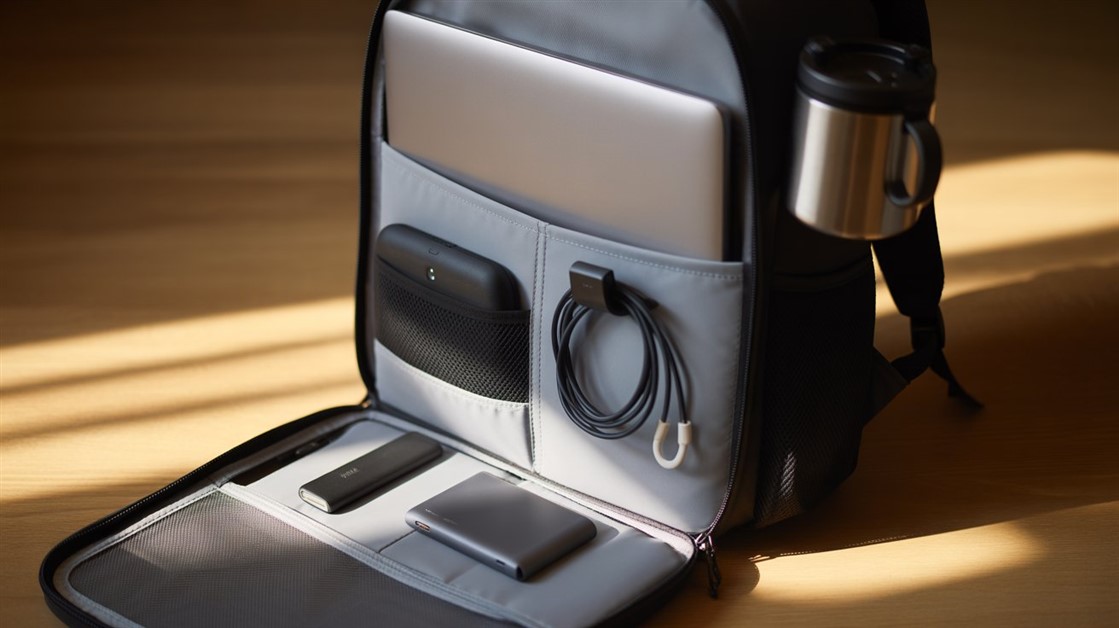
You don't need a massive hiking bag to carry your laptop and a controller to a café. The real problem isn't space — it's organization. Most bags aren't built for the hybrid reality of working from anywhere and gaming somewhere else, so you end up improvising: controller loose in the main compartment where the thumbsticks get pressure damage, cables tangled together in a pouch that was never meant to hold cables, charger buried under everything else.
The right bag doesn't just hold more — it holds things in predictable places. You reach in and find what you're looking for instead of excavating.
In r/backpacks, r/digitalnomad, and gaming gear communities, the same frustrations come up constantly when people ask about carrying tech and gaming gear together.
The most common complaint: controllers have nowhere to go. Professional backpacks assume you only carry slim work items; gaming backpacks prioritize aggressive styling over actual organization. Neither has a dedicated space where a controller sits without pressure on the thumbsticks or getting scratched by the zipper of the laptop sleeve.
The second pattern: cable compartments that don't work. A single pouch marketed as a "cable organizer" with no internal dividers just becomes the place everything tangles. After two months most people stop trying and dump everything into the main compartment anyway.
The third pattern: water bottles versus balance. Side pockets that can't hold a full 750ml bottle, or that hold one but throw the bag's weight distribution off enough to dig into one shoulder on a long walk. Small problems individually — together they make every commute more annoying than it needs to be.
Before buying, three things matter more than the listed capacity:
The Rogue v3 hits the sweet spot for the hybrid gamer who moves between a desk job and gaming sessions without wanting to look like they're heading to a LAN party at either location. The exterior reads as a professional bag — no aggressive branding, no RGB — while the interior is organized around protecting tech hardware specifically.
Owners consistently praise how the interior compartmentalization handles the laptop + controller combination: the padded laptop sleeve is accessible from the back panel, and the remaining space is divided well enough that a controller, charger, and cables can coexist without damage. The tear-resistant, water-repellent exterior has held up well in real-world reviews, including from users who've used it daily for over a year.
It fits up to a 15.6-inch laptop, which covers the majority of laptop sizes for professional and hybrid use. The design is stealth enough to bring into a client meeting and practical enough to pack gaming gear for a session afterward.
The reality check: Strictly 15.6-inch maximum. If you carry a 17-inch workstation laptop, it won't fit comfortably. Razer also makes a 17-inch version, but the organizational layout differs — check compartment specs before buying the larger size.
👉 Check Current Price → Razer Rogue v3 15.6" Backpack
If you regularly pack a laptop, a controller, extra peripherals, and clothes for a 2-3 day trip — all in a single carry-on — the tomtoc 40L is the organizational solution that handles that combination without forcing you to choose what stays behind.
It opens completely flat like a suitcase rather than a traditional top-loading backpack, which means you can see and access everything simultaneously instead of digging. The internal layout includes a dedicated padded laptop section (fits up to 17.3-inch), a tech compartment for tablets and accessories, dual water bottle pockets, and 10+ pockets total with YKK zippers throughout. Reviewers consistently note that tech gear stays findable and organized even when the bag is fully packed.
At roughly 2.4 lbs empty, it's light enough that filling it with tech gear doesn't become oppressive to carry. The TSA-friendly laptop compartment opens 180 degrees flat for security checks.
The reality check: 40L is a large backpack — if you're just doing a coffee shop run with a laptop, it's overkill. It also has no hip strap, which matters when carrying heavy loads for long distances. This is a travel and commute bag, not a lightweight daily carry.
👉 Check Current Price → tomtoc Travel Backpack 40L
If you need the basics done right without spending $70+, this is the honest budget option. It has a padded laptop sleeve, a front organizer panel with individual slots for cables and small accessories, and a mesh side pocket that actually holds a standard water bottle without the bag tilting sideways.
For a controller, it goes into the main compartment — there's no dedicated padded slot, which is the main tradeoff at this price. Wrapping the controller in a hoodie or a small pouch solves the thumbstick pressure issue, but it's an extra step. Owners report solid build quality and durability for daily use despite the low price.
The reality check: Budget zippers and shoulder straps have a shorter lifespan under heavy daily abuse. It's well-made for the price, but if you're carrying a full tech load every day for years, the premium bags above will outlast it.
👉 Check Current Price → AmazonBasics Laptop Backpack
The consistent finding across user feedback: a well-organized 20L bag carries more usable gear than a disorganized 30L one. Volume is irrelevant if you spend two minutes per session fishing things out. Look for dedicated pockets (not shared pouches), separate compartments for tech versus everything else, and a back panel that handles the weight distribution of a full tech load without pulling to one side.
If cable tangles are also a problem once you're at your destination — not just while packing — the guide on cable sleeves for people who hate cable management covers the desk-side version of the same problem.
It's risky. Without a dedicated padded pocket or a separate hard case, thumbsticks are exposed to pressure from surrounding items — which is a common cause of premature stick drift and cracked shoulder buttons. At minimum, wrap it in something soft and keep it away from the laptop's sharp edges.
Traditional gaming backpacks with aggressive styling and visible branding read as gaming gear in professional contexts, which can be awkward. Newer "stealth" options like the Razer Rogue v3 are specifically designed to look neutral and professional while still protecting gaming hardware inside.
A compartment that opens completely flat at 180 degrees, allowing airport security scanners to see the laptop clearly without you removing it from the bag. Not all "TSA-friendly" claims are equal — the compartment should lie fully flat, not just partially open.
Individual cable loops or elastic slots in a front organizer panel separate cables before they tangle. If your bag doesn't have these, small cable ties or velcro straps wound around each cable individually solve the problem without requiring a different bag.
The right backpack should feel like a portable basecamp — everything has a place, everything is findable in under ten seconds. Pack it exactly as you would for a real hybrid day before committing to buy, and see if it actually brings order or just moves the chaos to a different compartment.
Disclosure: We may earn a small commission if you buy through our links — at no extra cost to you. This helps us keep researching gear for real humans like you.
What's the one piece of tech you always end up leaving behind because it genuinely doesn't fit in your bag right?
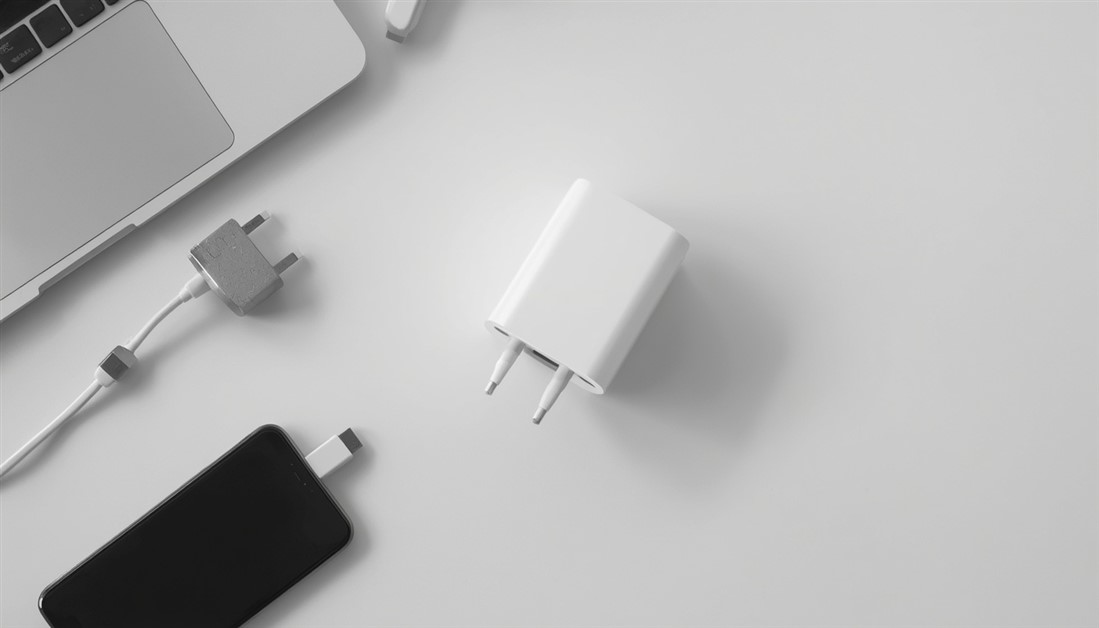
Three chargers in your bag is two too many. One palm-sized GaN charger powers your laptop, phone, and tablet from a single plug — here's which one to actually buy.

Your power bank has 20,000mAh on the box. It still dies by 3pm. Here's what's actually happening — and which power banks deliver on their rated capacity when your travel day goes sideways.
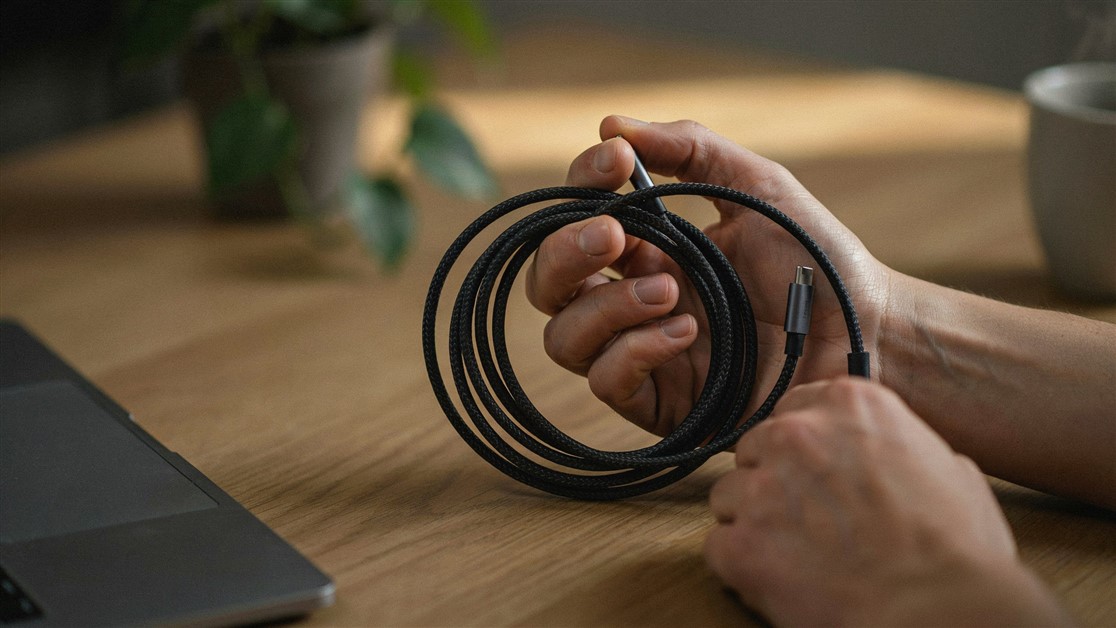
Your USB-C cable charged fine for a couple of weeks, then quietly died with no visible damage. That's not bad luck — it's thin wire and weak strain relief. Here's what actually survives daily use.
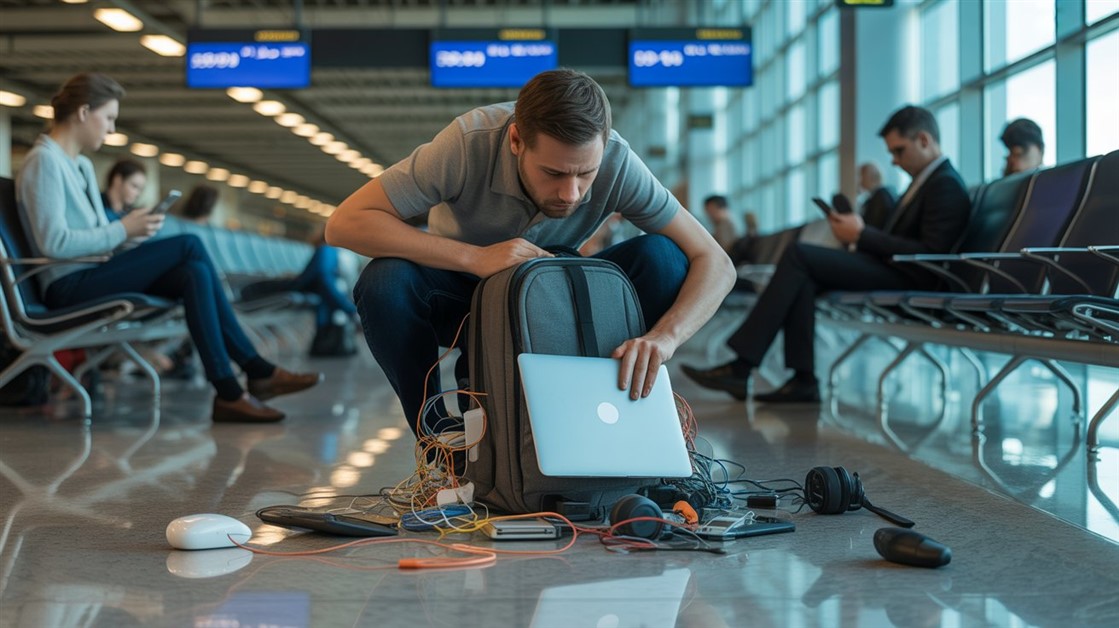
The gate changes, you've got ten minutes, and your charger is lost in the bag again. That's not disorganization — your accessories just live separately from the laptop they serve. Stick-on lid organizers put them on it.

Your drawer is full of notebooks with three good pages and a lot of blank ones. That's not you — paper is single-use. Reusable notebooks let you write, save what matters, wipe, and start fresh on the same book.
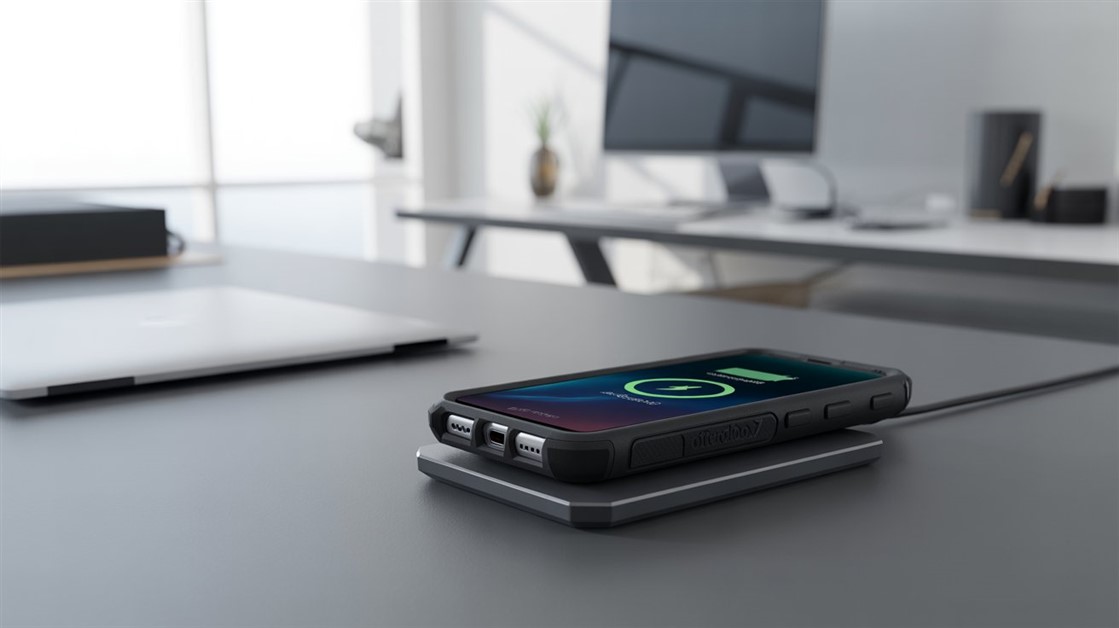
You peel your OtterBox off every night just to charge, and now the port's worn out. But rugged cases are built to charge wirelessly — if yours cuts out, it's usually the charger that can't reach through the case.
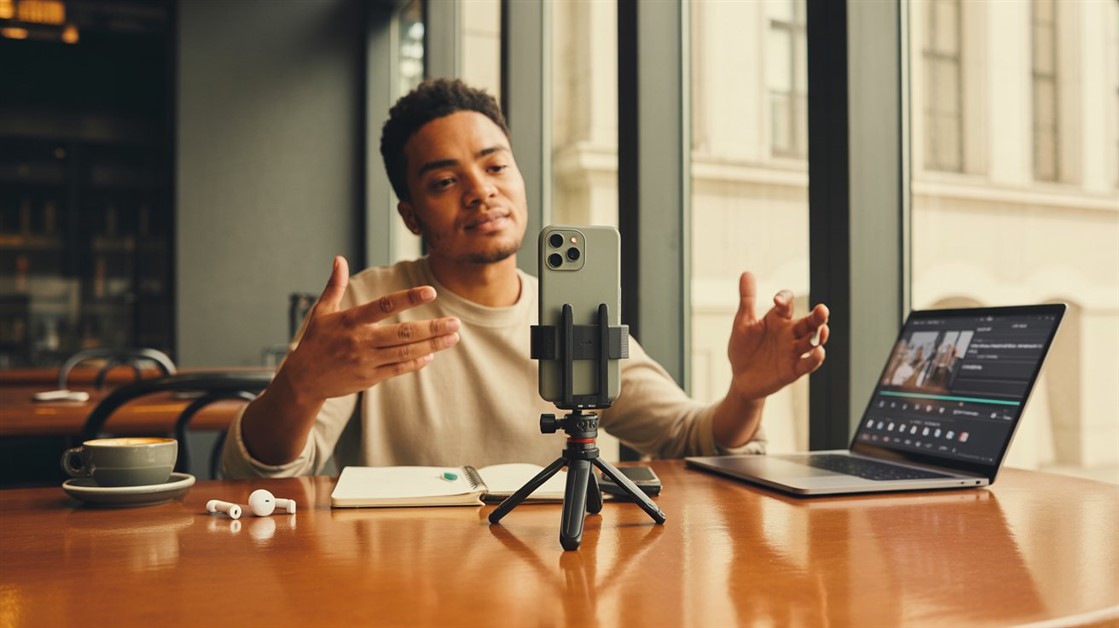
Your on-the-go videos shake because your tripod stays home. Here are the pocket-sized phone tripods small enough to actually carry — and steady enough to trust.

Adhesive privacy screens leave sticky residue and won't come off for Zoom. Magnetic ones snap on for café work and off in a second — here's how to pick one.
Discussion
(0)Be the first to share your thoughts.